Free website monitoring comes in two shapes. A free check runs once, right now, and answers one question at a time: is the site up, is the certificate valid, does it load from another country. A free plan watches your site continuously, every few minutes, and sends an alert when something breaks.
This page covers both. The one-off checks are below and need no account. The 10 free plans are compared tool by tool, with what each one includes, where it stops, and what the first paid tier costs. Every competitor figure comes from that vendor's own pages, and each fact box shows when it was checked.
Check a site right now
These checks run in the browser with no account:
- Is it down? tells you whether a site is down for everyone or just you.
- Check from another country shows how a page answers from other parts of the world.
- SSL checker reads the certificate: valid or not, and how long until it expires.
- DNS checker confirms the domain's records resolve correctly.
- Blacklist checker looks the domain and IP up on the spam blacklists.
- Ping test asks whether the server answers at the network level.
For the whole battery at once, run a free website health check.
How free plans differ
- Monitors. The count ranges from a single monitor to dozens. More monitors on the free tier means more pages and services watched without paying.
- Interval. Free plans check every few minutes. The interval is the longest an outage can run before a check notices.
- Check types. Most free tiers cover HTTP and ping. SSL, DNS, page speed and content checks are often paid.
- Alerts. Email is standard; a few add Slack. Text messages are sold with paid plans.
- History. Some free tiers keep months of uptime history, others hours. If you need the record, check this line first.
At a glance
Plans, fastest check and check types for each tool, taken from each vendor's pricing and feature pages. A dash means we found no dated source for that cell.
Scroll sideways to see all 10 tools. The row labels stay pinned on the left, and on small screens each cell repeats its tool's name.
| Tool | Uptimia | UptimeRobot | Site24x7 | Dotcom-Monitor | Hyperping | Better Stack | StatusCake | Cronitor | 360 Monitoring | OneUptime |
|---|---|---|---|---|---|---|---|---|---|---|
| Free plan | ✓ Yes | ✓ Yes | ✓ Yes | ✓ Yes | ✓ Yes | ✓ Yes | ✓ Yes | ✓ Yes | ✓ Yes | ✓ Yes |
| Paid plans from | $9 a month, billed yearly | €9 a month, billed yearly | $9 a month, billed yearly | – | $24.17 a month, billed yearly | $29 a month, billed yearly | €16.66 a month, billed yearly | – | $4.99 a month, billed monthly | $20 per user a month, billed yearly, plus $1 per active monitor |
| Fastest check | 30 seconds | 15 seconds | 10 seconds | 1 minute | 20 seconds | 30 seconds | 30 seconds | 30 seconds | 1 minute | 1 minute |
| Browser transactions | ✓ Yes | ✗ No | ✓ Yes | ✓ Yes | ✓ Yes | ✓ Yes | – | – | – | ✓ Yes |
| Page speed | ✓ Yes | ✗ No | ✓ Yes | ✓ Yes | – | – | ✓ Yes | – | – | – |
| Real user monitoring | ✓ Yes | ✗ No | ✓ Yes | – | ✗ No | ✓ Yes | ✗ No | ✓ Yes | – | ✓ Yes |
| Server agent | ✓ Yes | ✗ No | ✓ Yes | ✓ Yes | ✓ Yes | ✓ Yes | ✓ Yes | – | ✓ Yes | ✓ Yes |
| Cron jobs (heartbeat) | ✓ Yes | ✓ Yes | ✓ Yes | ✓ Yes | ✓ Yes | ✓ Yes | ✓ Yes | ✓ Yes | – | ✓ Yes |
| Status pages | ✓ Yes | ✓ Yes | ✓ Yes | – | ✓ Yes | ✓ Yes | – | ✓ Yes | ✓ Yes | ✓ Yes |
10 free monitoring plans compared
Uptimia wrote this page, and Uptimia is our product, so it is listed first. The other tools are not ranked: their order is not a verdict on which is better.
1. Uptimia
uptimia.com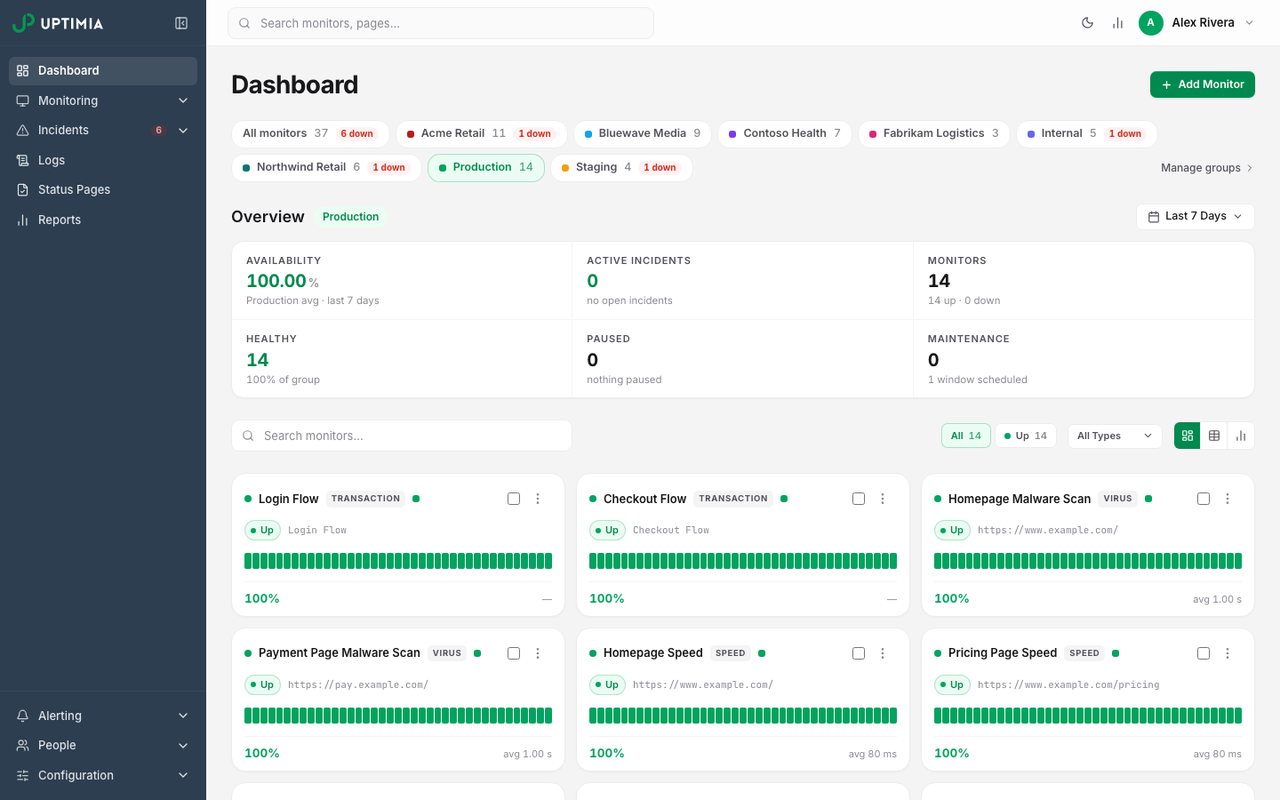
- What it is
- Website, transaction, page-speed, real-user and server monitoring in one plan, with data stored in the EU.
- Check types
- Website (HTTP), Keyword, Ping, Port, UDP, Cron jobs (heartbeat), API, Multi-step API, DNS, SSL certificate, Domain expiry, Browser transactions, Page speed, Real user monitoring, Server agent, Blacklist, Malware, Status pages
- Free plan
- 1 monitor, checks every 5 minutes
- Paid plans from
- $9 a month, billed yearly
- Fastest check
- 30 seconds
Uptimia's free plan runs 1 monitor with 5-minute checks and email alerts, enough to keep a serious eye on one site. Alongside it sit the free one-off tools listed above, which need no account at all.
Paid plans open up every check type at once: uptime, multi-step transactions, page speed, real-user monitoring, server, SSL, DNS, blacklist and cron job heartbeat checks, with status pages included. Basic starts at $10 a month or $9 billed yearly for 10 monitors at 1-minute checks, and every outage is confirmed from more than one region before an alert goes out.
Good fit: one site that matters to you, with a free trial of the paid features that runs a full month and needs no card.
2. UptimeRobot
uptimerobot.com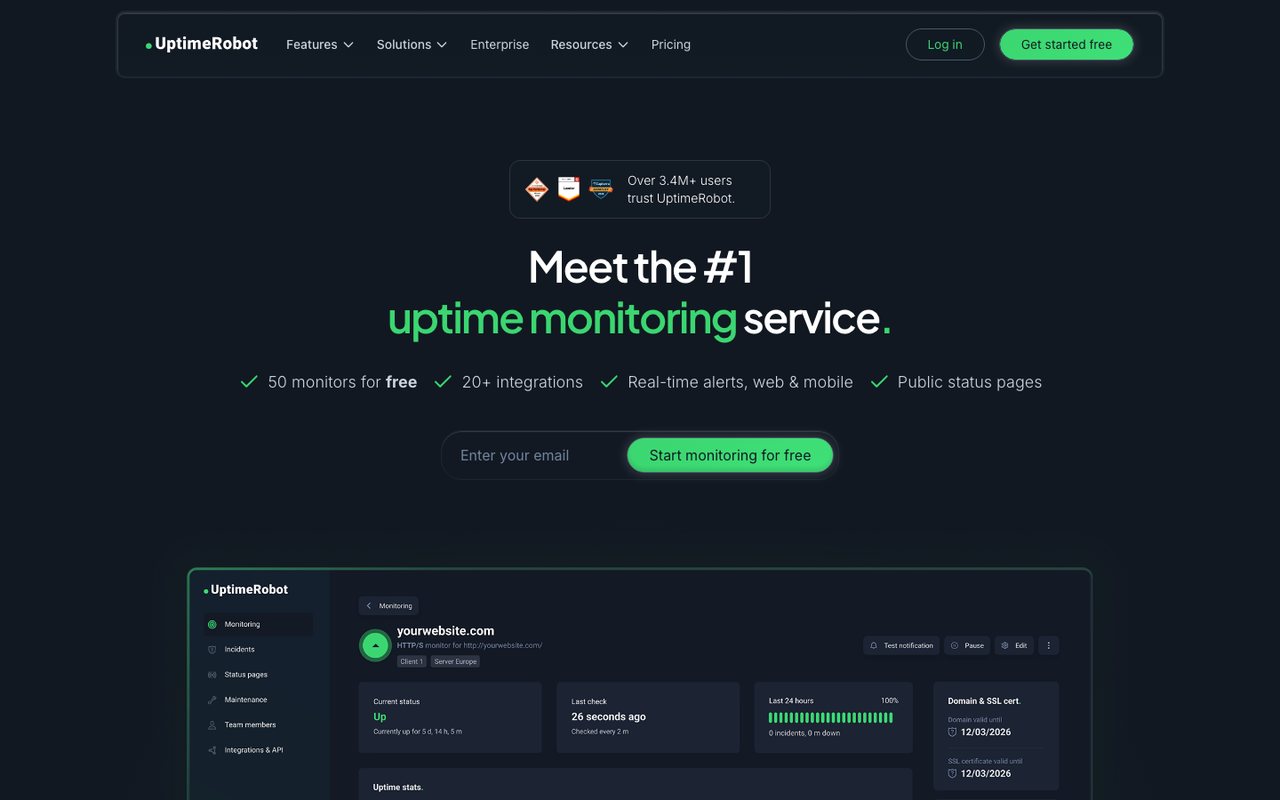
- What it is
- Uptime monitoring for websites, APIs, cron jobs and domains, with status pages.
- Check types
- Website (HTTP), Keyword, Ping, Port, Cron jobs (heartbeat), API, UDP, DNS, SSL certificate, Domain expiry, Third-party dependencies, Status pages
- Free plan
- 50 monitors, checks every 5 minutes
- Paid plans from
- €9 a month, billed yearly
- Fastest check
- 15 seconds
- Prices checked
- 8–12 Oct 2026
UptimeRobot's free tier is the best known and the most generous on count: 50 monitors at 5-minute checks, one status page and 3 months of history.
The limits sit in what the free monitors can do. Checks are HTTP, keyword, ping and port only, with no SSL or DNS monitoring. They run from a single region, and there are no team logins. Paid plans start with Solo at €10 a month or €9 billed yearly (10 monitors, 1-minute checks); the euro figures are what its pricing page served us, and we could not confirm the dollar prices.
Good fit: many small sites where knowing "the page answers" is enough and email alerts will do. Uptimia vs UptimeRobot compares the paid plans with a calculator.
3. Site24x7
site24x7.com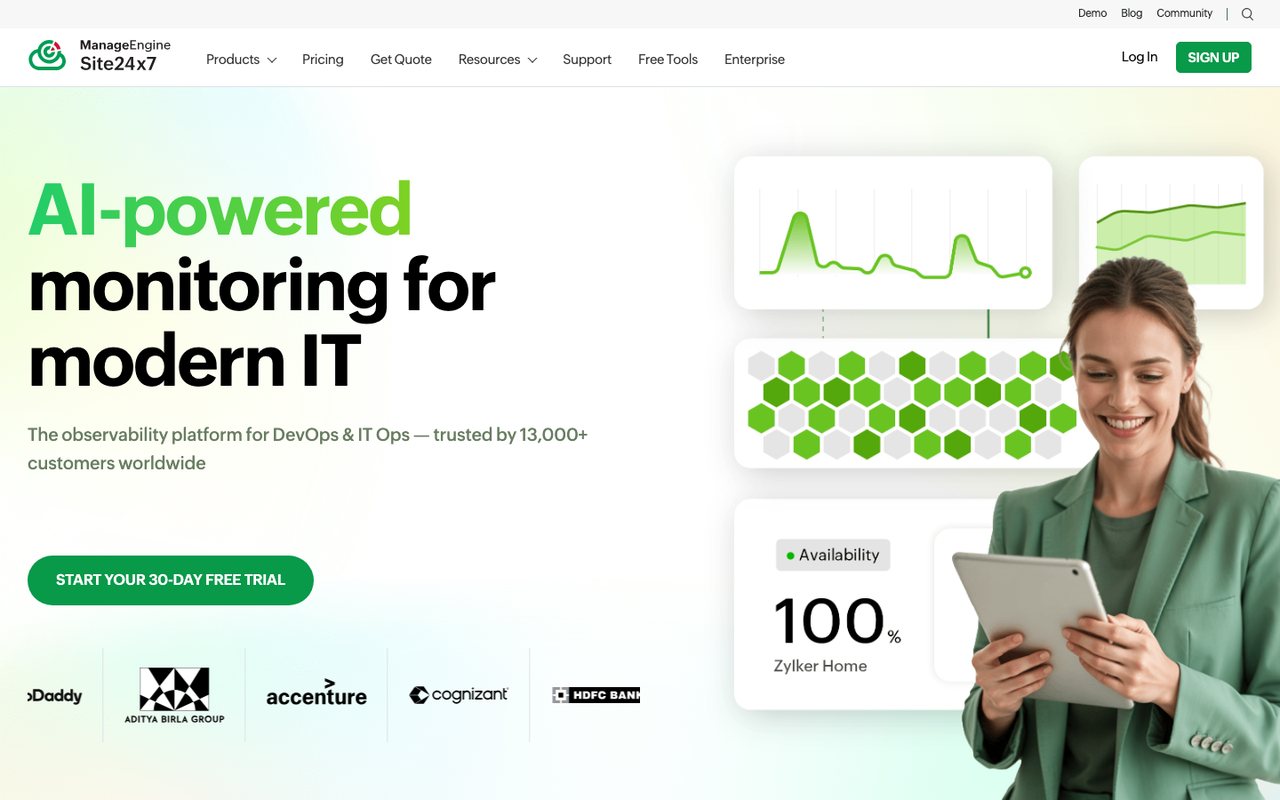
- What it is
- Website, synthetic, real-user, server, cloud and network monitoring from Zoho's ManageEngine division, with hosted status pages.
- Check types
- Website (HTTP), Keyword, Ping, Port, UDP, Cron jobs (heartbeat), API, Multi-step API, DNS, SSL certificate, Domain expiry, Browser transactions, Page speed, Real user monitoring, Server agent, Blacklist, Malware, Status pages, Logs, APM / tracing, Network devices
- Free plan
- 50 monitors (another Site24x7 page says 5)
- Paid plans from
- $9 a month, billed yearly
- Fastest check
- 10 seconds
- Prices checked
- 8–12 Oct 2026
Site24x7, part of the Zoho family, lists up to 50 free monitors on its pricing page. Another of its own pages says fewer, so treat the count with care. The free tier covers HTTP, SSL and ping checks, alerts by email, and includes one status page.
Paid monitoring starts with Web Uptime at $10 a month or $9 billed yearly, and the catalogue goes well past websites, into servers, applications and logs.
Good fit: teams already on Zoho products, or anyone planning to grow from website checks into full infrastructure monitoring. Uptimia vs Site24x7 has the detailed comparison.
4. Dotcom-Monitor
dotcom-monitor.com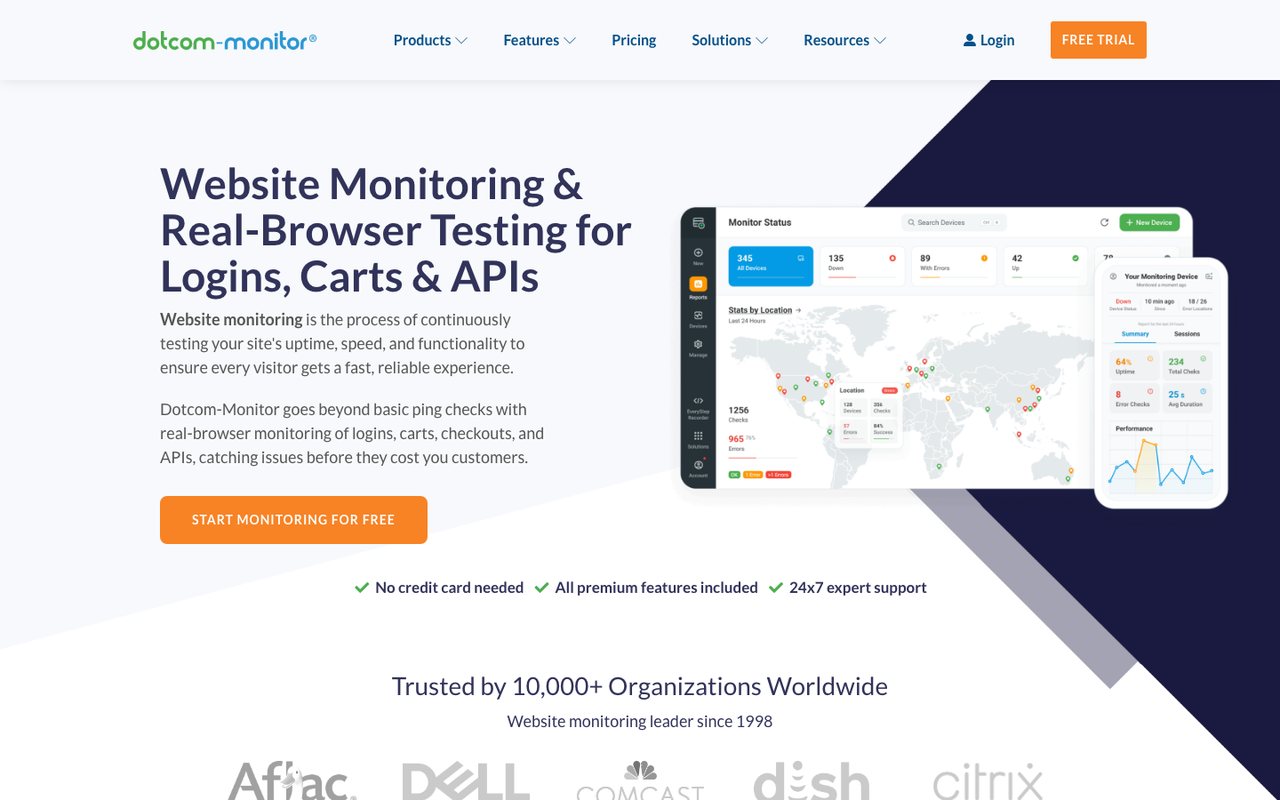
- What it is
- Synthetic monitoring for websites, APIs, multi-step web transactions and network protocols, priced per platform by number of targets and check frequency.
- Check types
- Website (HTTP), Keyword, Ping, Port, UDP, Cron jobs (heartbeat), API, Multi-step API, DNS, SSL certificate, Browser transactions, Page speed, Server agent, Blacklist, Network devices
- Free plan
- 25 monitors, checks every 5 minutes
- Fastest check
- 1 minute
- Prices checked
- 8–12 Oct 2026
Dotcom-Monitor's free plan runs 25 monitors at 5-minute checks from two locations, keeps 21 days of history, alerts by email and comes with a mobile app.
Checking from more than one location is rare on a free tier and worth having: it separates a real outage from a network problem near one checkpoint. Paid monitoring is priced per target on its Subscription plan, billed monthly.
Good fit: a handful of sites where you want a second location's opinion without paying yet.
5. Hyperping
hyperping.com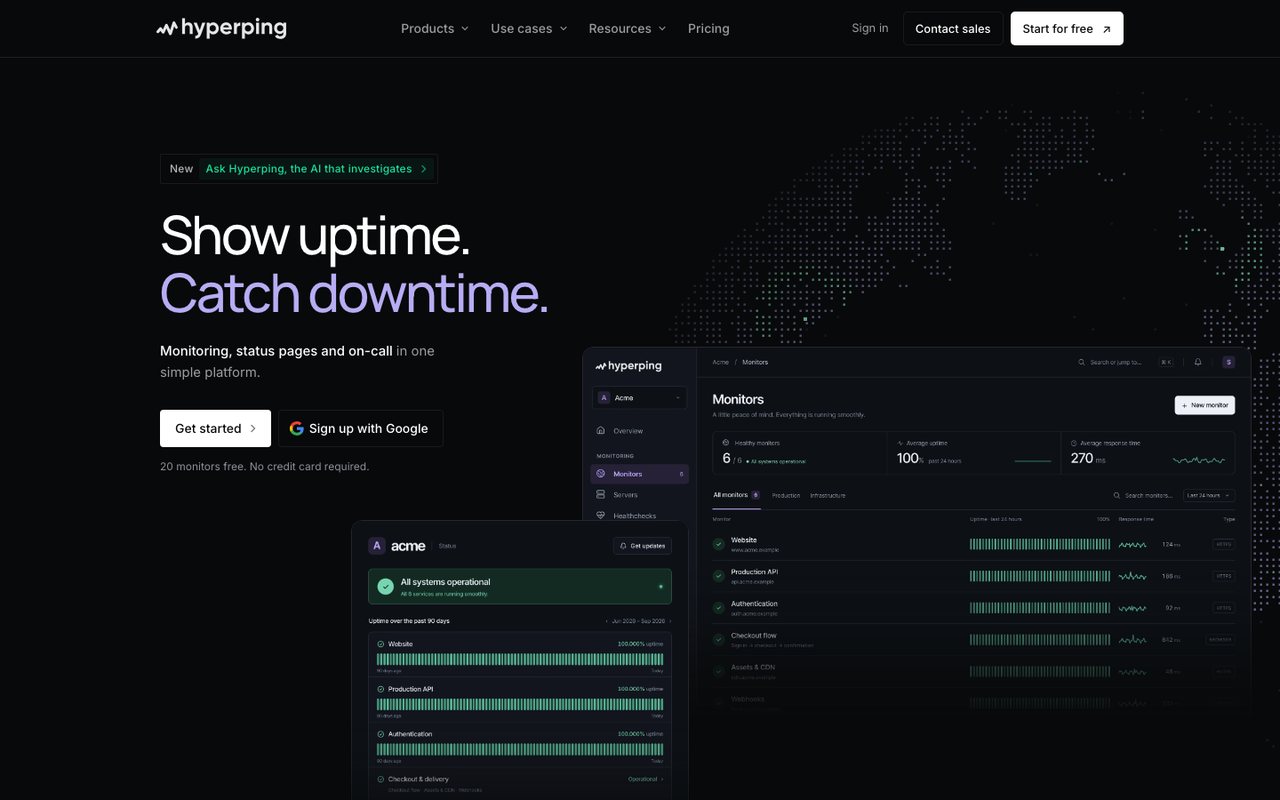
- What it is
- Uptime, cron, SSL and browser-check monitoring with status pages, on-call schedules and escalation in one product, run from France.
- Check types
- Website (HTTP), Keyword, Ping, Port, Cron jobs (heartbeat), API, DNS, SSL certificate, Domain expiry, Browser transactions, Server agent, Status pages, Logs
- Free plan
- 20 monitors, checks every 5 minutes
- Paid plans from
- $24.17 a month, billed yearly
- Fastest check
- 20 seconds
- Prices checked
- 8–12 Oct 2026
Hyperping's free plan covers 20 monitors at 5-minute checks, one server agent, one basic status page and one login, with no card asked at signup. Checks cover HTTP, port, ping and keyword; DNS checks are not offered.
Paid plans start with Essentials at $29 a month or $24.17 billed yearly, adding more monitors and a fuller status page.
Good fit: a product that wants uptime checks and a public status page before it has a budget. Uptimia vs Hyperping goes deeper.
6. Better Stack
betterstack.com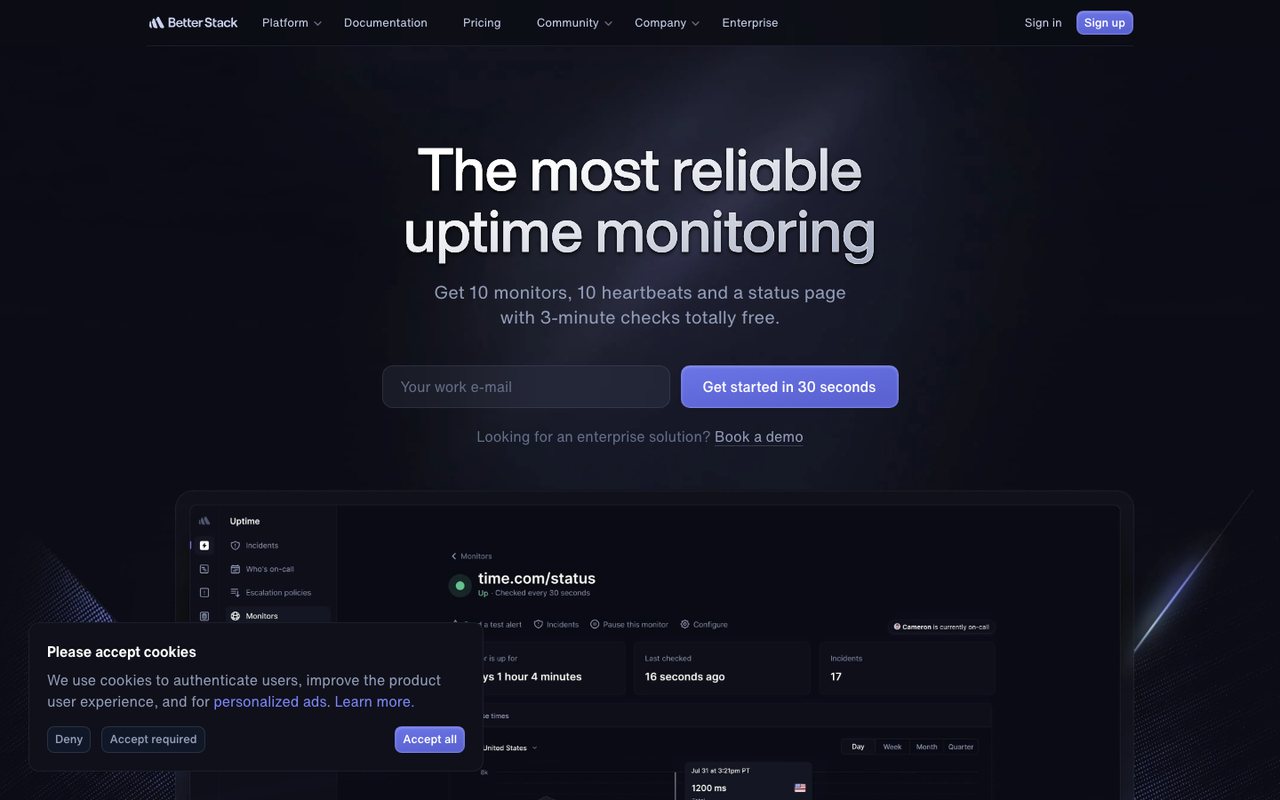
- What it is
- An observability platform that bundles uptime and cron monitoring, on-call and incident management, status pages, logs, metrics, tracing, error tracking and real-user monitoring.
- Check types
- Website (HTTP), Keyword, Ping, Port, UDP, Cron jobs (heartbeat), API, DNS, SSL certificate, Domain expiry, Browser transactions, Real user monitoring, Server agent, Status pages, Logs, APM / tracing
- Free plan
- 10 monitors, checks every 3 minutes
- Paid plans from
- $29 a month, billed yearly
- Fastest check
- 30 seconds
- Prices checked
- 12 Oct 2026
Better Stack's free plan includes 10 monitors at 3-minute checks, 10 heartbeat checks for cron jobs, and one status page. Free alerts reach email and Slack; text and phone-call alerts are not part of the free tier.
The free heartbeats stand out: most tools park cron job monitoring behind a paid plan. Paid pricing is built around on-call responders with monitor packs on top, which suits teams more than solo sites.
Good fit: a small engineering team that wants uptime checks, a status page and the start of an on-call rotation in one product. Uptimia vs Better Stack compares the paid side.
7. StatusCake
statuscake.com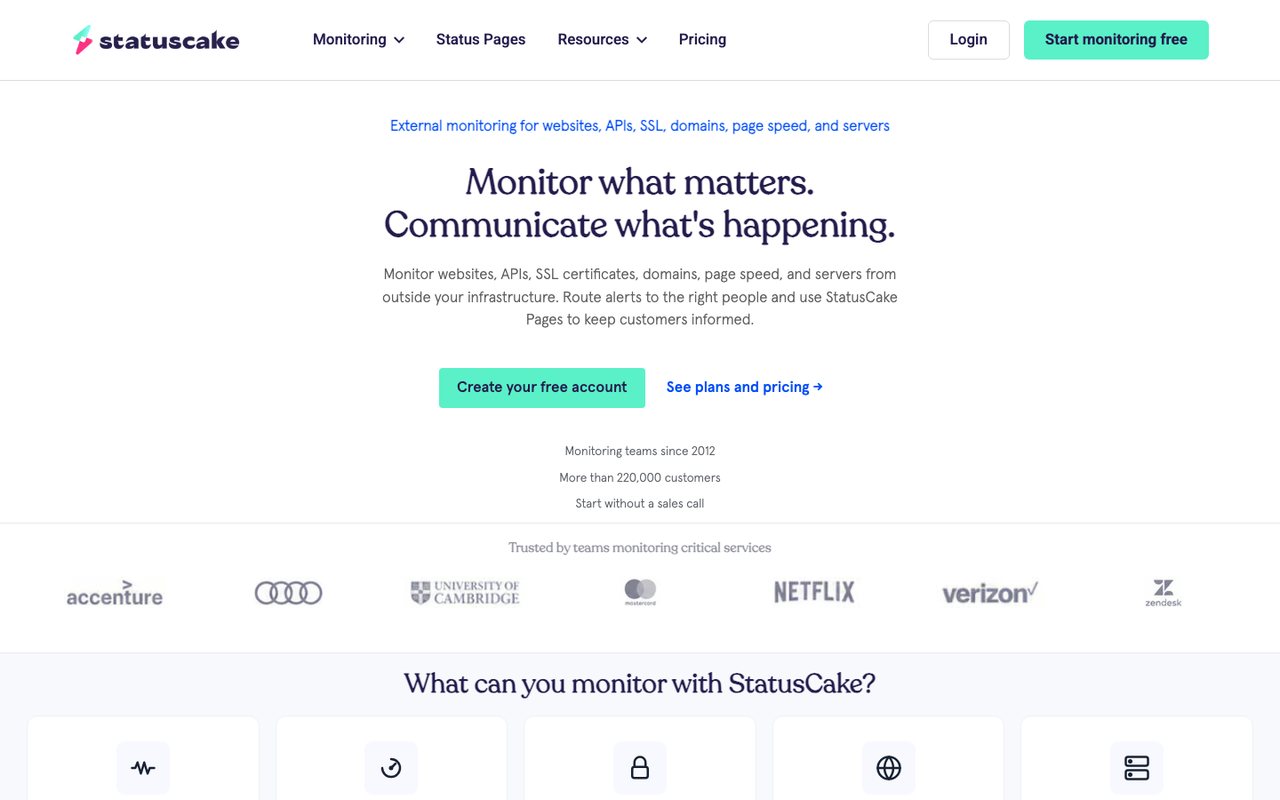
- What it is
- External monitoring for websites, APIs, SSL certificates, domains, page speed and servers, with status pages sold as a separate product.
- Check types
- Website (HTTP), Keyword, Ping, Port, Cron jobs (heartbeat), DNS, SSL certificate, Domain expiry, Page speed, Server agent, Blacklist
- Free plan
- 10 monitors, checks every 5 minutes
- Paid plans from
- €16.66 a month, billed yearly
- Fastest check
- 30 seconds
- Prices checked
- 8–12 Oct 2026
StatusCake's free plan spreads across check types rather than piling up monitors: 10 uptime monitors at 5-minute checks, plus one page-speed monitor on a daily check, one domain-expiry monitor and one SSL monitor.
There are no server monitors, text credits or team members on the free tier. Paid plans start with Superior at €19.99 a month or €16.66 billed yearly; StatusCake publishes euro prices, and the dollar view converts them.
Good fit: a hobby site that wants a taste of everything (uptime, speed, domain, certificate) on one free account. Uptimia vs StatusCake has the paid-plan detail.
8. Cronitor
cronitor.io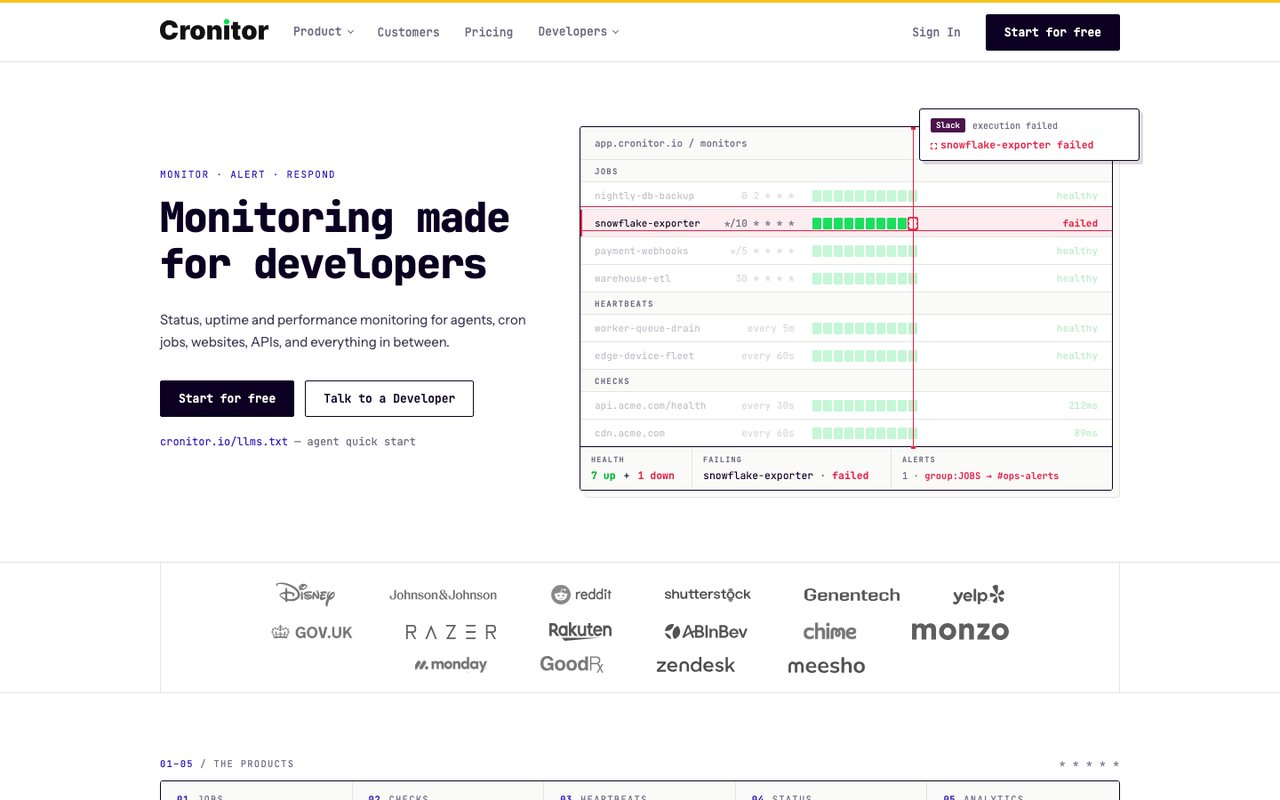
- What it is
- Monitoring for cron jobs, background workers, heartbeats, websites and APIs, with real-user monitoring and status pages.
- Check types
- Website (HTTP), Keyword, API, Port, UDP, Cron jobs (heartbeat), SSL certificate, Real user monitoring, Status pages
- Free plan
- 5 monitors, checks every 5 minutes
- Fastest check
- 30 seconds
- Prices checked
- 8–12 Oct 2026
Cronitor is built around scheduled jobs. The free Hacker plan runs 5 monitors at 5-minute checks for one user, with one status page for up to 50 subscribers and a real-user allowance of 100,000 events a month.
A monitor here can be a website check or a cron job heartbeat, the thing Cronitor is known for. Text alerts and premium integrations sit in the paid plans, which are metered by usage.
Good fit: a developer whose real worry is the nightly backup or queue worker silently stopping, with a few website checks on the side.
9. 360 Monitoring
360monitoring.com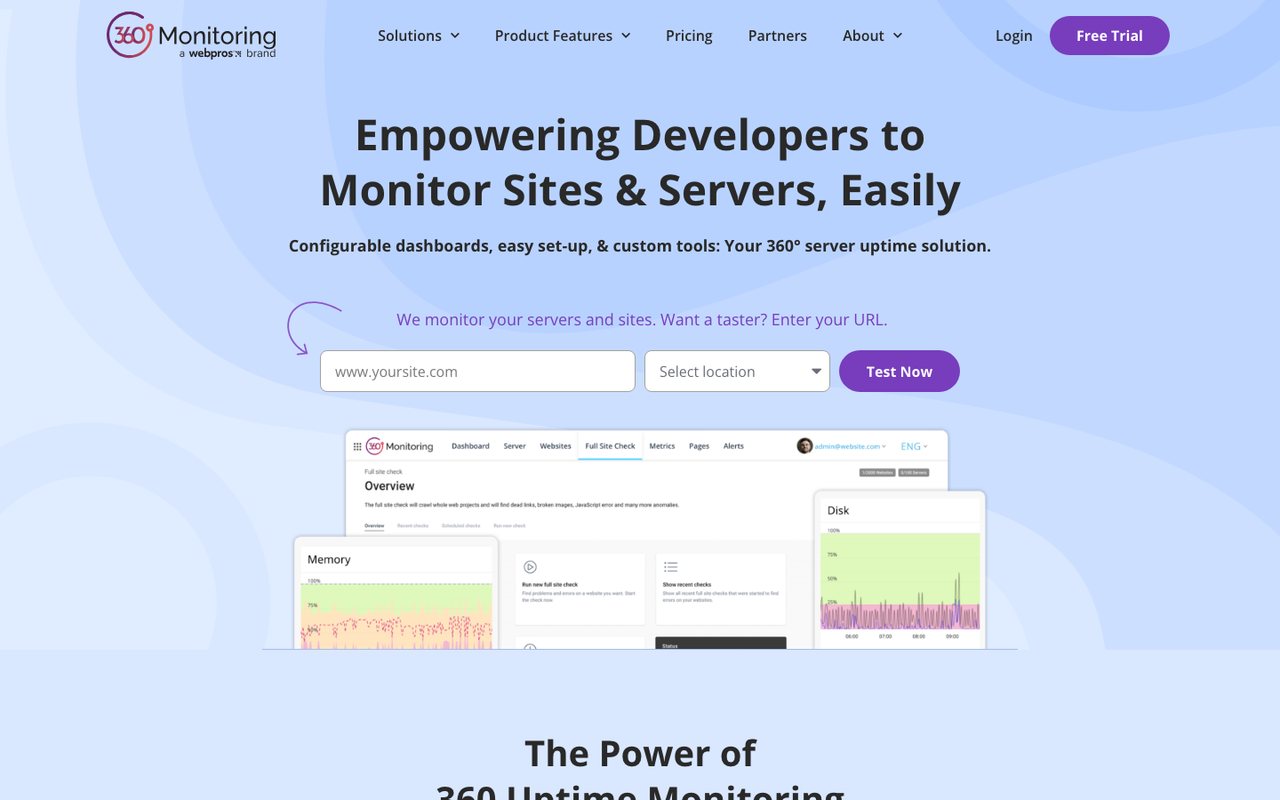
- What it is
- Website uptime and server monitoring from WebPros, with an open-source server agent, IP blocklist checks and a site crawler, built into the Plesk control panel.
- Check types
- Website (HTTP), Keyword, Ping, Port, SSL certificate, Server agent, Blacklist, Status pages
- Free plan
- 5 sites, 1 server, checks every 10 minutes
- Paid plans from
- $4.99 a month, billed monthly
- Fastest check
- 1 minute
- Prices checked
- 8–12 Oct 2026
360 Monitoring's free Lite plan covers 5 site monitors and one server monitor at 10-minute checks, with email alerts and no card required. It comes from WebPros and plugs into the Plesk control panel.
The catch is history: the free tier keeps 24 hours of data, so yesterday's outage is already gone. Pro starts at $4.99 a month, billed monthly only, with 30 days of data and more alert channels.
Good fit: a Plesk user who wants site and server checks inside the panel they already use.
10. OneUptime
oneuptime.com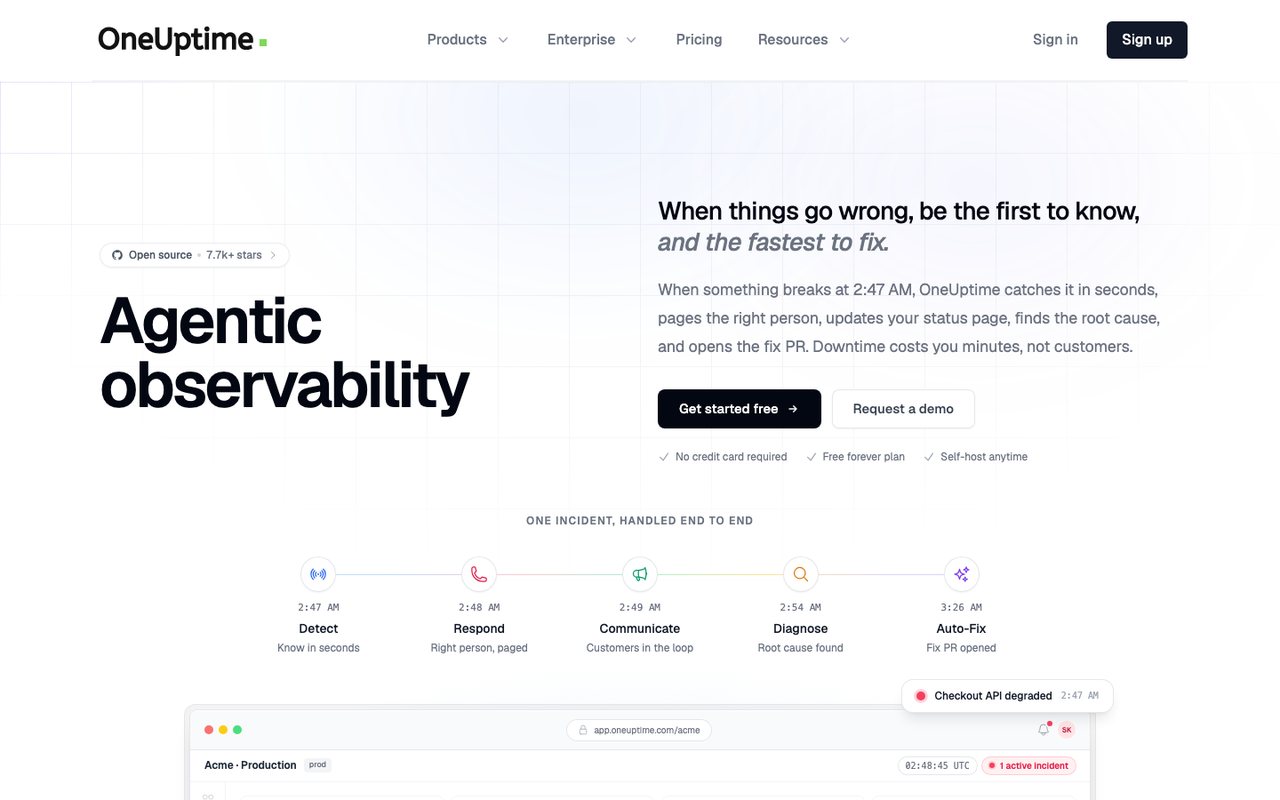
- What it is
- An open-source observability platform that bundles uptime and synthetic monitoring, status pages, incident management, on-call alerting, logs, metrics, traces and real-user monitoring, sold as SaaS or self-hosted.
- Check types
- Website (HTTP), Keyword, Ping, Port, Cron jobs (heartbeat), API, DNS, SSL certificate, Domain expiry, Browser transactions, Real user monitoring, Server agent, Third-party dependencies, Status pages, Logs, APM / tracing, Network devices
- Free plan
- $0 plan, active monitors $1 each a month
- Paid plans from
- $20 per user a month, billed yearly, plus $1 per active monitor
- Fastest check
- 1 minute
- Prices checked
- 8–12 Oct 2026
OneUptime is open source, so the truly free route is hosting it yourself. Its hosted free plan takes a different shape from the others here: one status page with up to 100 subscribers and manual monitors without a set limit, while each actively checked monitor costs $1 a month.
Logs on the free tier keep 15 days of data, and the platform also covers on-call, incident management and logging when you need them.
Good fit: a team that wants open source or self-hosting on principle, and is happy to run the stack in exchange.
What no free plan includes
Across every tool on this page, the free tier draws the same lines:
- Fast checks. Free intervals run in minutes. A short outage can begin and end between two checks and never be seen; paid plans tighten the interval.
- Confirmation before alerting. Confirming a failure from several regions is what keeps false alarms out of your inbox. Free checks mostly run from one place.
- Text alerts. Expect email, and in a few tools Slack. Waking someone by text or phone is a paid feature everywhere here.
- Steps beyond "it answers". Following a login or checkout step by step, measuring real visitors and checking what the response contains all sit in paid plans.
- The record. Free history ranges from hours to months. If you report uptime to anyone, check what survives.
Which free plan fits you
Many small sites. UptimeRobot watches 50 monitors free; Dotcom-Monitor checks 25 from two locations.
One site, watched properly. Uptimia's free plan runs 1 monitor at 5-minute checks, and the free health check covers certificates, DNS and blacklists without an account.
A status page for users. Hyperping and Better Stack both include one on their free tiers; OneUptime's free plan is nearly all status page.
Cron jobs and workers. Cronitor's free plan is built for them, and Better Stack includes 10 free heartbeat checks.
A site plus its server. 360 Monitoring pairs 5 site monitors with a server agent; Hyperping includes one agent too.
When free stops being enough
A free plan tells you a page stopped answering, some minutes after the fact, by email. That is enough for a hobby project. It stops being enough the day an outage costs money: when you need the alert inside a minute, confirmed from more than one region, sent to a phone, and escalated when the first person sleeps through it.
When you reach that day, Uptimia's paid plans start small, and the free trial runs a full month with no card, long enough to watch a real incident happen. The comparisons section prices the alternatives side by side.