Free uptime monitoring means a service checks your site on a schedule, around the clock, and emails you when it stops answering. Every tool on this page offers that without payment. The differences hide in the numbers: how many monitors, how often they check, from how many places, and how long the history survives.
The 8 plans below are compared on exactly those numbers, each figure taken from the vendor's own pages. If you want more than uptime (health checks, content changes, page speed, or a check you can run right now with no account), the broader free website monitoring tools page covers that ground.
How to read a free tier
- The interval decides what you can see. A check every few minutes misses any outage shorter than the gap. Free tiers nearly all check in minutes; the paid upgrade usually starts here.
- One location means unconfirmed alerts. A check from a single vantage point cannot tell your outage from a network hiccup on its own route. Free tiers rarely re-check from a second region before alerting.
- Alert channels decide who wakes up. Email reaches an inbox; nobody's phone buzzes. A couple of free tiers add Slack. Texts and calls are paid everywhere.
- History is easy to overlook. Free retention runs from days to months across these tools. The day you need to show a client when the site was down, this is the number that matters.
At a glance
Plans, fastest check and check types for each tool, taken from each vendor's pricing and feature pages. A dash means we found no dated source for that cell.
Scroll sideways to see all 8 tools. The row labels stay pinned on the left, and on small screens each cell repeats its tool's name.
| Tool | Uptimia | UptimeRobot | Better Stack | StatusCake | Site24x7 | Dotcom-Monitor | Hyperping | Cronitor |
|---|---|---|---|---|---|---|---|---|
| Free plan | ✓ Yes | ✓ Yes | ✓ Yes | ✓ Yes | ✓ Yes | ✓ Yes | ✓ Yes | ✓ Yes |
| Paid plans from | $9 a month, billed yearly | €9 a month, billed yearly | $29 a month, billed yearly | €16.66 a month, billed yearly | $9 a month, billed yearly | – | $24.17 a month, billed yearly | – |
| Fastest check | 30 seconds | 15 seconds | 30 seconds | 30 seconds | 10 seconds | 1 minute | 20 seconds | 30 seconds |
| Browser transactions | ✓ Yes | ✗ No | ✓ Yes | – | ✓ Yes | ✓ Yes | ✓ Yes | – |
| Page speed | ✓ Yes | ✗ No | – | ✓ Yes | ✓ Yes | ✓ Yes | – | – |
| Real user monitoring | ✓ Yes | ✗ No | ✓ Yes | ✗ No | ✓ Yes | – | ✗ No | ✓ Yes |
| Server agent | ✓ Yes | ✗ No | ✓ Yes | ✓ Yes | ✓ Yes | ✓ Yes | ✓ Yes | – |
| Cron jobs (heartbeat) | ✓ Yes | ✓ Yes | ✓ Yes | ✓ Yes | ✓ Yes | ✓ Yes | ✓ Yes | ✓ Yes |
| Status pages | ✓ Yes | ✓ Yes | ✓ Yes | – | ✓ Yes | – | ✓ Yes | ✓ Yes |
8 free uptime monitoring plans
Uptimia wrote this page, and Uptimia is our product, so it is listed first. The other tools are not ranked: their order is not a verdict on which is better.
1. Uptimia
uptimia.com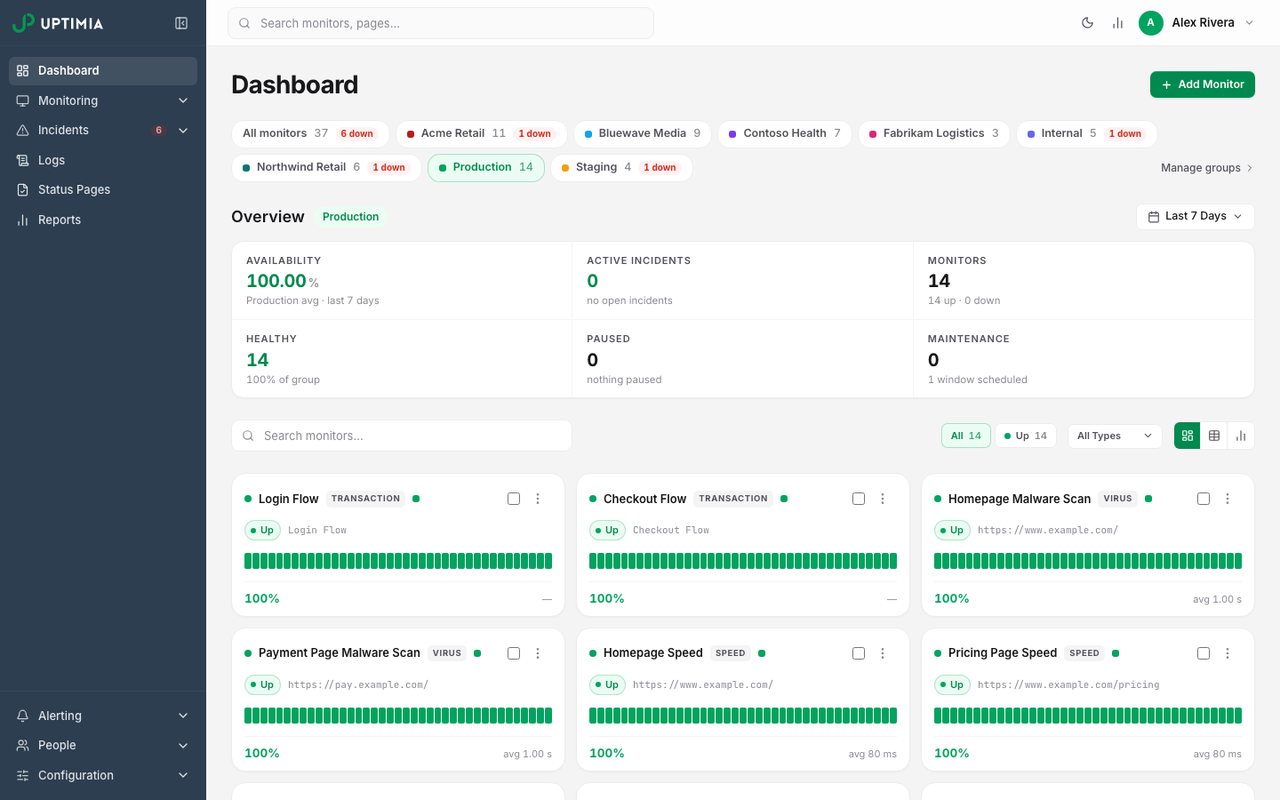
- What it is
- Website, transaction, page-speed, real-user and server monitoring in one plan, with data stored in the EU.
- Check types
- Website (HTTP), Keyword, Ping, Port, UDP, Cron jobs (heartbeat), API, Multi-step API, DNS, SSL certificate, Domain expiry, Browser transactions, Page speed, Real user monitoring, Server agent, Blacklist, Malware, Status pages
- Free plan
- 1 monitor, checks every 5 minutes
- Paid plans from
- $9 a month, billed yearly
- Fastest check
- 30 seconds
Uptimia's free plan is small on purpose: 1 monitor at 5-minute checks with email alerts. It exists so you can watch the one site you care about and see how the service behaves when something actually breaks.
The paid plans upgrade the check itself. Basic runs 10 monitors at 1-minute checks for $10 a month or $9 billed yearly, and every failure is re-checked from other regions before the alert fires, so a blip on one route never pages you. Alerts go beyond email to Slack, Microsoft Teams, Telegram, texts and more.
Good fit: one important site now, and an upgrade path built around confirmed alerts rather than a bigger monitor count. The trial of the paid features runs a full month with no card.
2. UptimeRobot
uptimerobot.com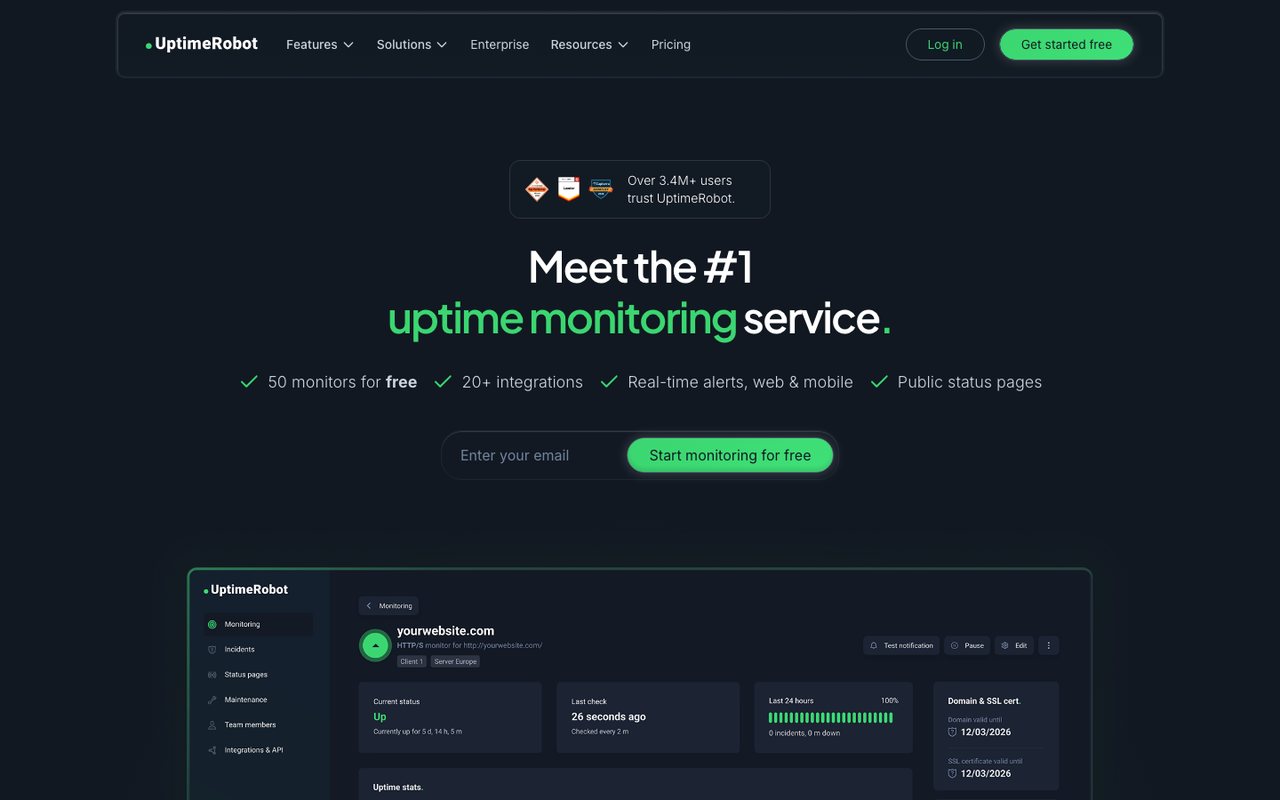
- What it is
- Uptime monitoring for websites, APIs, cron jobs and domains, with status pages.
- Check types
- Website (HTTP), Keyword, Ping, Port, Cron jobs (heartbeat), API, UDP, DNS, SSL certificate, Domain expiry, Third-party dependencies, Status pages
- Free plan
- 50 monitors, checks every 5 minutes
- Paid plans from
- €9 a month, billed yearly
- Fastest check
- 15 seconds
- Prices checked
- 8–12 Oct 2026
Nobody gives away more monitors than UptimeRobot: 50 of them, checked every 5 minutes, with one status page and 3 months of uptime history.
The free monitors are HTTP, keyword, ping and port checks from one region, with no SSL or DNS monitoring and no team logins. For many personal dashboards that trade is fine. Solo starts at €10 a month or €9 billed yearly for 10 monitors at 1-minute checks; its pricing page served us euro figures, and the dollar prices remain unconfirmed.
Good fit: a wall of personal projects where count beats depth. The paid side is priced against ours on Uptimia vs UptimeRobot.
3. Better Stack
betterstack.com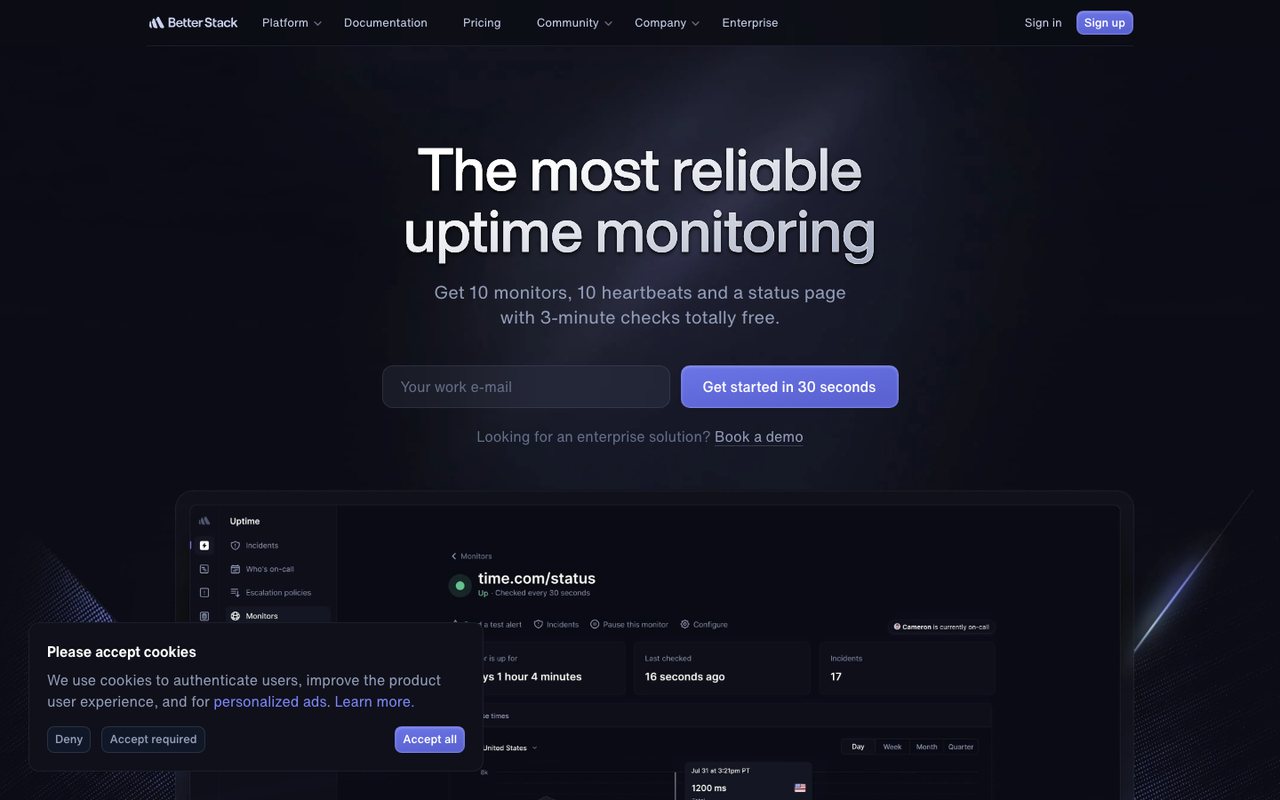
- What it is
- An observability platform that bundles uptime and cron monitoring, on-call and incident management, status pages, logs, metrics, tracing, error tracking and real-user monitoring.
- Check types
- Website (HTTP), Keyword, Ping, Port, UDP, Cron jobs (heartbeat), API, DNS, SSL certificate, Domain expiry, Browser transactions, Real user monitoring, Server agent, Status pages, Logs, APM / tracing
- Free plan
- 10 monitors, checks every 3 minutes
- Paid plans from
- $29 a month, billed yearly
- Fastest check
- 30 seconds
- Prices checked
- 12 Oct 2026
Better Stack's free tier checks every 3 minutes; no other free plan on this page lists a shorter interval. It covers 10 monitors, 10 heartbeat checks and one status page, with alerts to email and Slack.
Text and phone-call alerts stay out of the free tier, and the paid model is priced per on-call responder with monitor packs on top, which is a team structure rather than a hobbyist one.
Good fit: catching shorter outages without paying, especially if cron jobs need watching too. Uptimia vs Better Stack takes on the paid plans.
4. StatusCake
statuscake.com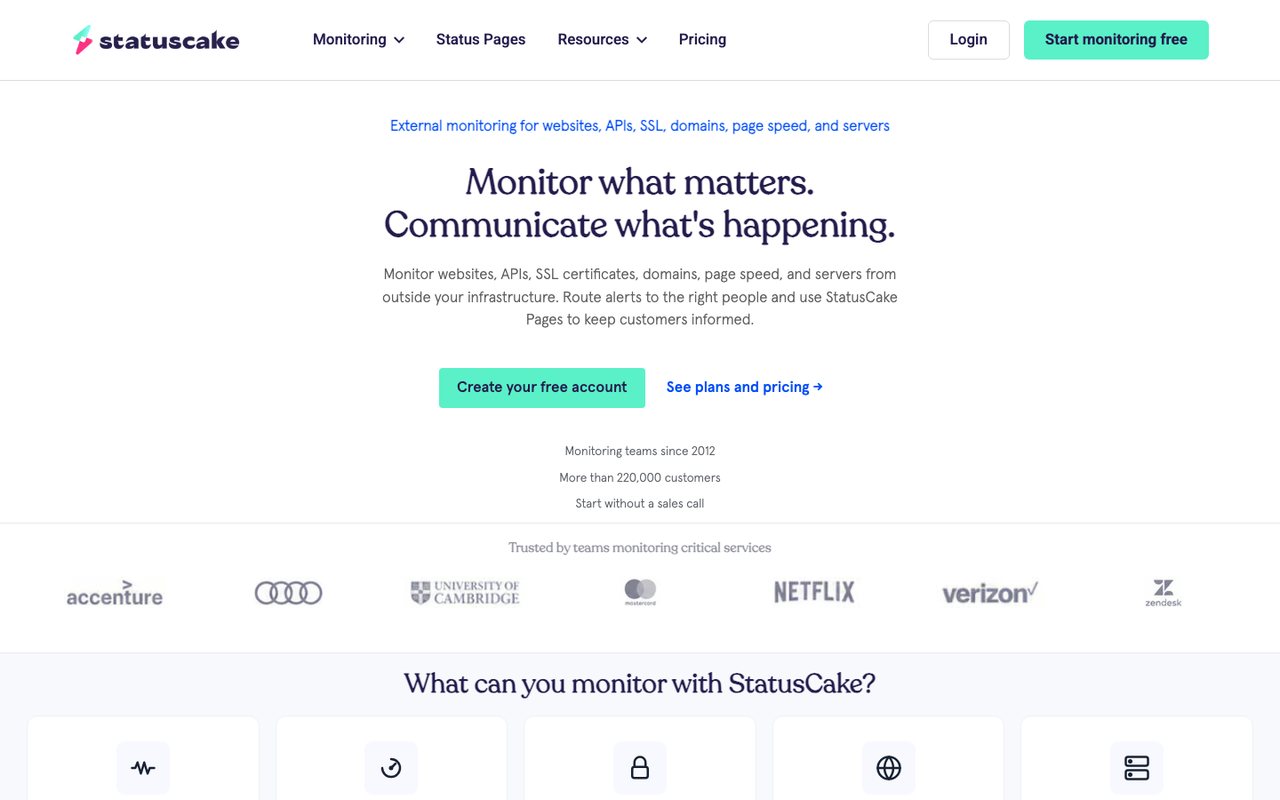
- What it is
- External monitoring for websites, APIs, SSL certificates, domains, page speed and servers, with status pages sold as a separate product.
- Check types
- Website (HTTP), Keyword, Ping, Port, Cron jobs (heartbeat), DNS, SSL certificate, Domain expiry, Page speed, Server agent, Blacklist
- Free plan
- 10 monitors, checks every 5 minutes
- Paid plans from
- €16.66 a month, billed yearly
- Fastest check
- 30 seconds
- Prices checked
- 8–12 Oct 2026
StatusCake gives the free account 10 uptime monitors at 5-minute checks, and throws in one SSL monitor, one domain-expiry monitor and one daily page-speed check beside them.
The free tier has no text credits and no extra team members, so alerts land in one inbox. Superior starts at €19.99 a month or €16.66 billed yearly; StatusCake publishes euro prices and the dollar view converts them.
Good fit: a personal site that wants uptime plus certificate and domain expiry watched from one login. The paid detail sits in Uptimia vs StatusCake.
5. Site24x7
site24x7.com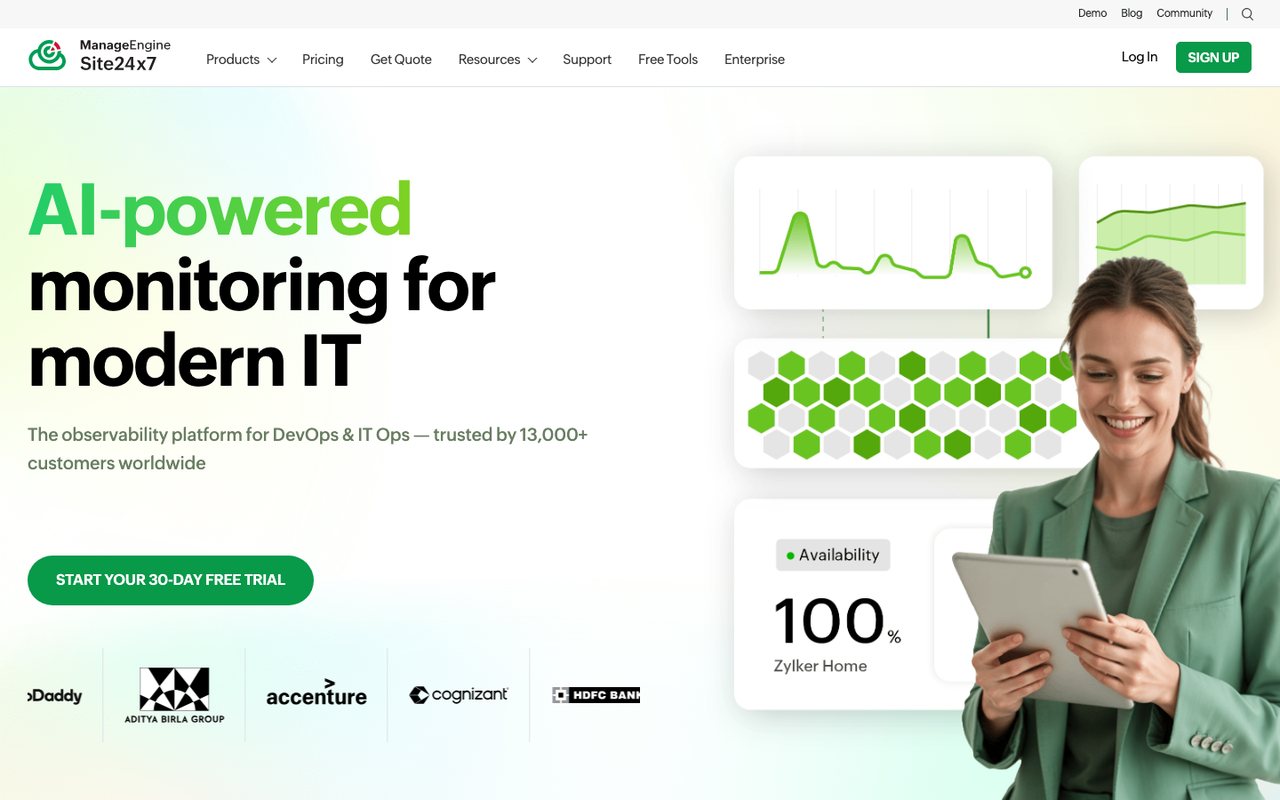
- What it is
- Website, synthetic, real-user, server, cloud and network monitoring from Zoho's ManageEngine division, with hosted status pages.
- Check types
- Website (HTTP), Keyword, Ping, Port, UDP, Cron jobs (heartbeat), API, Multi-step API, DNS, SSL certificate, Domain expiry, Browser transactions, Page speed, Real user monitoring, Server agent, Blacklist, Malware, Status pages, Logs, APM / tracing, Network devices
- Free plan
- 50 monitors (another Site24x7 page says 5)
- Paid plans from
- $9 a month, billed yearly
- Fastest check
- 10 seconds
- Prices checked
- 8–12 Oct 2026
Site24x7's pricing page advertises up to 50 free monitors; a second page of its own says fewer. Take the real number as uncertain and test it on your account. The free checks cover HTTP, SSL and ping, alert by email, and include one status page.
Web Uptime, the first paid tier, costs $10 a month or $9 billed yearly, and the rest of the Zoho monitoring range sits behind it.
Good fit: accounts that already run on Zoho software, or anyone who wants uptime checks now and suspects servers and applications will follow. More in Uptimia vs Site24x7.
6. Dotcom-Monitor
dotcom-monitor.com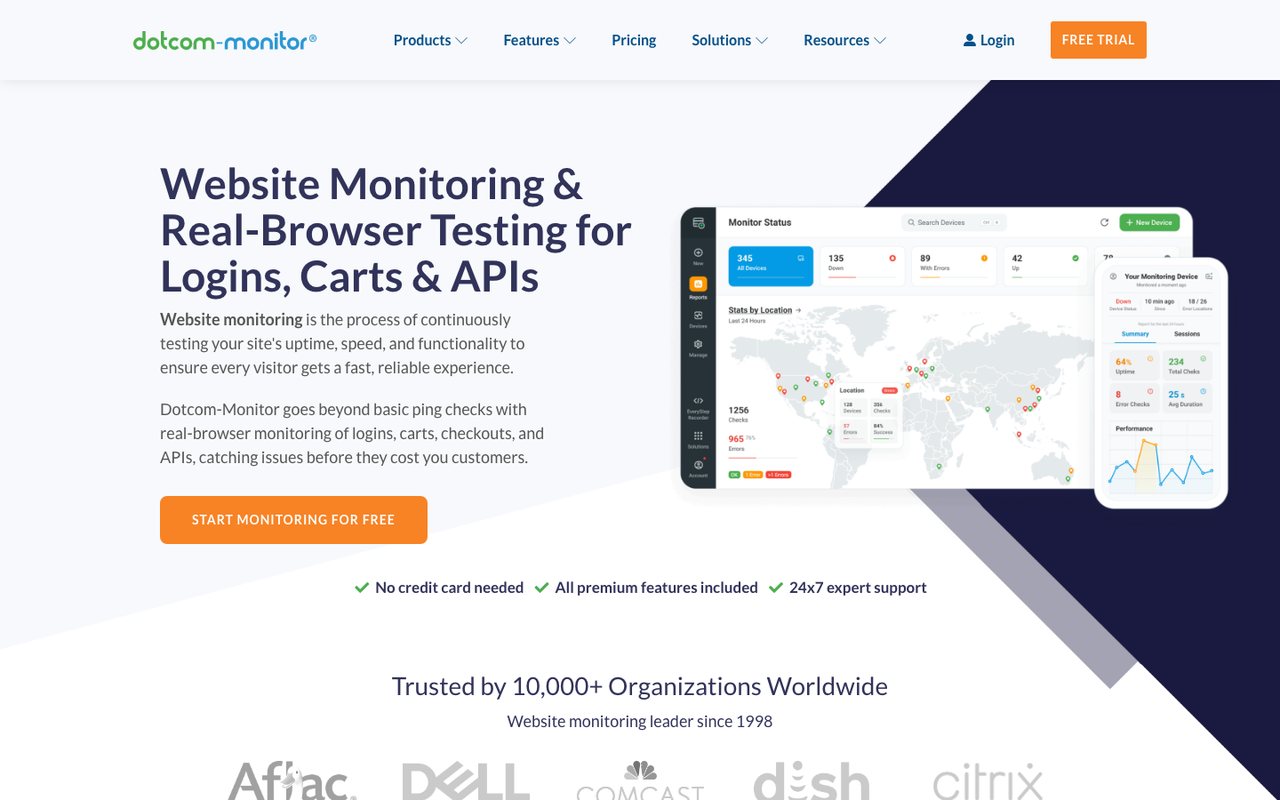
- What it is
- Synthetic monitoring for websites, APIs, multi-step web transactions and network protocols, priced per platform by number of targets and check frequency.
- Check types
- Website (HTTP), Keyword, Ping, Port, UDP, Cron jobs (heartbeat), API, Multi-step API, DNS, SSL certificate, Browser transactions, Page speed, Server agent, Blacklist, Network devices
- Free plan
- 25 monitors, checks every 5 minutes
- Fastest check
- 1 minute
- Prices checked
- 8–12 Oct 2026
Dotcom-Monitor's free plan checks 25 monitors every 5 minutes from two locations, which no other free tier on this page lists. A second vantage point is what separates a down site from a bad route.
History runs 21 days, alerts go by email, and a mobile app is included. Paid monitoring moves to the per-target Subscription plan, billed monthly.
Good fit: someone who wants the free alert to mean something, and will trade monitor count for a second opinion.
7. Hyperping
hyperping.com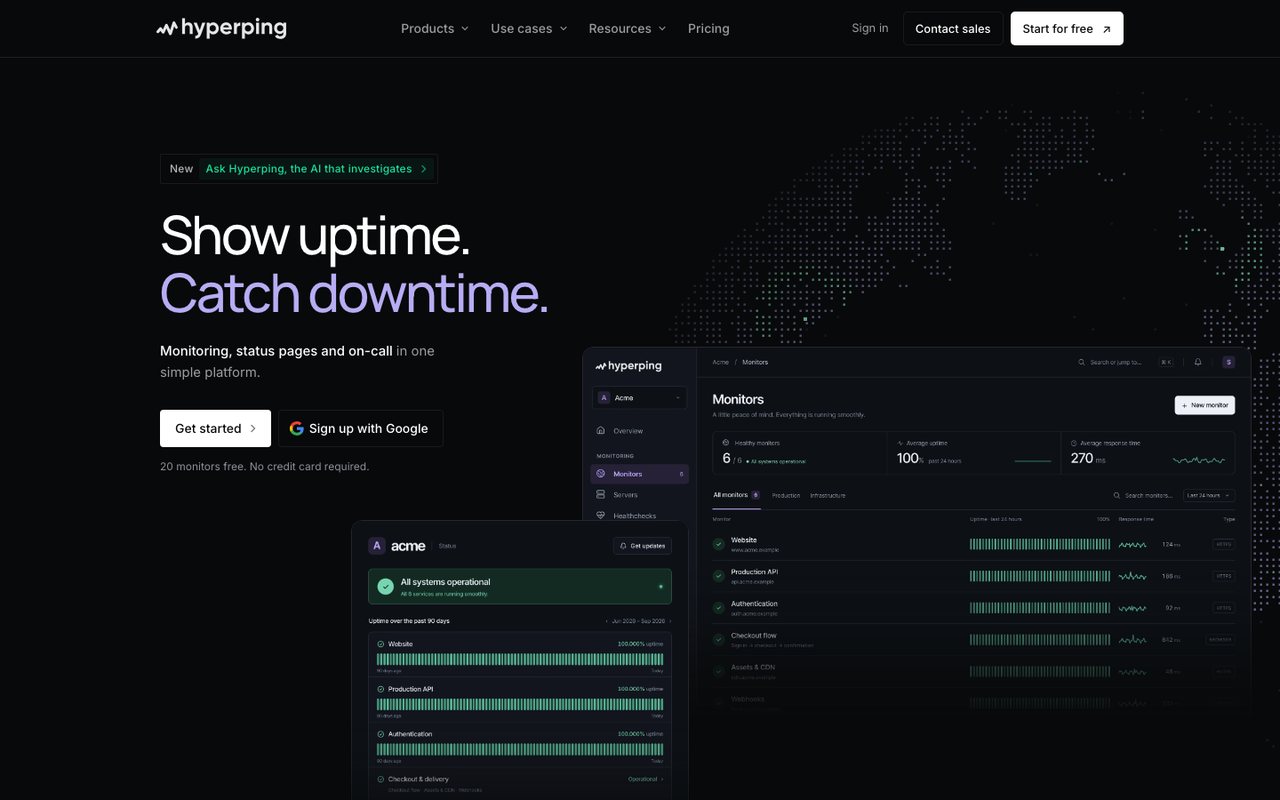
- What it is
- Uptime, cron, SSL and browser-check monitoring with status pages, on-call schedules and escalation in one product, run from France.
- Check types
- Website (HTTP), Keyword, Ping, Port, Cron jobs (heartbeat), API, DNS, SSL certificate, Domain expiry, Browser transactions, Server agent, Status pages, Logs
- Free plan
- 20 monitors, checks every 5 minutes
- Paid plans from
- $24.17 a month, billed yearly
- Fastest check
- 20 seconds
- Prices checked
- 8–12 Oct 2026
Hyperping asks for no card and hands the free account 20 monitors at 5-minute checks, one basic status page, one server agent and one login. Checks span HTTP, port, ping and keyword; DNS is not offered.
Essentials, the first paid step, is $29 a month or $24.17 billed yearly.
Good fit: a side project that wants uptime checks and a status page, with nothing to cancel later. Uptimia vs Hyperping continues the comparison.
8. Cronitor
cronitor.io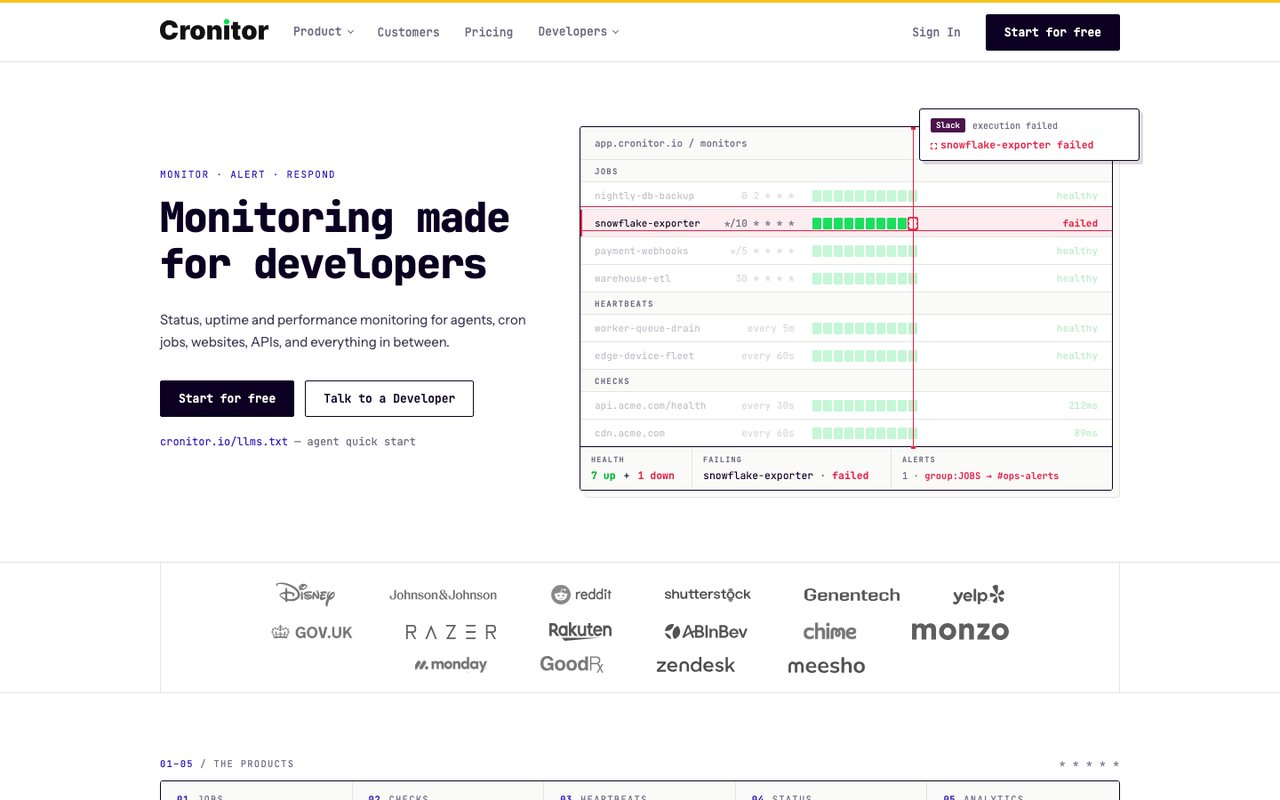
- What it is
- Monitoring for cron jobs, background workers, heartbeats, websites and APIs, with real-user monitoring and status pages.
- Check types
- Website (HTTP), Keyword, API, Port, UDP, Cron jobs (heartbeat), SSL certificate, Real user monitoring, Status pages
- Free plan
- 5 monitors, checks every 5 minutes
- Fastest check
- 30 seconds
- Prices checked
- 8–12 Oct 2026
Cronitor's free Hacker plan carries 5 monitors at 5-minute checks for one user, and a monitor can be an uptime check or a cron job heartbeat. A status page for up to 50 subscribers comes with it.
Text alerts and premium integrations wait in the paid plans, which are metered by usage rather than sold in fixed tiers.
Good fit: a developer splitting the free allowance between a website and the scheduled jobs behind it.
Why free alerts misfire
A free uptime check usually runs from one location and alerts on the first failed check. That design misreads the internet: routes flap, checkpoints have their own bad days, and a single failed request proves little. The result is the alert you learn to ignore.
The fix is procedural, and it is what paid tiers sell: re-check from other locations, open the incident only when the regions agree, and keep checking from everywhere so recovery is confirmed the same way. Count the false alarms a tier sends you; that is the number paid plans exist to lower.
Watching your internet connection
Some people searching for free uptime monitoring want the opposite direction: proof of when their own internet connection drops, for the ISP complaint call. An outside-in website check cannot see that. The technique that works is inside-out: a device on your network (a spare machine or a Raspberry Pi) sends a scheduled ping to a heartbeat monitor, and when your connection dies the pings stop arriving, which puts the gap on record with timestamps.
Upgrading past the free tier
Stay free as long as a missed short outage costs you nothing. The upgrade moment is when that answer changes: the site starts taking orders, or a client pays for it, or waking someone becomes part of the job. At that point the numbers to buy are a tighter interval, confirmation from more than one region, and an alert that reaches a phone.
Uptimia's plans start there, with a month-long free trial and no card. If self-hosting tempts you instead, start with our Uptime Kuma guide. For tools beyond uptime checks, the free website monitoring roundup is the wider net, and the comparisons section prices everything side by side.