People look past Uptime Kuma for two opposite reasons. Some want self-hosting with a different shape: configuration in git, or no server to run at all. Others are done hosting the monitor themselves, usually after meeting the limits a single instance cannot escape: one vantage point, shared fate with the machine it runs on, and upkeep. Our Uptime Kuma guide covers those limits in detail.
The 8 alternatives below cover both directions, each with the vendor's own figures.
Two directions out
Decide this first, because it halves the list. If self-hosting still fits and only the tool chafes, Gatus, Upptime and OneUptime change the shape of the work without adding a bill. If the limits themselves are the problem, no self-hosted replacement fixes them; a hosted service checks from many places, survives your outages, and takes the upkeep with it.
At a glance
Plans, fastest check and check types for each tool, taken from each vendor's pricing and feature pages. A dash means we found no dated source for that cell.
Scroll sideways to see all 8 tools. The row labels stay pinned on the left, and on small screens each cell repeats its tool's name.
| Tool | Uptimia | Gatus | Upptime | OneUptime | UptimeRobot | Better Stack | Hyperping | Cronitor |
|---|---|---|---|---|---|---|---|---|
| Free plan | ✓ Yes | – | – | ✓ Yes | ✓ Yes | ✓ Yes | ✓ Yes | ✓ Yes |
| Paid plans from | $9 a month, billed yearly | – | – | $20 per user a month, billed yearly, plus $1 per active monitor | €9 a month, billed yearly | $29 a month, billed yearly | $24.17 a month, billed yearly | – |
| Fastest check | 30 seconds | – | – | 1 minute | 15 seconds | 30 seconds | 20 seconds | 30 seconds |
| Browser transactions | ✓ Yes | – | – | ✓ Yes | ✗ No | ✓ Yes | ✓ Yes | – |
| Page speed | ✓ Yes | – | – | – | ✗ No | – | – | – |
| Real user monitoring | ✓ Yes | – | – | ✓ Yes | ✗ No | ✓ Yes | ✗ No | ✓ Yes |
| Server agent | ✓ Yes | – | – | ✓ Yes | ✗ No | ✓ Yes | ✓ Yes | – |
| Cron jobs (heartbeat) | ✓ Yes | – | – | ✓ Yes | ✓ Yes | ✓ Yes | ✓ Yes | ✓ Yes |
| Status pages | ✓ Yes | ✓ Yes | ✓ Yes | ✓ Yes | ✓ Yes | ✓ Yes | ✓ Yes | ✓ Yes |
8 Uptime Kuma alternatives compared
Uptimia wrote this page, and Uptimia is our product, so it is listed first. The other tools are not ranked: their order is not a verdict on which is better.
1. Uptimia
uptimia.com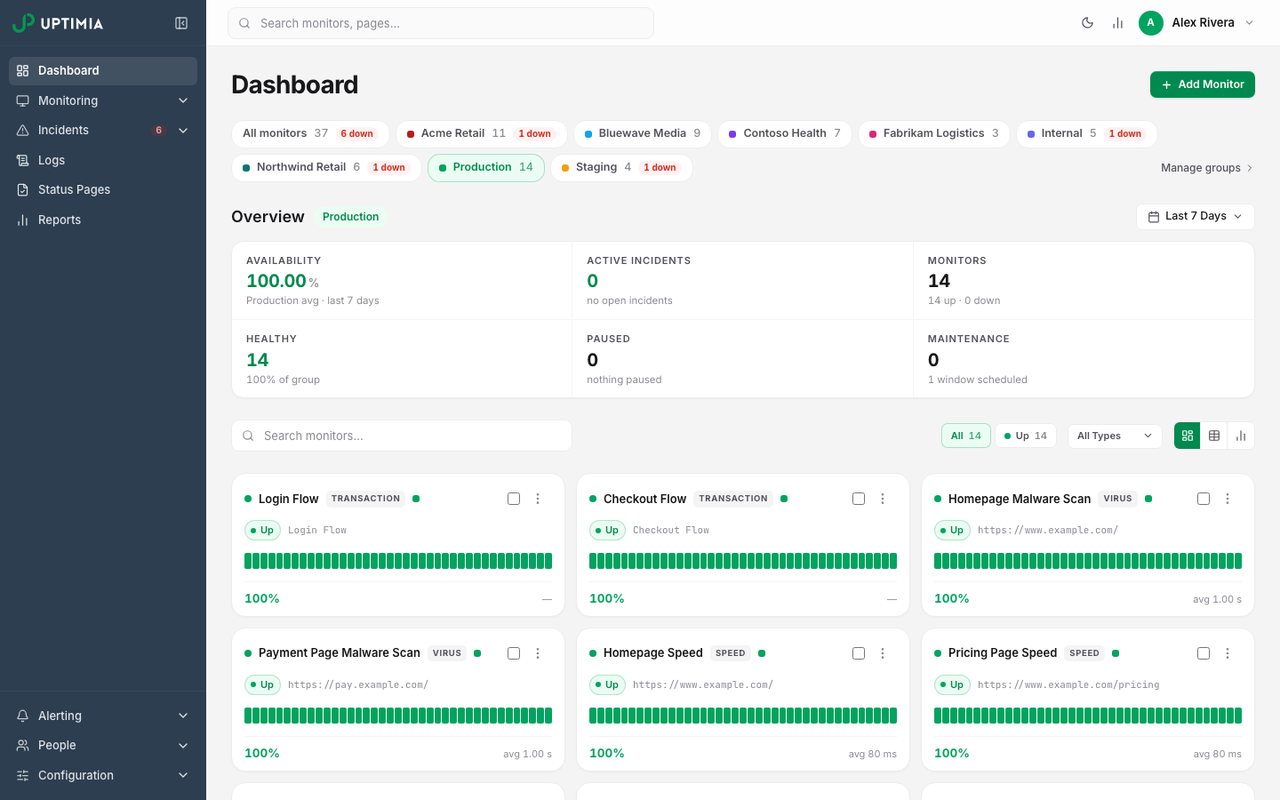
- What it is
- Website, transaction, page-speed, real-user and server monitoring in one plan, with data stored in the EU.
- Check types
- Website (HTTP), Keyword, Ping, Port, UDP, Cron jobs (heartbeat), API, Multi-step API, DNS, SSL certificate, Domain expiry, Browser transactions, Page speed, Real user monitoring, Server agent, Blacklist, Malware, Status pages
- Free plan
- 1 monitor, checks every 5 minutes
- Paid plans from
- $9 a month, billed yearly
- Fastest check
- 30 seconds
Uptimia is the hosted direction: checks run from many regions and a failure is re-checked elsewhere before anyone is alerted, which is the one behaviour a single Kuma instance cannot copy. There is nothing to patch, back up or reverse-proxy, and alerting does not depend on a machine of yours being up.
The check types reach past what Kuma covers: browser transactions, real-user timings, page speed and a server agent beside the uptime, SSL, DNS and heartbeat checks. Push-style jobs report to a heartbeat the way they report to a Kuma push monitor. Basic runs 10 monitors at 1-minute checks for $10 a month or $9 billed yearly; the free plan's 1 monitor and the month-long trial need no card.
Good fit: the Kuma user who kept meaning to set up that second instance and never did. Kuma can stay for the inside view, with one hosted check pointed at it.
2. Gatus
github.com/TwiN/gatus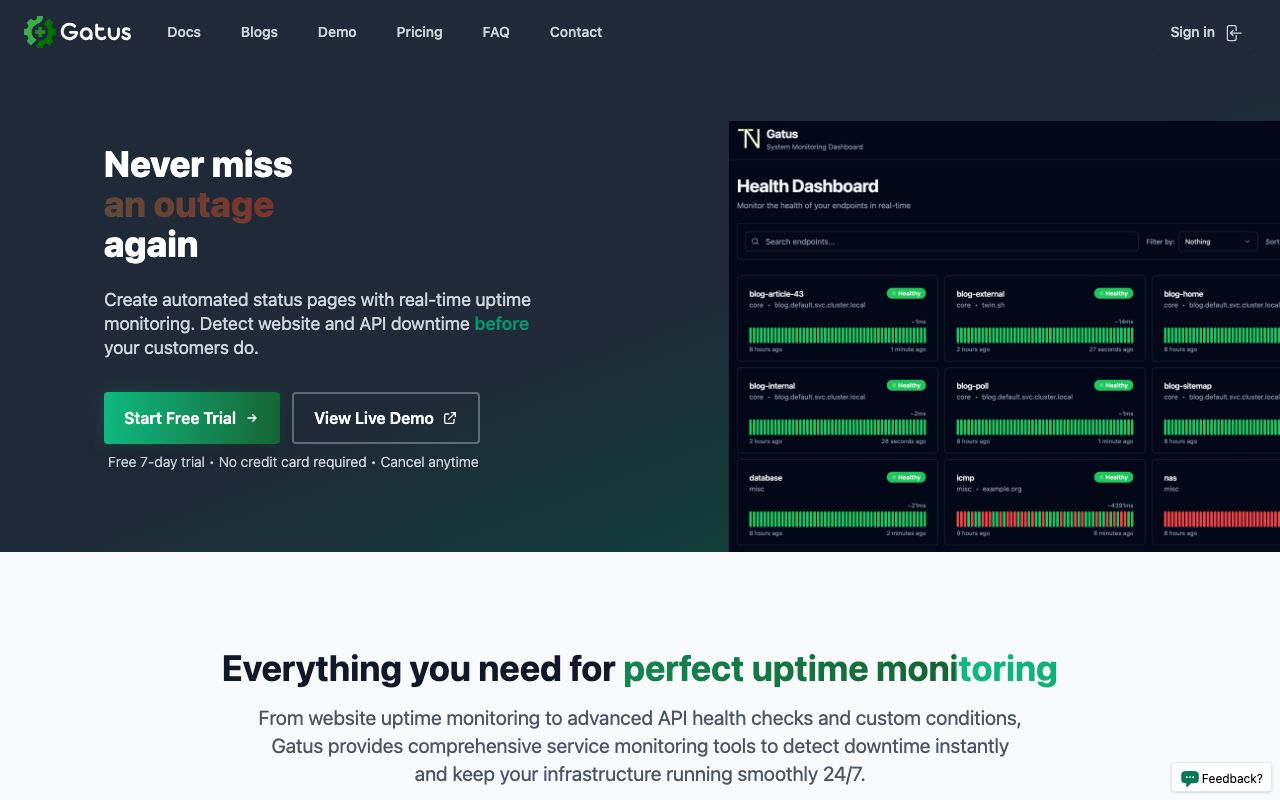
- What it is
- Open-source, self-hosted status page and monitoring service under the Apache 2 license, configured entirely from YAML files.
- Check types
- Website (HTTP), Ping, Port, DNS, SSL certificate, Domain expiry, Status pages
- Prices checked
- 4 Nov 2026
Gatus is the alternative for people who like self-hosting and dislike clicking. Where Kuma is configured in a dashboard, Gatus lives entirely in YAML: checks, conditions on status, body and response time, and alerting for roughly 40 providers, all in files you can review and version.
It stays a single self-hosted instance, so Kuma's structural limits come along. What changes is the workflow, and for a team that keeps infrastructure in git, that change is the point.
Good fit: replacing dashboard clicks with pull requests, on the same server Kuma occupied.
3. Upptime
github.com/upptime/upptime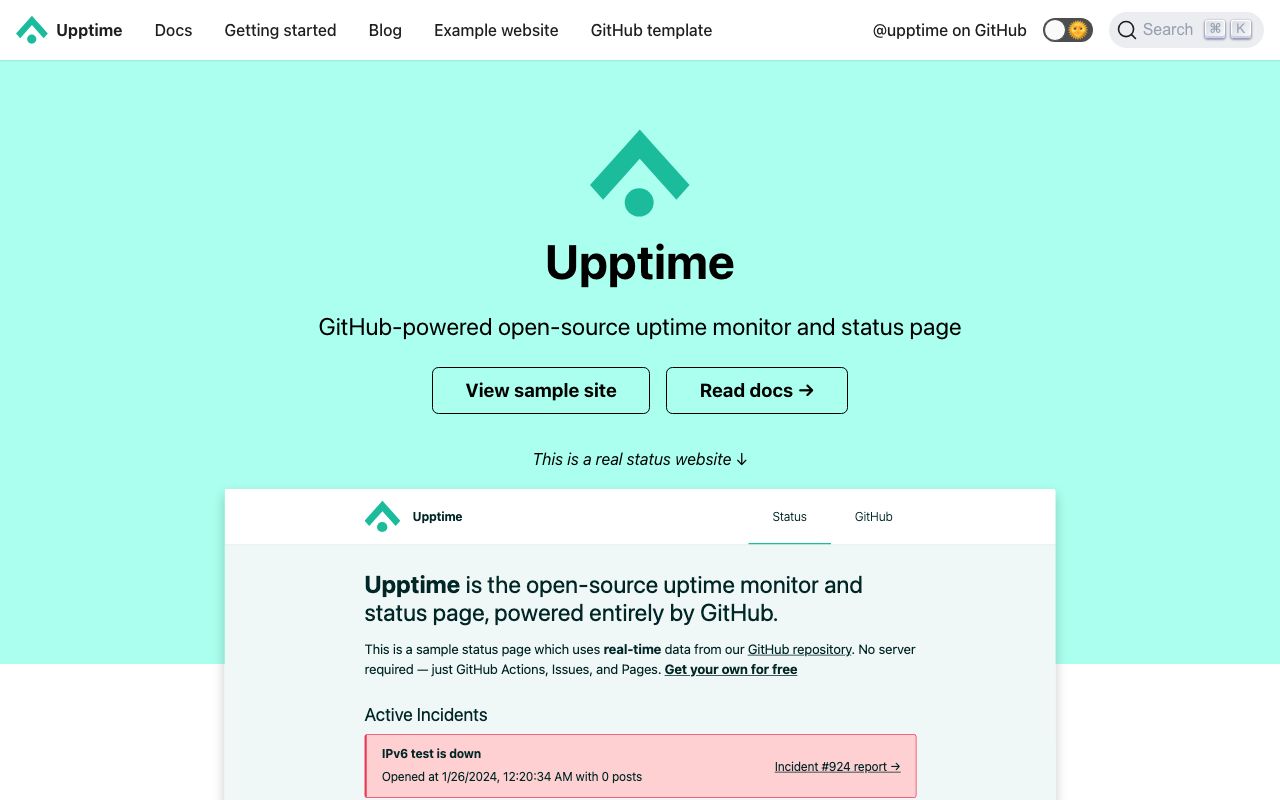
- What it is
- Open-source uptime monitor and status page powered entirely by GitHub Actions, Issues and Pages, with no server of its own.
- Check types
- Website (HTTP), Status pages
- Prices checked
- 4 Nov 2026
Upptime removes the machine entirely: checks run as GitHub Actions every 5 minutes, incidents are GitHub issues that close themselves, and the status page is a static site on GitHub Pages. For a Kuma user whose server is the chore, that is the whole pitch.
The ceiling is the platform. The interval floor sits at those 5 minutes on runners you do not control, and the monitor types are a fraction of Kuma's list.
Good fit: an open-source project or portfolio that lives on GitHub and wants the server gone.
4. OneUptime
oneuptime.com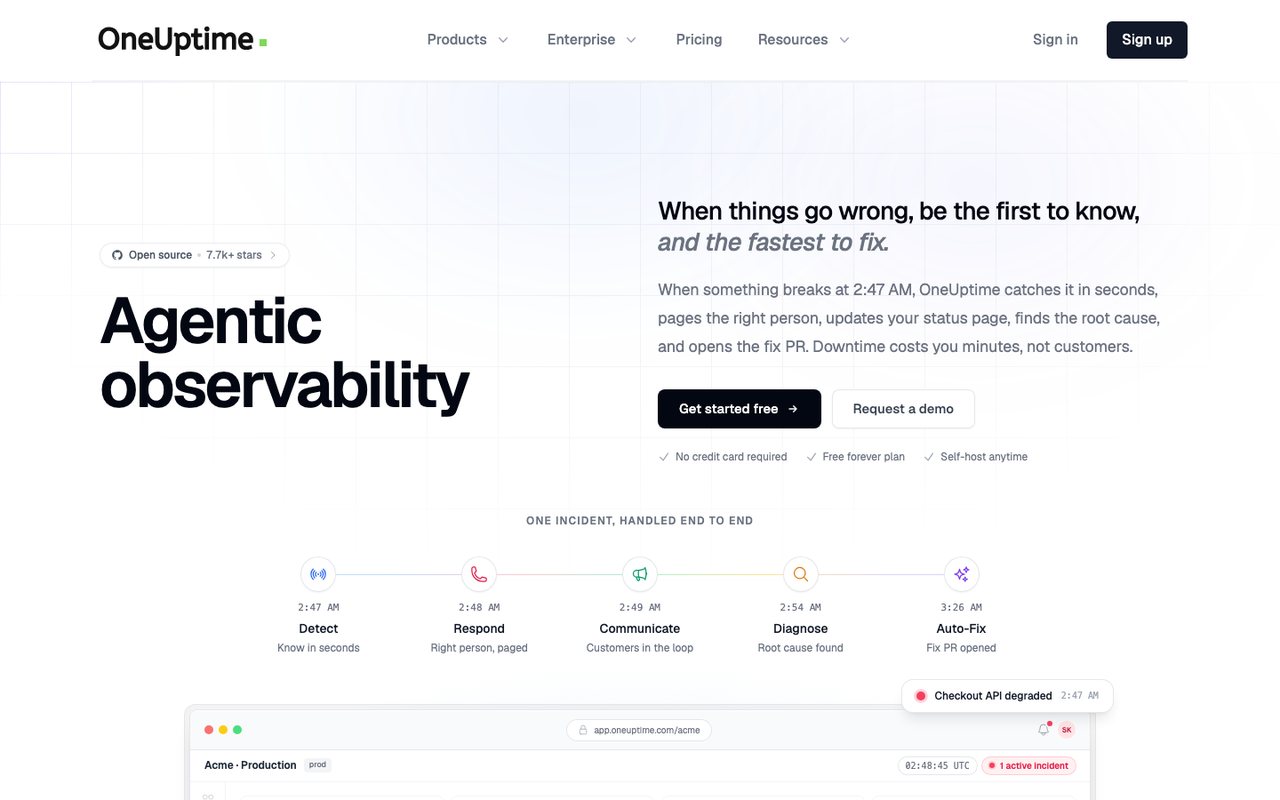
- What it is
- An open-source observability platform that bundles uptime and synthetic monitoring, status pages, incident management, on-call alerting, logs, metrics, traces and real-user monitoring, sold as SaaS or self-hosted.
- Check types
- Website (HTTP), Keyword, Ping, Port, Cron jobs (heartbeat), API, DNS, SSL certificate, Domain expiry, Browser transactions, Real user monitoring, Server agent, Third-party dependencies, Status pages, Logs, APM / tracing, Network devices
- Free plan
- $0 plan, active monitors $1 each a month
- Paid plans from
- $20 per user a month, billed yearly, plus $1 per active monitor
- Fastest check
- 1 minute
- Prices checked
- 8–12 Oct 2026
OneUptime is the self-hosted step up in ambition: monitors, status pages, incident management, on-call and logs in one open-source platform. A Kuma user who has outgrown one dashboard and started wanting rotations and postmortems is its audience.
It is heavier to operate than the single container it replaces. A hosted version exists, with a free tier that is mostly a status page and active monitors billed at $1 a month each.
Good fit: a team ready to run a platform because it wants the on-call half, with its data staying home.
5. UptimeRobot
uptimerobot.com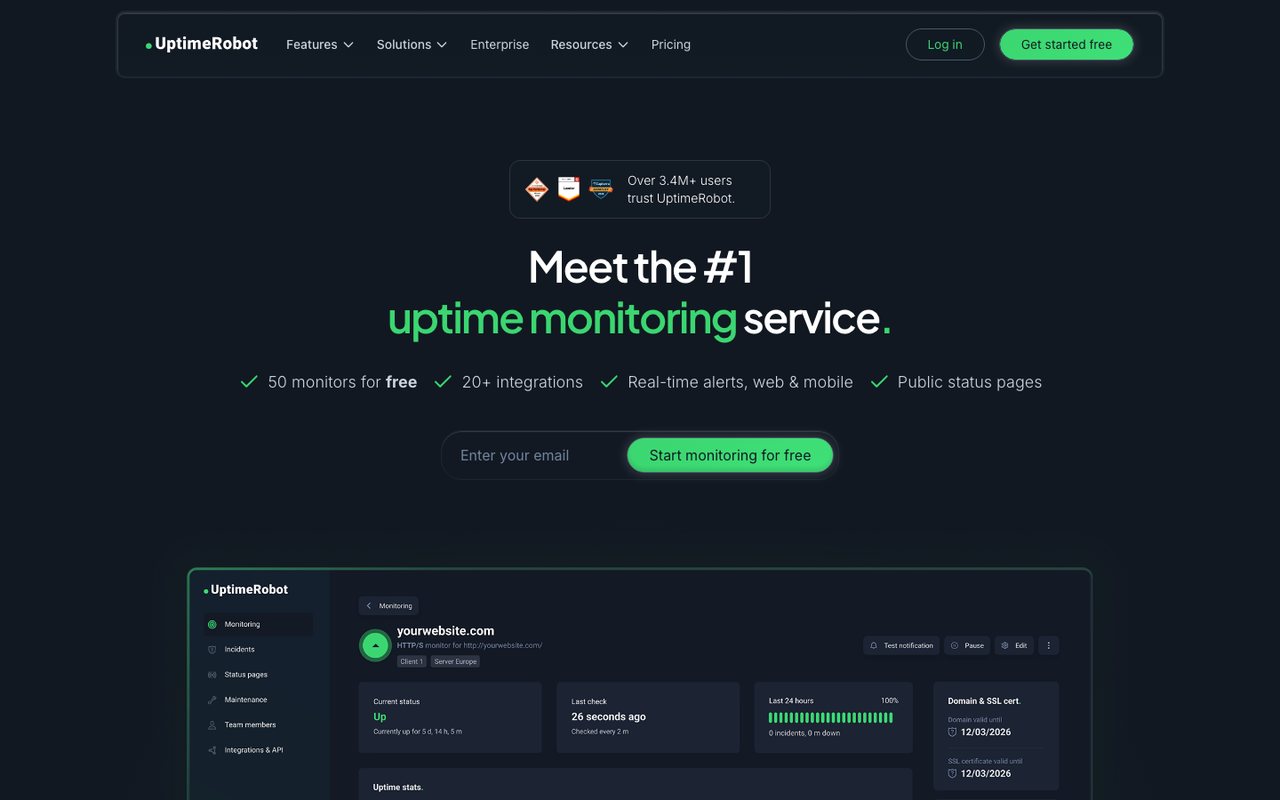
- What it is
- Uptime monitoring for websites, APIs, cron jobs and domains, with status pages.
- Check types
- Website (HTTP), Keyword, Ping, Port, Cron jobs (heartbeat), API, UDP, DNS, SSL certificate, Domain expiry, Third-party dependencies, Status pages
- Free plan
- 50 monitors, checks every 5 minutes
- Paid plans from
- €9 a month, billed yearly
- Fastest check
- 15 seconds
- Prices checked
- 8–12 Oct 2026
UptimeRobot is the hosted exit most Kuma users already know, because its free tier is the biggest: 50 monitors at 5-minute checks with 3 months of history. Moving a homelab's worth of checks costs nothing but the afternoon.
The free monitors run HTTP, keyword, ping and port checks from one region, without SSL or DNS monitoring. Solo starts at €10 a month or €9 billed yearly, in the euro figures its pricing page serves.
Good fit: retiring the Kuma box at no cost, where email alerts suffice. Uptimia vs UptimeRobot prices the paid side.
6. Better Stack
betterstack.com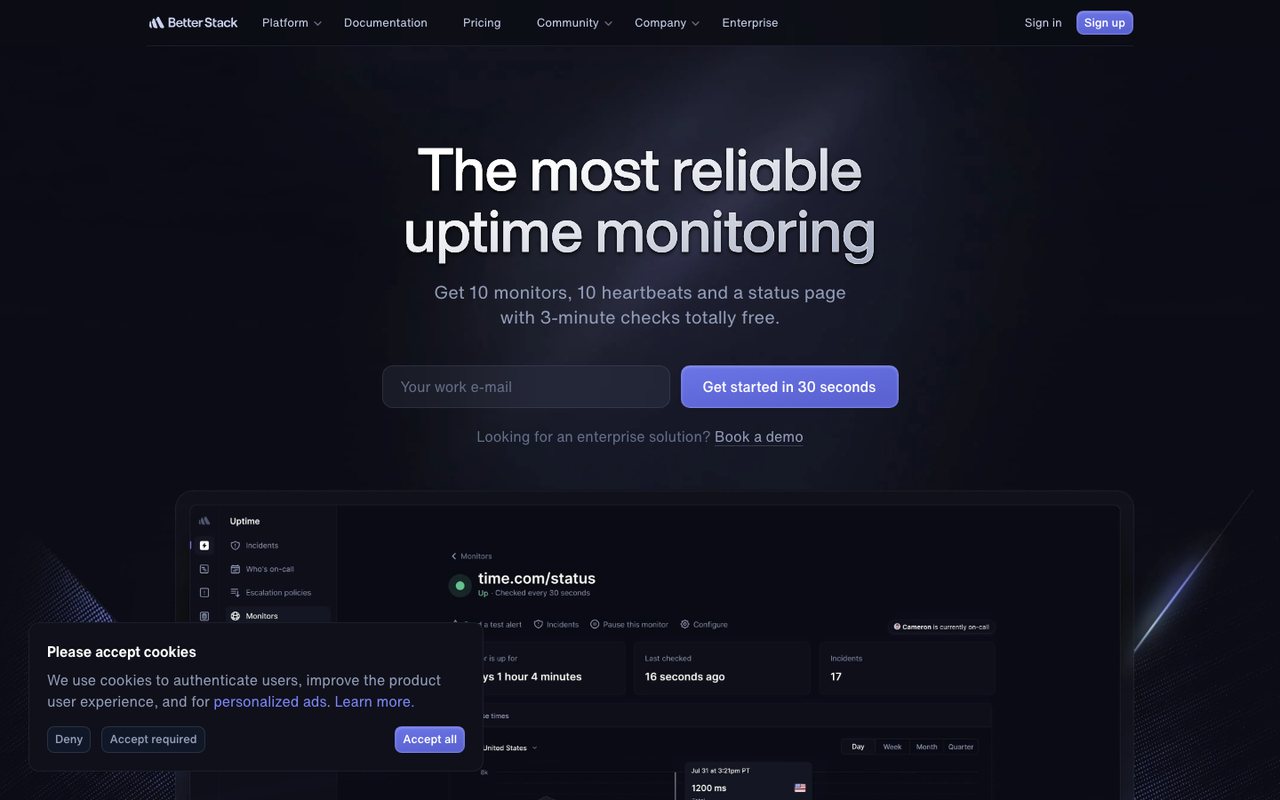
- What it is
- An observability platform that bundles uptime and cron monitoring, on-call and incident management, status pages, logs, metrics, tracing, error tracking and real-user monitoring.
- Check types
- Website (HTTP), Keyword, Ping, Port, UDP, Cron jobs (heartbeat), API, DNS, SSL certificate, Domain expiry, Browser transactions, Real user monitoring, Server agent, Status pages, Logs, APM / tracing
- Free plan
- 10 monitors, checks every 3 minutes
- Paid plans from
- $29 a month, billed yearly
- Fastest check
- 30 seconds
- Prices checked
- 12 Oct 2026
Better Stack's free tier maps nearly one-to-one onto a small Kuma setup: 10 monitors checked every 3 minutes, 10 heartbeat checks to take over the push monitors, and one status page, with alerts by email and Slack.
Paid plans are priced per on-call responder with monitor packs on top, which points at teams building a rotation rather than solo operators.
Good fit: a Kuma setup heavy on push monitors, moving to hosted without losing the heartbeats. Uptimia vs Better Stack continues the comparison.
7. Hyperping
hyperping.com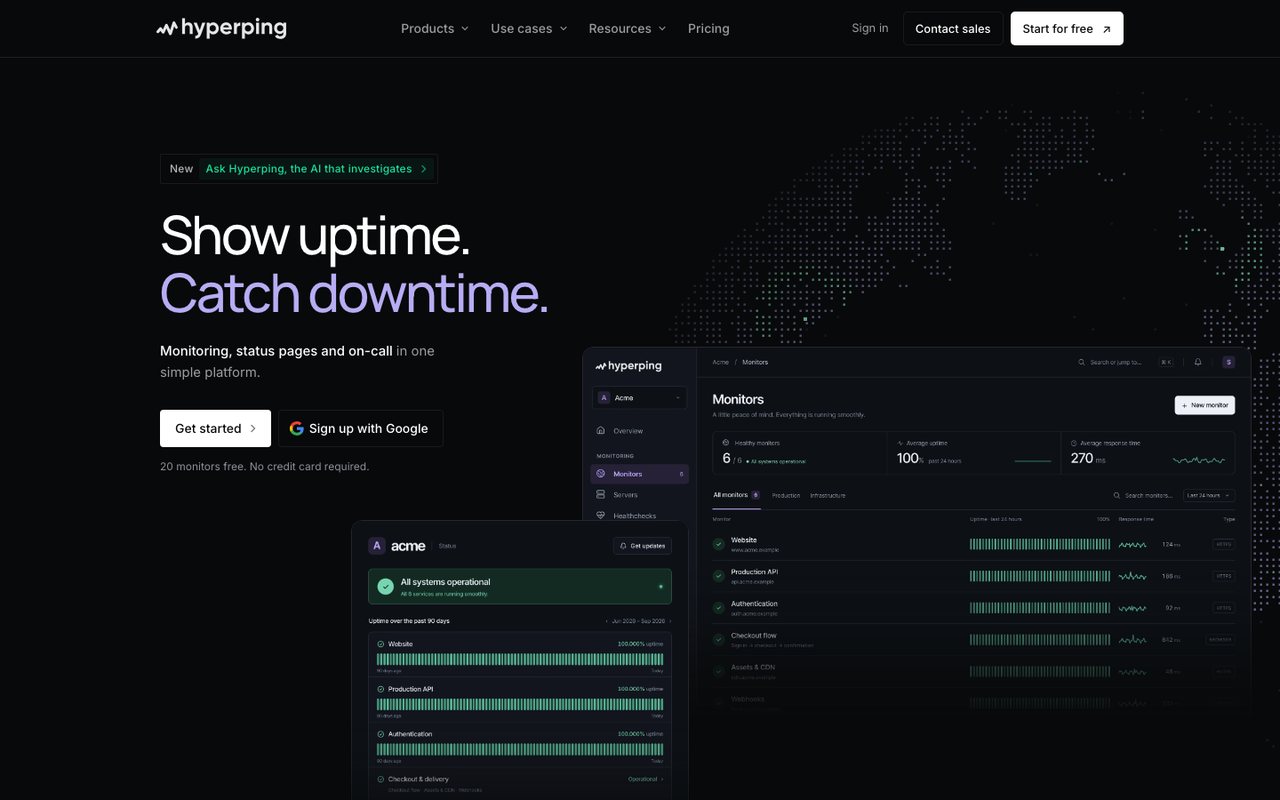
- What it is
- Uptime, cron, SSL and browser-check monitoring with status pages, on-call schedules and escalation in one product, run from France.
- Check types
- Website (HTTP), Keyword, Ping, Port, Cron jobs (heartbeat), API, DNS, SSL certificate, Domain expiry, Browser transactions, Server agent, Status pages, Logs
- Free plan
- 20 monitors, checks every 5 minutes
- Paid plans from
- $24.17 a month, billed yearly
- Fastest check
- 20 seconds
- Prices checked
- 8–12 Oct 2026
Hyperping suits the Kuma user whose public status page matters more than the monitor count: the free tier pairs 20 monitors at 5-minute checks with one status page and asks for no card. Checks cover HTTP, port, ping and keyword.
Essentials, the first paid step, costs $29 a month or $24.17 billed yearly. Uptimia vs Hyperping has the rest.
Good fit: a product whose Kuma status page deserves a hosted home before launch day.
8. Cronitor
cronitor.io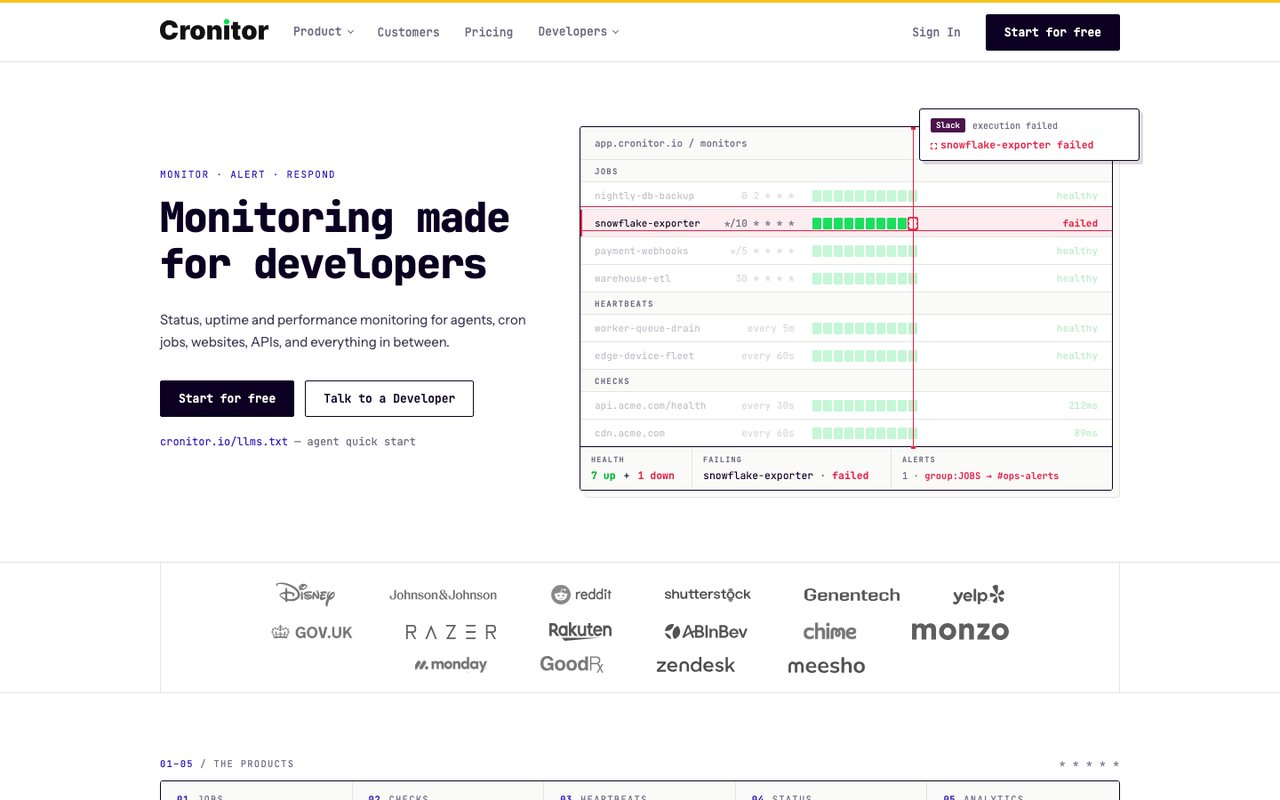
- What it is
- Monitoring for cron jobs, background workers, heartbeats, websites and APIs, with real-user monitoring and status pages.
- Check types
- Website (HTTP), Keyword, API, Port, UDP, Cron jobs (heartbeat), SSL certificate, Real user monitoring, Status pages
- Free plan
- 5 monitors, checks every 5 minutes
- Fastest check
- 30 seconds
- Prices checked
- 8–12 Oct 2026
If what you actually use Kuma for is push monitors, Cronitor is the specialist: scheduled jobs are its core product, and the free Hacker plan runs 5 monitors at 5-minute checks for one user with one status page.
Website checks ride along rather than lead, and the paid plans are metered by usage.
Good fit: the Kuma instance that was really a cron-job watcher all along.
Ping or HTTP in Kuma
A question that brings people to this page: whether to monitor with Kuma's ping or HTTP checks. They answer different questions. Ping asks whether the machine's network stack responds; HTTP asks whether the web server returns a page. A host can answer ping with the web server dead, so monitor websites with HTTP checks and keep ping for machines that serve nothing. The same split applies in every tool on this page.
Keeping Kuma and adding cover
Leaving is one option. The cheaper fix for the shared-fate problem keeps Kuma where it is and points one outside check at it, so the day the monitoring box dies, something that does not live on it says so. Any free uptime tier can do this; Uptimia's free plan covers it with 1 monitor at 5-minute checks, and the guide's pairing section shows the shape. For the whole self-hosted field weighed side by side, the open-source roundup carries the sources.