Below are 15 Pingdom alternatives for uptime monitoring in 2026: main features, who each one suits, and where each beats Pingdom and where it does not.
Why Teams Leave Pingdom
Reasons teams leave, as Pingdom's own pages explain them:
Cost: Pingdom has no free plan, only a 30-day free trial.
Check types: Pingdom's check list has no heartbeat (cron) check, no domain expiry check and no multi-step API check. Real user monitoring is a separate subscription.
Status page limits: one public status page per organization, no password protection, and a custom domain cannot point to the HTTPS version of the page.
Mobile alerts and the platform move: Pingdom retired its iOS and Android apps in 2021 (the Android app on 21 October 2021). SolarWinds is moving Pingdom accounts to SolarWinds Observability over 30 to 60 days, and check history is not carried over.
Features to Check in an Alternative
Compare each alternative on:
- Uptime monitoring: checks your site on a schedule and alerts you when it stops answering.
- Performance monitoring: tracks page load times and whether key pages and features still work.
- Status pages: tell users about outages and maintenance, which cuts "is it down?" tickets.
- Integrations: send alerts to the chat, ticketing and incident tools your team already uses.
- Alert channels: email, SMS and app notifications, so an alert still gets through when one channel is missed.
Best Pingdom Alternatives in 2026
Uptimia wrote this page, and Uptimia is our product, so it is listed first. The other tools are not ranked: their order is not a verdict on which is better.
1. Uptimia
uptimia.com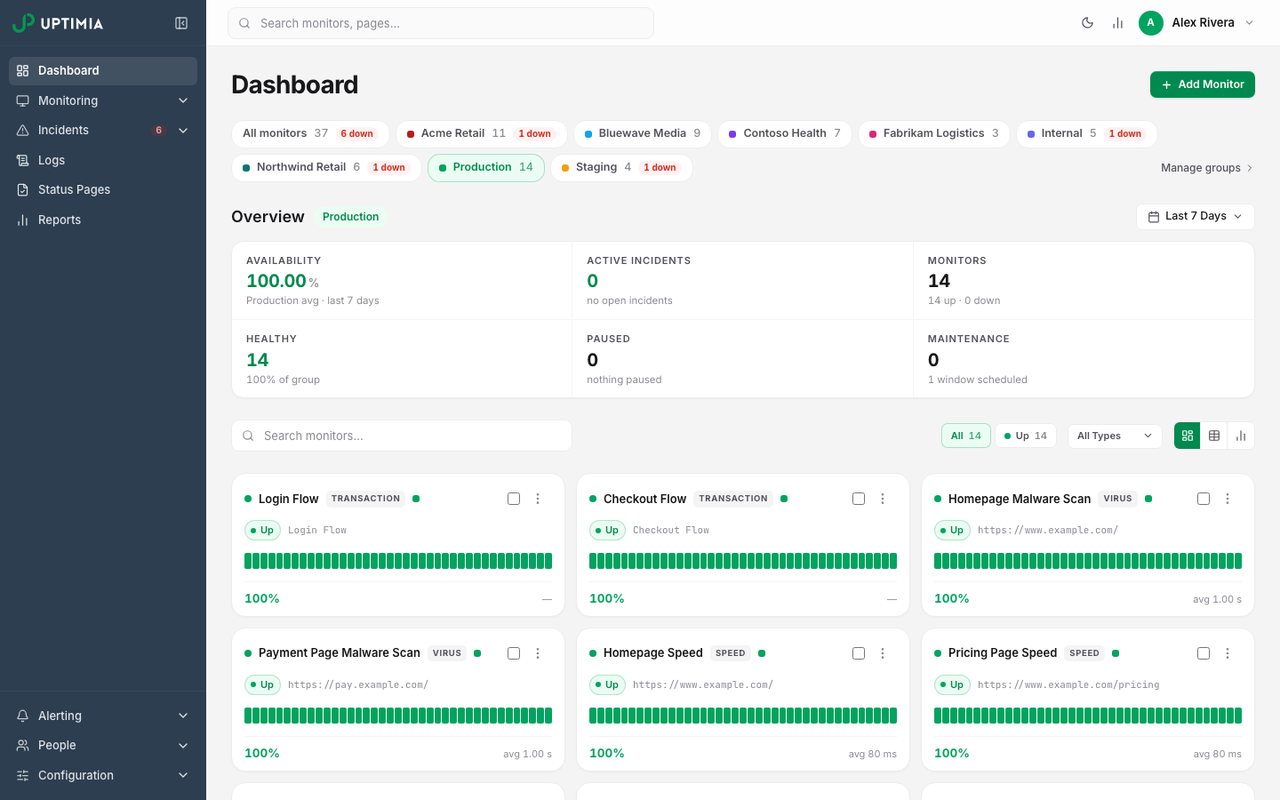
- What it is
- Website, transaction, page-speed, real-user and server monitoring in one plan, with data stored in the EU.
- Check types
- Website (HTTP), Keyword, Ping, Port, UDP, Cron jobs (heartbeat), API, Multi-step API, DNS, SSL certificate, Domain expiry, Browser transactions, Page speed, Real user monitoring, Server agent, Blacklist, Malware, Status pages
- Free plan
- 1 monitor, checks every 5 minutes
- Paid plans from
- $9 a month, billed yearly
- Fastest check
- 30 seconds
Uptimia covers uptime, page speed, transactions, APIs, real users and servers in one account, with plans from a free tier up to Enterprise.
Main Features:
- Uptime monitoring for HTTP, HTTPS, Ping, Keywords, TCP, UDP, DNS, SMTP, POP3 and IMAP.
- Speed monitoring.
- SSL certificate expiration and health monitoring.
- Domain expiration monitoring.
- Multiple-step transaction monitoring for logins, sign-ups, checkouts and other multi-step flows.
- API monitoring that runs a chain of requests and checks each response.
- Real user monitoring of page load times for your actual visitors.
- Heartbeat monitoring for cron jobs and background tasks.
- Server monitoring for CPU, memory and disk through a small agent.
- Blacklist monitoring for your domain or mail server.
- Public status pages.
- Security monitoring that checks for malware, outdated software and weak TLS settings.
- Alerts by email and SMS, and integrations with Slack, Microsoft Teams, PagerDuty, WhatsApp, Discord and Telegram.
Best Suited For:
Small websites up to large companies that want uptime, speed, transaction and real user monitoring in one account.
Why is Uptimia better than Pingdom?
- Pricing: Uptimia has a free plan, and Basic costs $10 a month, or $9 a month billed yearly. Pingdom has no free plan; its smallest Synthetic plan (10 uptime checks) costs $18 a month, or $16.50 a month billed yearly.
- Faster checks: Professional and Enterprise check every 30 seconds. Pingdom's fastest uptime check runs once a minute.
- Real user monitoring included: every paid plan includes it (150,000 pageviews on Basic). Pingdom sells it as a separate subscription priced by pageviews.
- Heartbeat and domain expiration monitoring: Pingdom's check types include neither.
- Virus and blacklist monitoring: alerts when a website is infected with malware or viruses, or your domain is on a spam blacklist.
- Data in the EU: monitoring results are stored in EU data centres.
How is Uptimia worse than Pingdom?
Pingdom has been around longer and far more people know the name. Uptimia entered the market in 2015.
Pingdom includes unlimited users on every plan. Uptimia includes the account owner plus one team member on Basic, or plus 10 team members on Professional.
2. UptimeRobot
uptimerobot.com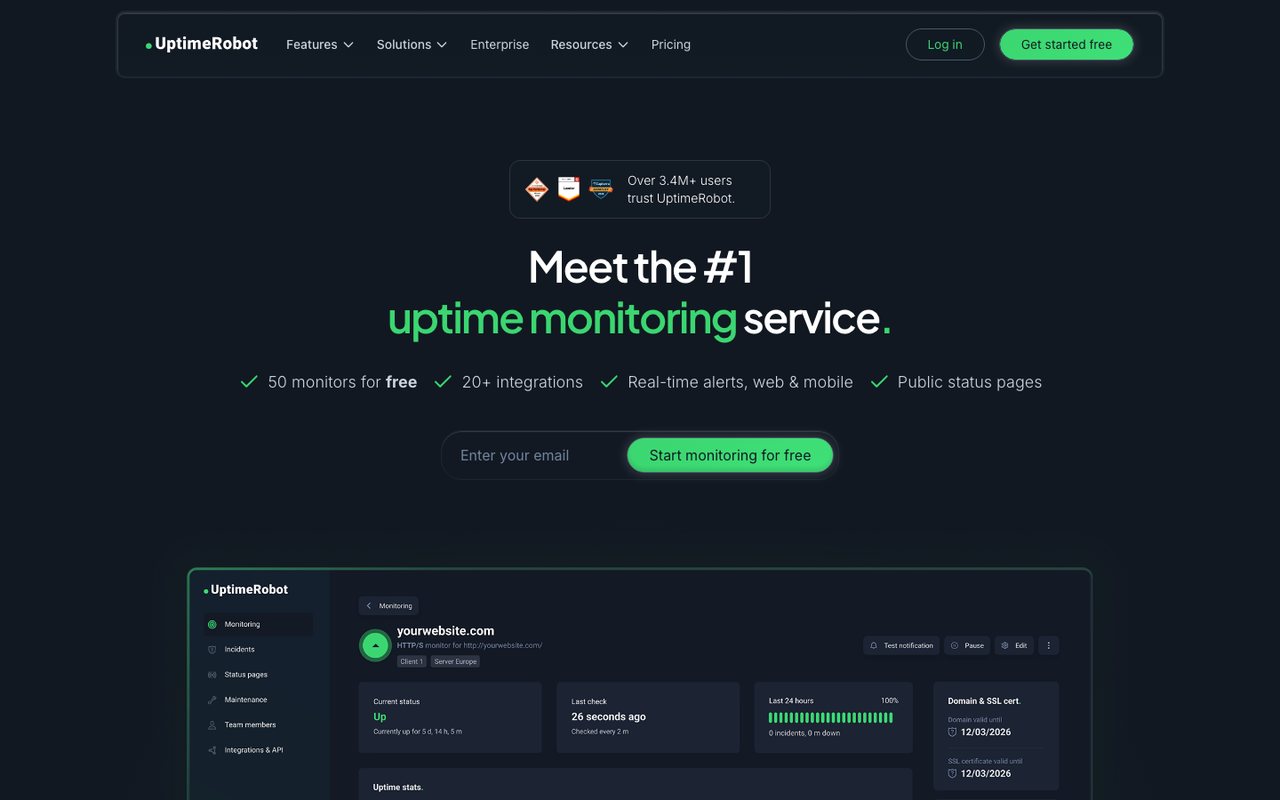
- What it is
- Uptime monitoring for websites, APIs, cron jobs and domains, with status pages.
- Check types
- Website (HTTP), Keyword, Ping, Port, Cron jobs (heartbeat), API, UDP, DNS, SSL certificate, Domain expiry, Third-party dependencies, Status pages
- Free plan
- 50 monitors, checks every 5 minutes
- Paid plans from
- €9 a month, billed yearly
- Fastest check
- 15 seconds
- Prices checked
- 8–12 Oct 2026
UptimeRobot alerts you when a website or server goes down and keeps a record of its uptime.
Main Features:
- Website monitoring: as often as every 15 seconds on the Scale and Enterprise plans.
- SSL, cron job, port, keyword and ping monitoring.
- Extras: checks from several locations, maintenance windows and incident reports.
- Alerts: email, SMS and voice call, plus Slack, Zapier and other integrations.
- Free plan: 50 monitors at a 5-minute interval.
Best Suited For:
Small and medium-sized businesses, webmasters and IT staff who want low-cost monitoring, and hobby projects that can stay on the free plan. Paid plans have no free trial; they come with a 14-day money-back guarantee instead.
Why UptimeRobot is better than Pingdom:
- It has a free plan. Pingdom has none.
- The Team and Scale plans check every 30 seconds or 15 seconds; Pingdom's fastest check runs once a minute. Solo, the cheapest paid plan, runs 1-minute checks, the same as Pingdom.
- It has heartbeat (cron job) and domain expiry monitoring, which Pingdom's check list does not include.
- It has iOS and Android apps. Pingdom retired its apps; the Android app reached end of life on 21 October 2021.
How UptimeRobot is worse than Pingdom:
- No browser transaction checks and no page speed monitoring. Pingdom has both, with transaction checks as often as every 5 minutes.
- No real user monitoring. Pingdom sells it as a separate subscription.
3. Uptrends
uptrends.com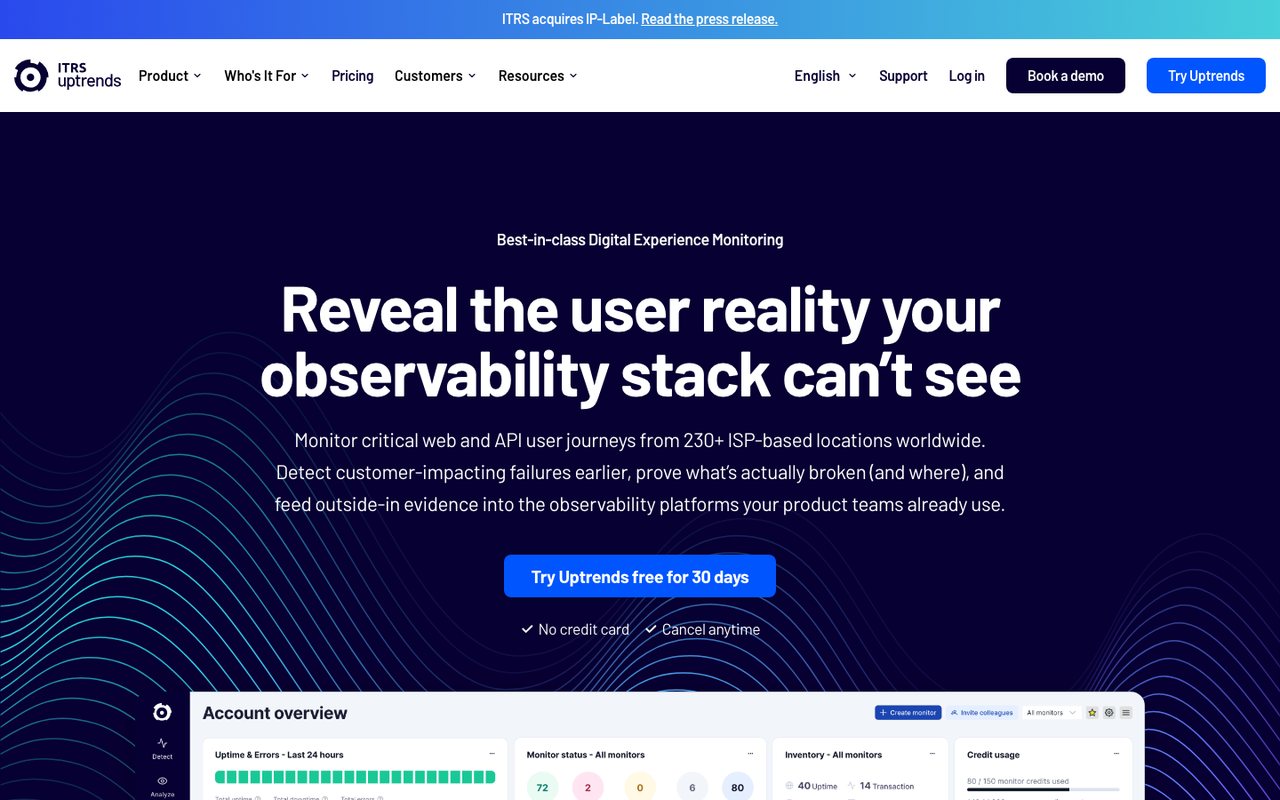
- What it is
- Synthetic monitoring for websites, APIs and multi-step browser transactions, with real-user monitoring as an add-on and public status pages.
- Check types
- Website (HTTP), Keyword, Ping, Port, DNS, SSL certificate, API, Multi-step API, Browser transactions, Page speed, Real user monitoring, Status pages
- Free plan
- None
- Paid plans from
- $42 a month, billed yearly
- Fastest check
- 30 seconds
- Prices checked
- 8–12 Oct 2026
Uptrends offers synthetic and API monitoring, real user monitoring (an add-on on the Core plan), and server monitoring as a separate product, Uptrends Infra. It breaks down performance by location, which helps teams with an international audience see where pages are slow.
Main Features:
- Synthetic & API monitoring: bandwidth throttling, public status pages, interactive charts, error snapshots and transaction monitoring.
- Real user monitoring: performance data by country, and how load times affect page views.
- Infrastructure monitoring: Uptrends Infra monitors servers and network devices inside your firewall through a Windows and Linux agent.
- Free tools: speed tests, uptime checks and other tools without a paid plan.
- Integrations: Slack, Microsoft Teams, ServiceNow and others.
Best Suited For:
Medium-sized and large businesses that want in-depth data on website performance, applications and the infrastructure behind them.
Why Uptrends is better than Pingdom:
- It has multi-step API checks. Pingdom's check list has none.
- It runs checks from 230+ checkpoints. Pingdom lists 100+ probe servers.
- One vendor covers servers too, through a separate product (Uptrends Infra). Server monitoring is not part of Pingdom's plans; SolarWinds sells it as a separate product (AppOptics).
- It has iOS and Android apps with push alerts. Pingdom retired its mobile apps.
How Uptrends is worse than Pingdom:
- It costs more to start: Core from $42 a month billed yearly, against $16.50 a month billed yearly for Pingdom's smallest plan.
- Core checks every 2 minutes, and transaction and API monitors start on Pro. Every Pingdom plan checks once a minute and includes advanced (transaction) checks.
- Each monitor is billed in credits that depend on its type. Pingdom prices plans by the number of checks.
4. Site24x7
site24x7.com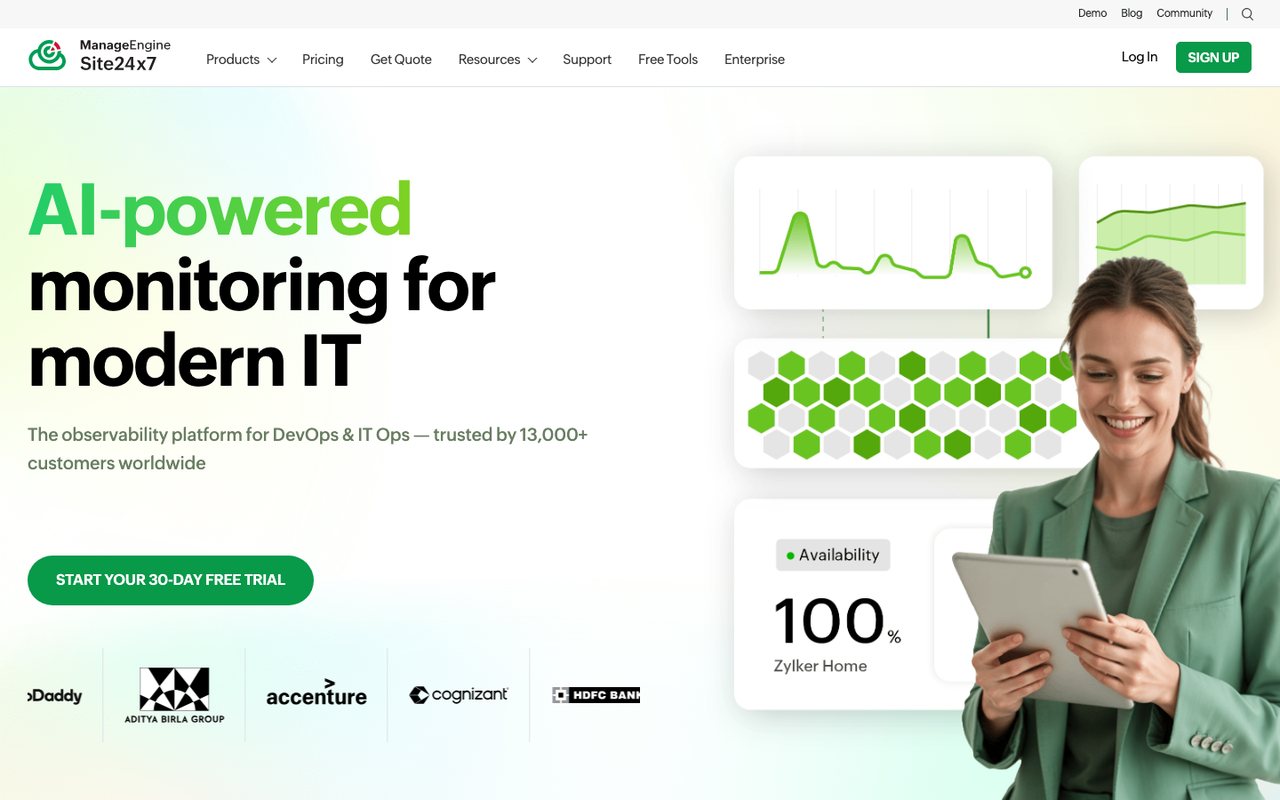
- What it is
- Website, synthetic, real-user, server, cloud and network monitoring from Zoho's ManageEngine division, with hosted status pages.
- Check types
- Website (HTTP), Keyword, Ping, Port, UDP, Cron jobs (heartbeat), API, Multi-step API, DNS, SSL certificate, Domain expiry, Browser transactions, Page speed, Real user monitoring, Server agent, Blacklist, Malware, Status pages, Logs, APM / tracing, Network devices
- Free plan
- 50 monitors (another Site24x7 page says 5)
- Paid plans from
- $9 a month, billed yearly
- Fastest check
- 10 seconds
- Prices checked
- 8–12 Oct 2026
Site24x7 monitors websites, servers, applications and networks from one product. It has announced that its observability products (servers, cloud and the rest) are now branded OpManager Nexus and that Site24x7 will focus on website and digital experience monitoring; the products below are still listed on its site.
Main Features:
- Website and synthetic monitoring: page speed, DNS, FTP, REST API and SSL/TLS certificate checks, and synthetic transactions.
- Real user monitoring: front-end performance by region, JavaScript errors and slow transactions, with AI-powered alerts.
- Server monitoring: Windows, Linux, Docker and Kubernetes, with plugin integrations.
- Cloud monitoring: AWS, Azure, GCP, VMware and Nutanix.
- Log management and network monitoring.
- Application performance management: Java, .NET, Ruby, PHP, Node.js and others.
Best Suited For:
Medium-sized and large companies that want websites, servers, applications and networks in one platform instead of four tools.
Why Site24x7 is better than Pingdom:
- Server monitoring, APM, log management and network monitoring in one account. None of these is part of Pingdom's plans; SolarWinds sells log management (Loggly) and APM and infrastructure monitoring (AppOptics) as separate products.
- Checks from 130+ monitoring locations. Pingdom lists 100+ probe servers.
- Heartbeat and cron monitoring on its Infrastructure plans. Pingdom's check list has neither.
- Costs less for basic monitoring: a free plan (50 monitors on Site24x7's pricing page; another Site24x7 page says 5), and Web Uptime at $10 a month ($9 billed yearly) for 25 websites. Pingdom has no free plan and charges $18 a month for 10 checks.
How Site24x7 is worse than Pingdom:
- The entry Web Uptime plan alerts by email only, per the plan table on Site24x7's pricing page (its free-plan page also lists SMS). Pingdom's smallest plan includes 50 text alerts a month.
- Web Uptime has no API access. Pingdom includes its API.
5. Uptime.com
uptime.com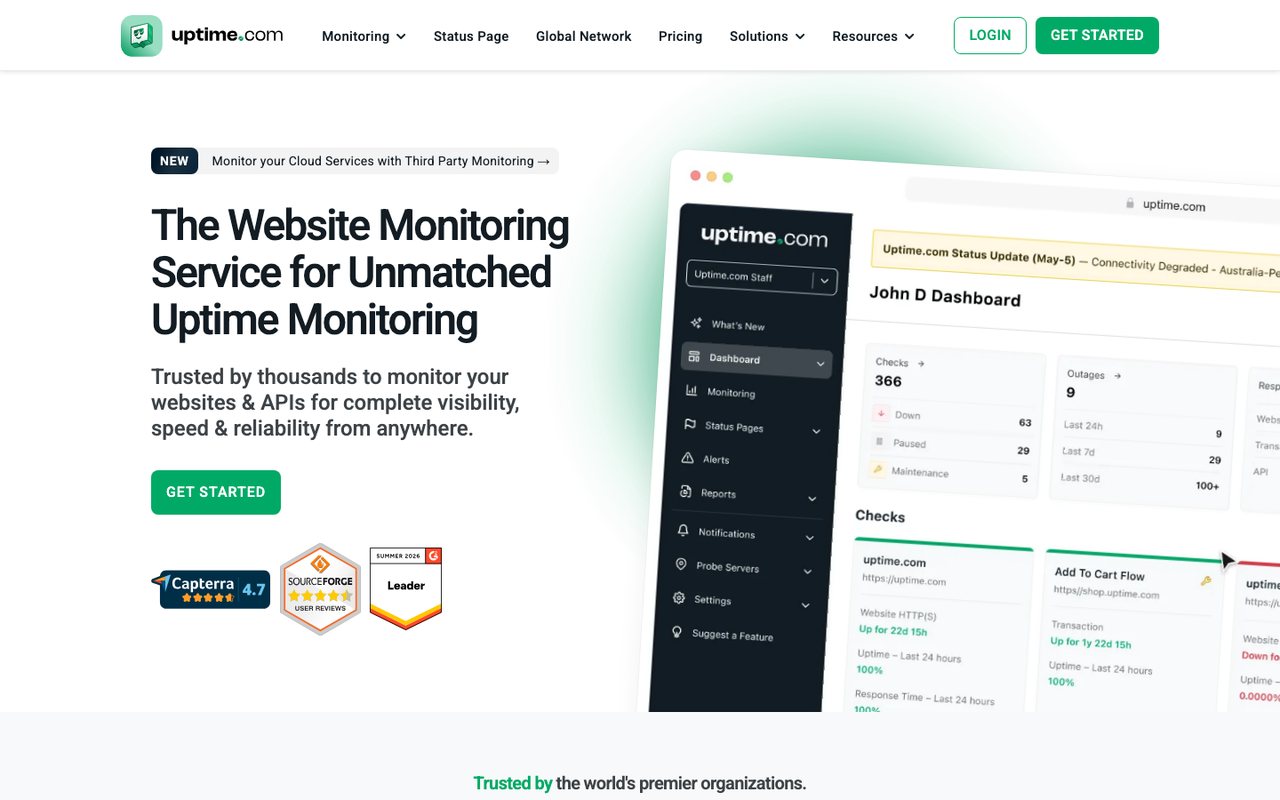
- What it is
- Website, API, transaction and third-party service monitoring with SLA reporting, plus status pages and real-user monitoring sold as add-ons.
- Check types
- Website (HTTP), Keyword, Ping, Port, UDP, Cron jobs (heartbeat), API, Multi-step API, DNS, SSL certificate, Domain expiry, Browser transactions, Page speed, Real user monitoring, Blacklist, Malware, Third-party dependencies, Status pages
- Free plan
- None
- Paid plans from
- $7 a month, billed yearly
- Fastest check
- 1 minute
- Prices checked
- 8–12 Oct 2026
Uptime.com covers website uptime, synthetic transactions and real user monitoring, with detailed reports. It suits anything from a single site to services spread across several regions and private networks.
Main Features:
- Uptime and performance monitoring from locations around the world.
- Synthetic transactions: clicks through checkout or login the way a visitor would.
- API monitoring: multi-step API tests on public and private networks.
- Real user monitoring: what real visitors experience, including site errors.
- Private location monitoring: checks systems behind a firewall, listed on its pricing page.
- Integrations: Slack, Microsoft Teams, PagerDuty and others.
Best Suited For:
Businesses that want website and server monitoring in one tool.
Why Uptime.com is better than Pingdom:
- Check types Pingdom's list lacks: heartbeat (cron), domain expiry, multi-step API, and blacklist and malware checks.
- Costs less for a small setup: 10 checks cost $9 a month ($7 billed yearly), against $18 ($16.50) for Pingdom's 10.
- iOS and Android apps. Pingdom retired its mobile apps.
How Uptime.com is worse than Pingdom:
- Status pages are a paid add-on from $13 a month. Pingdom includes a public status page in every plan.
- No free trial, only a 30-day money-back guarantee. Pingdom has a 30-day free trial.
6. Dotcom-Monitor
dotcom-monitor.com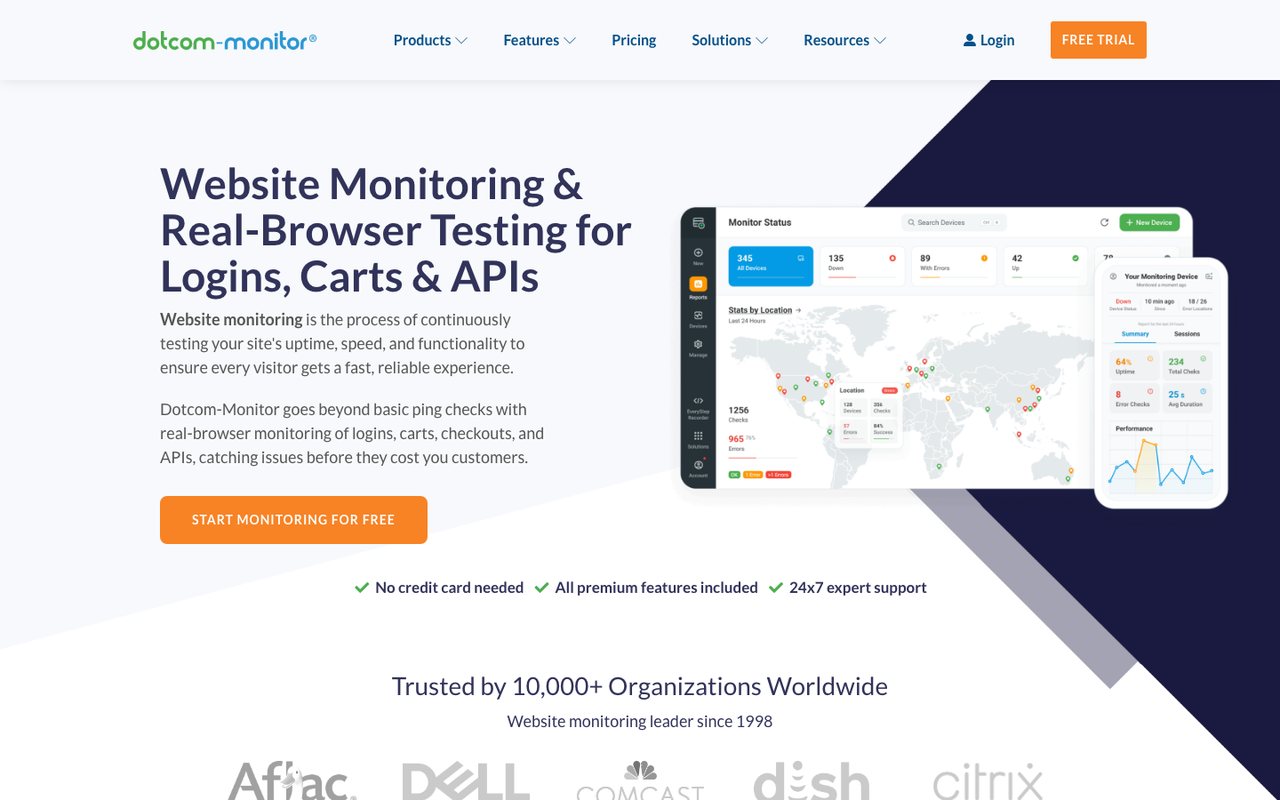
- What it is
- Synthetic monitoring for websites, APIs, multi-step web transactions and network protocols, priced per platform by number of targets and check frequency.
- Check types
- Website (HTTP), Keyword, Ping, Port, UDP, Cron jobs (heartbeat), API, Multi-step API, DNS, SSL certificate, Browser transactions, Page speed, Server agent, Blacklist, Network devices
- Free plan
- 25 monitors, checks every 5 minutes
- Fastest check
- 1 minute
- Prices checked
- 8–12 Oct 2026
Dotcom-Monitor covers web application and infrastructure monitoring, load and stress testing, and application performance management. It monitors with real browsers, records test scripts with its EveryStep Web Recorder, and lets you set your own performance thresholds.
Main Features:
- Web application monitoring: the EveryStep Web Recorder and video capture of errors.
- Infrastructure monitoring: tunable alerts and server monitoring inside private networks.
- Load & stress testing: simulates user behavior under load to find bottlenecks.
- Application performance monitoring: real-time performance data, visual error tracking and network checks.
- Integrations: Splunk On-Call, ServiceNow, Salesforce, Trello and others.
Best Suited For:
Medium-sized and large companies that monitor web applications, infrastructure and networks, and want to load-test before a launch.
Why Dotcom-Monitor is better than Pingdom:
- Heartbeat (cron) checks, multi-step API checks and server monitoring, which Pingdom's check list does not include.
- Load and stress testing and video capture of browser errors, which Pingdom's product pages do not list.
- A free plan for up to 25 targets checked every 5 minutes. Pingdom has no free plan.
How Dotcom-Monitor is worse than Pingdom:
- Each platform (web pages, APIs, browser transactions, servers) is a separate package priced by targets and check frequency, so a mixed setup needs several packages. A Pingdom plan includes uptime and advanced (transaction) checks together.
- Its price list is monthly only. Yearly billing is offered, but yearly prices are not published; Pingdom publishes both.
7. Cronitor
cronitor.io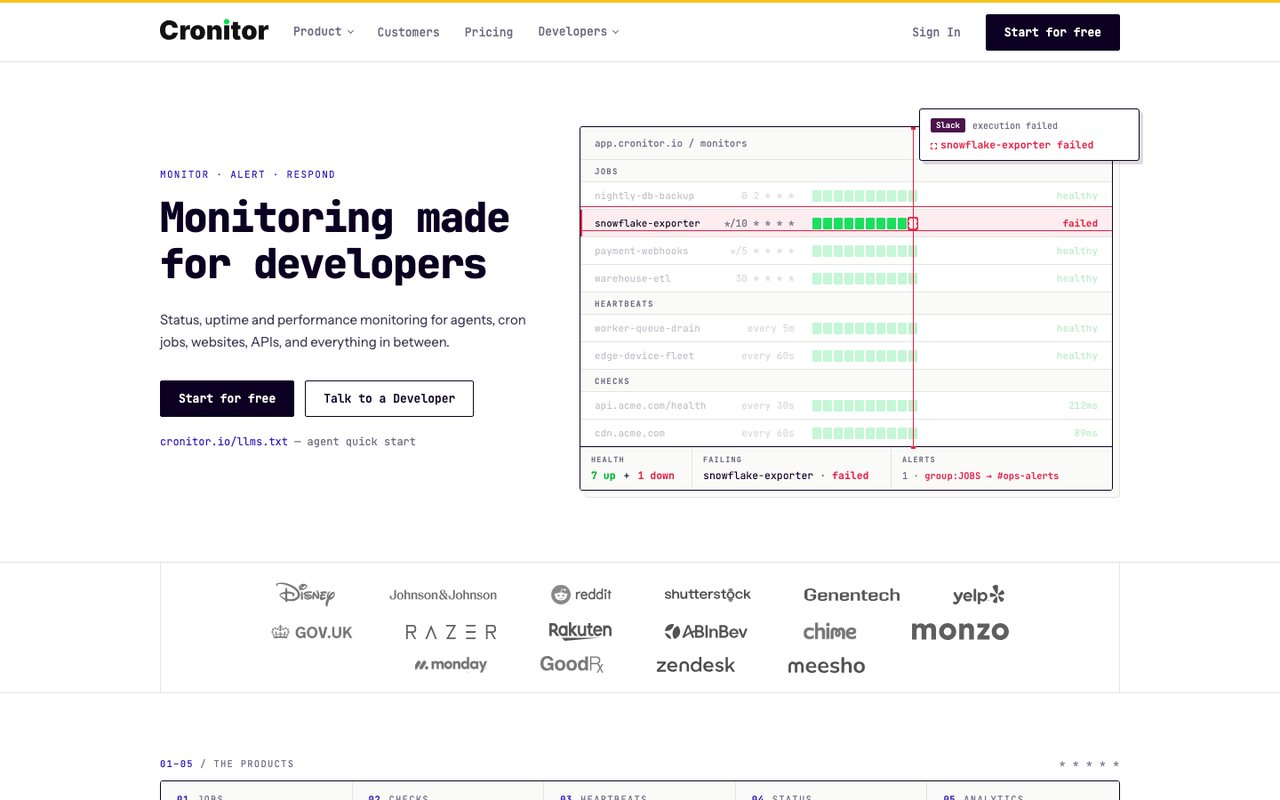
- What it is
- Monitoring for cron jobs, background workers, heartbeats, websites and APIs, with real-user monitoring and status pages.
- Check types
- Website (HTTP), Keyword, API, Port, UDP, Cron jobs (heartbeat), SSL certificate, Real user monitoring, Status pages
- Free plan
- 5 monitors, checks every 5 minutes
- Fastest check
- 30 seconds
- Prices checked
- 8–12 Oct 2026
Cronitor is built around cron job monitoring, with uptime, heartbeat and real user monitoring added on.
Main Features:
- Cron job monitoring: captures job output, flags slow jobs and shows trends.
- Uptime monitoring: checks in real Chrome browsers, with custom assertions and a choice of locations.
- Heartbeat monitoring for many kinds of services and devices.
- Real user monitoring: real-time traffic and what visitors experience.
- Status pages with maintenance windows and incident feeds.
Best Suited For:
Developers, system administrators and IT teams that run many scheduled tasks and background processes alongside websites and servers.
Why Cronitor is better than Pingdom:
- Cron and background-job monitoring. Pingdom has no heartbeat or cron check.
- A free Hacker plan with 5 monitors. Pingdom has no free plan.
- Checks as often as every 30 seconds on Business. Pingdom's fastest uptime check runs once a minute.
- Alerts to Slack, Microsoft Teams, Discord and Telegram on the free plan.
How Cronitor is worse than Pingdom:
- No ping or DNS checks in its check list. Pingdom has both.
- No page speed monitoring in its check types. Pingdom runs page speed checks every 30 minutes.
- PagerDuty, Opsgenie and the other on-call integrations need a paid plan.
8. Better Stack
betterstack.com
- What it is
- An observability platform that bundles uptime and cron monitoring, on-call and incident management, status pages, logs, metrics, tracing, error tracking and real-user monitoring.
- Check types
- Website (HTTP), Keyword, Ping, Port, UDP, Cron jobs (heartbeat), API, DNS, SSL certificate, Domain expiry, Browser transactions, Real user monitoring, Server agent, Status pages, Logs, APM / tracing
- Free plan
- 10 monitors, checks every 3 minutes
- Paid plans from
- $29 a month, billed yearly
- Fastest check
- 30 seconds
- Prices checked
- 12 Oct 2026
Better Stack Uptime combines website monitoring, incident management and log management, so one team can find an outage, page the right person and read the logs in one product.
Main Features:
- Website monitoring: checks from several locations, with screenshots and error logs. The paid Responder licence checks every 30 seconds and adds unlimited voice call alerts; the free tier checks every 3 minutes and alerts by Slack and email only.
- Incident management: on-call calendar, escalation rules and an incident timeline.
- Status page on your own domain.
- Log management: fast queries, plaintext logs turned into structured JSON, and shared dashboards.
- Observability dashboards: ready-made dashboards for many platforms and services.
Best Suited For:
Teams that want monitoring, incident management and log analysis in one product, and build a lot of dashboards.
Why is Better Stack better than Pingdom?
- Log management is included. Pingdom itself has none; SolarWinds sells that as a separate product.
- A free plan with 10 monitors at 3-minute checks. Pingdom has no free plan.
- Checks every 30 seconds on a paid Responder licence. Pingdom's fastest uptime check runs once a minute.
- Heartbeat (cron) checks and domain expiry monitoring, which Pingdom's check list does not include.
How is Better Stack worse than Pingdom?
- Pingdom's smallest paid plan ($18 a month) costs less than a Better Stack Responder licence ($34 a month), though Better Stack also has a free plan.
9. Hyperping
hyperping.com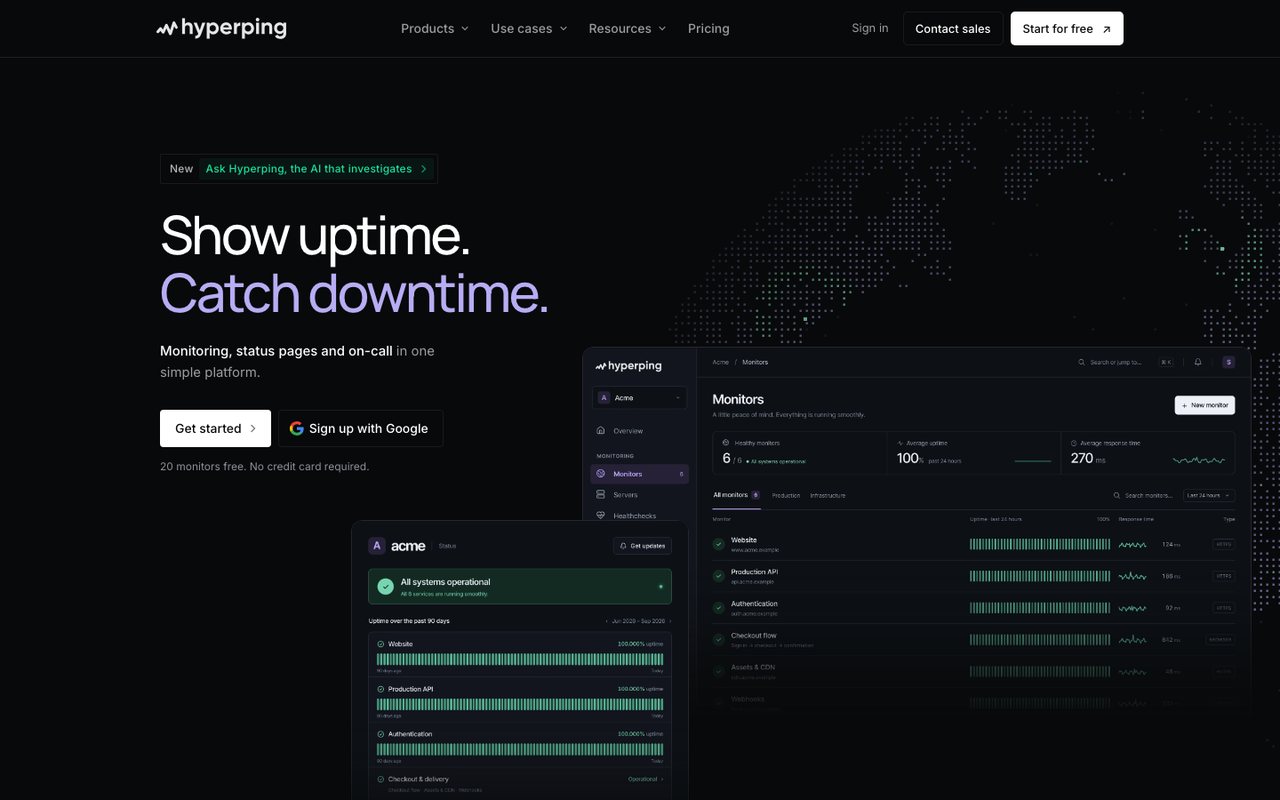
- What it is
- Uptime, cron, SSL and browser-check monitoring with status pages, on-call schedules and escalation in one product, run from France.
- Check types
- Website (HTTP), Keyword, Ping, Port, Cron jobs (heartbeat), API, DNS, SSL certificate, Domain expiry, Browser transactions, Server agent, Status pages, Logs
- Free plan
- 20 monitors, checks every 5 minutes
- Paid plans from
- $24.17 a month, billed yearly
- Fastest check
- 20 seconds
- Prices checked
- 8–12 Oct 2026
Hyperping covers uptime monitoring, incident management, status pages and logs, with weight on customization and integrations.
Main Features:
- Status pages: public and private, with a custom domain and branding, announcements, incidents and scheduled maintenance.
- Incident management: connects to monitoring tools, with your own incident states and severity levels, and public and private postmortems.
- Monitoring: websites, APIs, and IPv4 and IPv6 addresses, plus inbound webhook monitoring.
- On-call & alerts: phone, SMS and email, on-call escalation and rotation, and Slack/Teams integrations.
- Logs: log ingestion and search; in alpha at the last check.
Best Suited For:
Organizations that want to customize their monitoring and incident management and connect it to the rest of their stack.
Why is Hyperping better than Pingdom?
- A free plan with 20 monitors. Pingdom has no free plan.
- Checks every 30 seconds from the Essentials plan up. Pingdom's fastest uptime check runs once a minute.
- Heartbeat (cron) checks and domain expiry monitoring, which Pingdom's check list does not include.
- Primary customer data is stored in the EU, in Frankfurt. Pingdom's security page does not say where data is stored.
- Costs less: Essentials is $24.17 a month billed yearly for 50 monitors at a 30-second interval. Pingdom charges $71.50 a month billed yearly for 50 checks at a 1-minute interval.
How is Hyperping worse than Pingdom?
- No real user monitoring. Pingdom sells it as a separate subscription.
- Page speed monitoring is not listed on Hyperping's pricing page. Pingdom runs page speed checks every 30 minutes.
10. OneUptime
oneuptime.com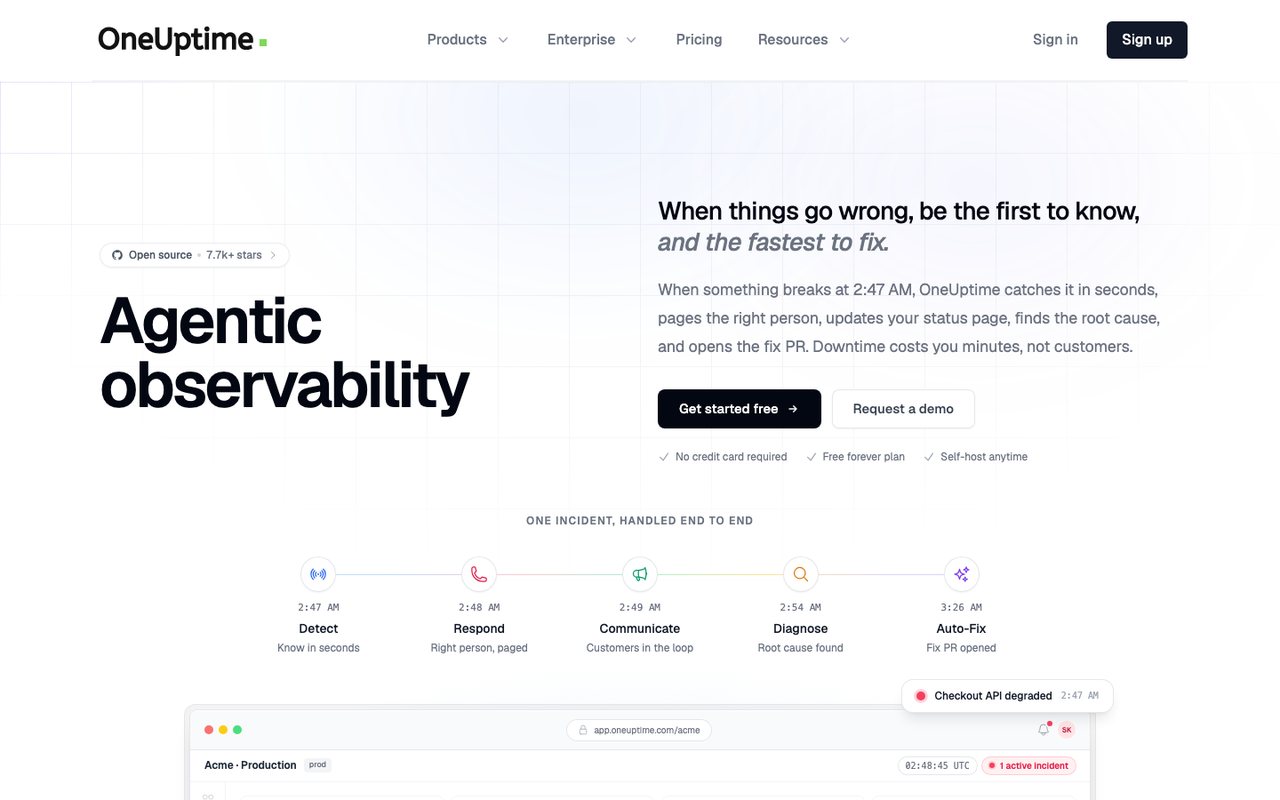
- What it is
- An open-source observability platform that bundles uptime and synthetic monitoring, status pages, incident management, on-call alerting, logs, metrics, traces and real-user monitoring, sold as SaaS or self-hosted.
- Check types
- Website (HTTP), Keyword, Ping, Port, Cron jobs (heartbeat), API, DNS, SSL certificate, Domain expiry, Browser transactions, Real user monitoring, Server agent, Third-party dependencies, Status pages, Logs, APM / tracing, Network devices
- Free plan
- $0 plan, active monitors $1 each a month
- Paid plans from
- $20 per user a month, billed yearly, plus $1 per active monitor
- Fastest check
- 1 minute
- Prices checked
- 8–12 Oct 2026
OneUptime brings uptime monitoring, incident management, status pages and logging into one product. Some teams use it to replace a separate status page tool, on-call tool and log tool.
Main Features:
- Status pages: unlimited public and private pages with a custom domain and branding.
- Incident management: your own incident states and severity levels, and 5000+ listed integrations, Slack among them.
- Monitoring: websites, APIs and networks, plus on-call duty and alerts by phone call, SMS and email, with escalation rules.
- Logs: collected through OpenTelemetry and Fluentd.
- APM: visibility across microservices, distributed tracing and deployment tracking.
Best Suited For:
Organizations that want monitoring and incident management in one customizable product, with many integrations.
Why is OneUptime better than Pingdom?
- Incident management, on-call alerting, logs, traces and APM in the same product. Log management and APM are not part of Pingdom's plans; SolarWinds sells them as separate products (Loggly, AppOptics).
- A free plan with unlimited manual monitors; active monitors cost $1 each a month. Pingdom has no free plan.
- The community edition is open source (Apache 2.0) and can be self-hosted for free.
- Heartbeat (cron) checks and server monitoring, which Pingdom's check list does not include.
How is OneUptime worse than Pingdom?
- Text alerts are billed per message ($0.10 per SMS). Every Pingdom plan includes a monthly text allowance.
- Paid plans are priced per user ($20 a month per user on Growth, billed yearly). Every Pingdom plan includes unlimited users.
11. RapidSpike
rapidspike.com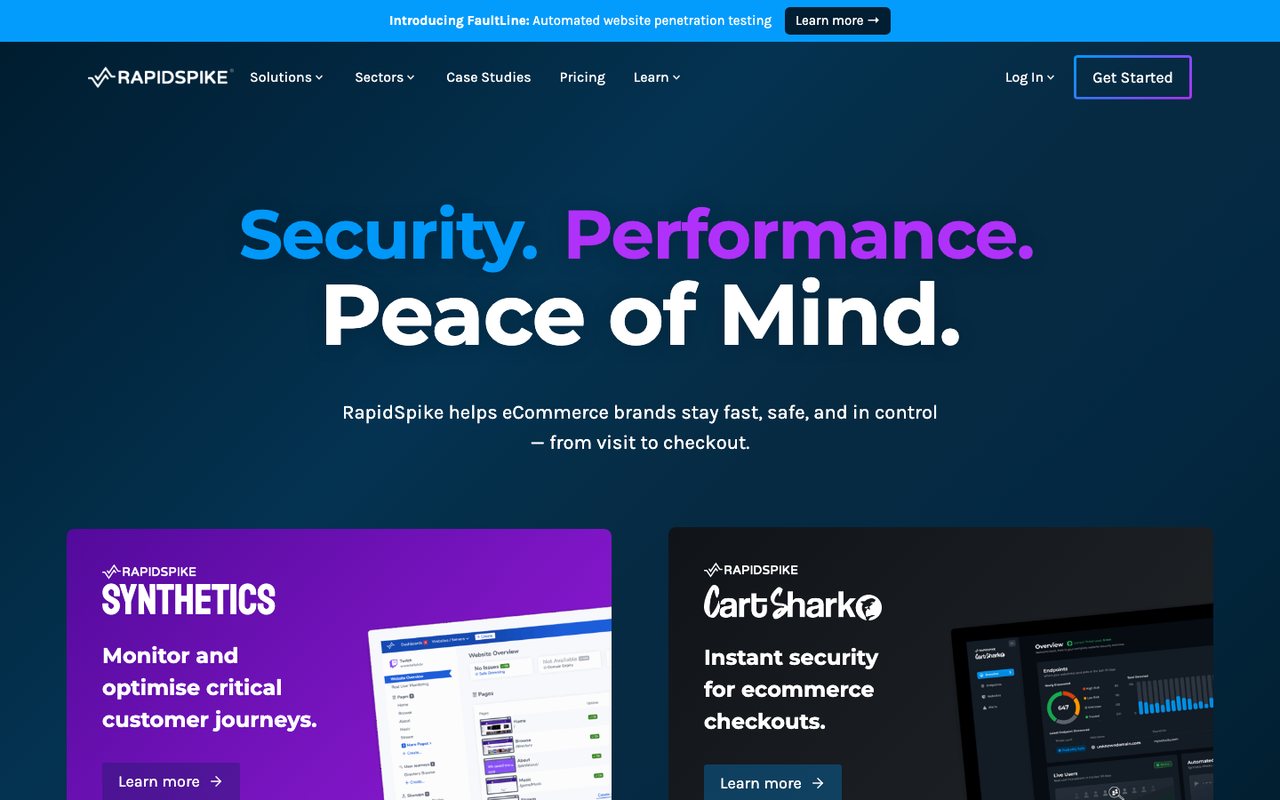
- What it is
- Synthetic user-journey, page-load, uptime and Magecart monitoring aimed at ecommerce and travel sites, sold after a demo; listed prices are billed annually, with monthly billing on request.
- Check types
- Website (HTTP), Keyword, Ping, Port, API, SSL certificate, Domain expiry, Browser transactions, Page speed, Real user monitoring, Status pages
- Free plan
- None
- Prices checked
- 8–12 Oct 2026
RapidSpike monitors website performance, security and reliability. Security, including protection against web skimming attacks, is the part most uptime tools leave out.
Main Features:
- Performance monitoring: user experience metrics, in-depth page analysis, and load speed for every step of the buying process.
- Security monitoring: tools to stop web skimming attacks, scan for common attack patterns and watch your security perimeter.
- Reliability monitoring: uptime, customer journey problems in real time, and hidden issues that can hurt the business and SEO.
- Synthetic monitoring: alerts for journey failures, load times and errors.
- Magecart attack detection: synthetic and real user attack detection, with help for legal compliance.
Best Suited For:
E-commerce sites, online service providers and any company that depends on its website to do business.
Why RapidSpike is Better Than Pingdom:
- Web-skimming (Magecart) detection, sold as CartShark, with support for the PCI DSS v4 script requirements. Pingdom's product pages list no security monitoring.
- Domain expiry monitoring, which Pingdom's check list does not include.
How RapidSpike is Worse Than Pingdom:
- It is sold after a demo, with no published trial of its Synthetics plans, and listed prices are billed annually, from £199 a month. Pingdom publishes monthly prices from $18 and has a 30-day free trial.
- Text and voice alerts need paid Alert Credit bundles on top of the plan. Every Pingdom plan includes a monthly text allowance.
12. Super Monitoring
supermonitoring.com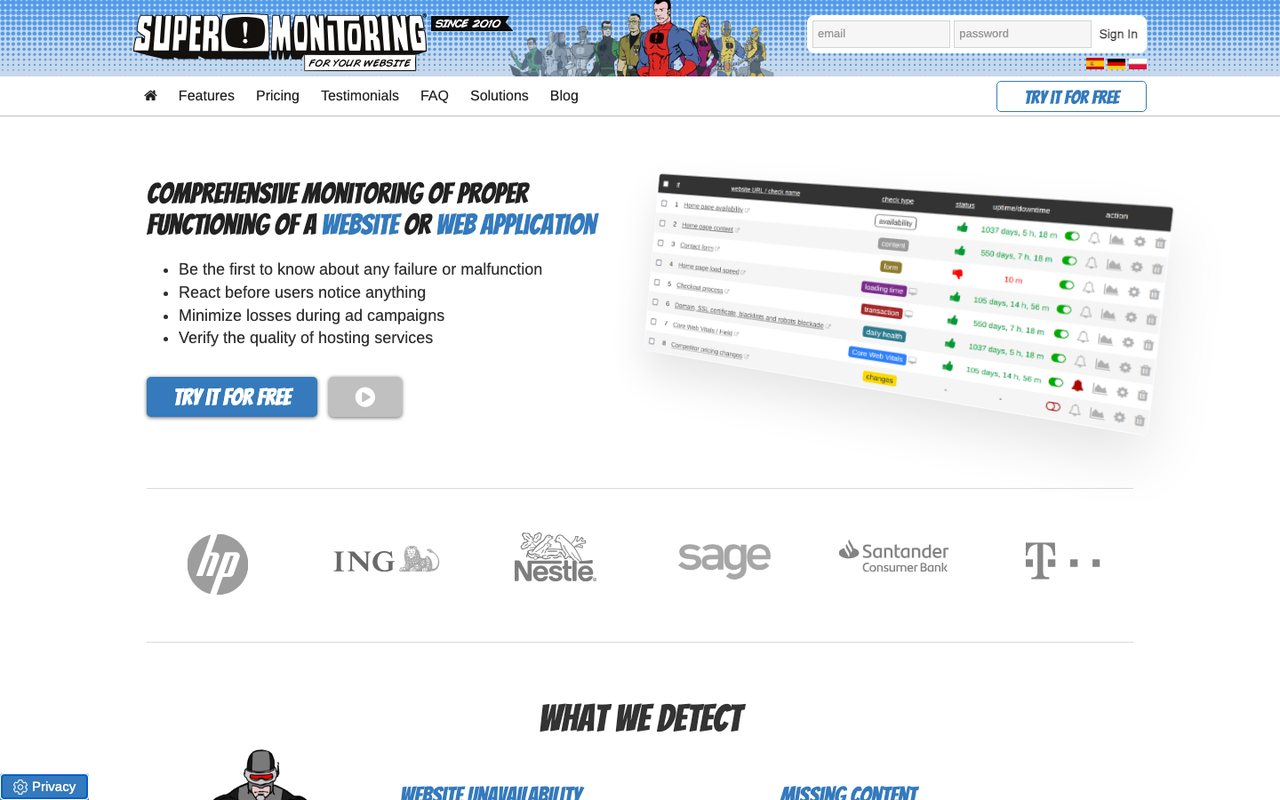
- What it is
- Website monitoring from a Polish company that checks uptime, page content, forms, load time, checkout flows, domain and SSL expiry, blacklists and Core Web Vitals.
- Check types
- Website (HTTP), Keyword, Ping, Port, SSL certificate, Domain expiry, Browser transactions, Page speed, Blacklist, Status pages
- Free plan
- None
- Paid plans from
- $4.92 a month, billed yearly
- Fastest check
- 1 minute
- Prices checked
- 8–12 Oct 2026
Super Monitoring checks website and server uptime, page load times, content and file integrity, and alerts by email, SMS, webhook or RSS feed.
Main Features:
- Website and server monitoring: whether web servers, databases and other services are up, and how fast they respond.
- Content and load time checks.
- Diagnostics: error reports, HTTP headers, screenshots and performance graphs.
- Public status pages.
- Form and process testing.
- Integrations, free site-analysis tools and an API.
Best Suited For:
Small and medium-sized businesses, webmasters and IT staff who look after several websites and servers.
Why Super Monitoring is better than Pingdom:
- Named checks for FTP, SSH, SIP and database servers. Pingdom reaches those servers only through its general TCP port check.
- Blacklist and domain expiry monitoring, which Pingdom's check list does not include.
- Keeps screenshots and HTML of failed checks for 12 months and HAR files for 6 months.
- Plugins for WordPress, Drupal, Joomla, Magento and PrestaShop.
How Super Monitoring is worse than Pingdom:
- No real user monitoring. Pingdom sells it as a separate subscription.
- Checks from 5 monitoring stations. Pingdom lists 100+ probe servers.
13. 360 Monitoring
360monitoring.com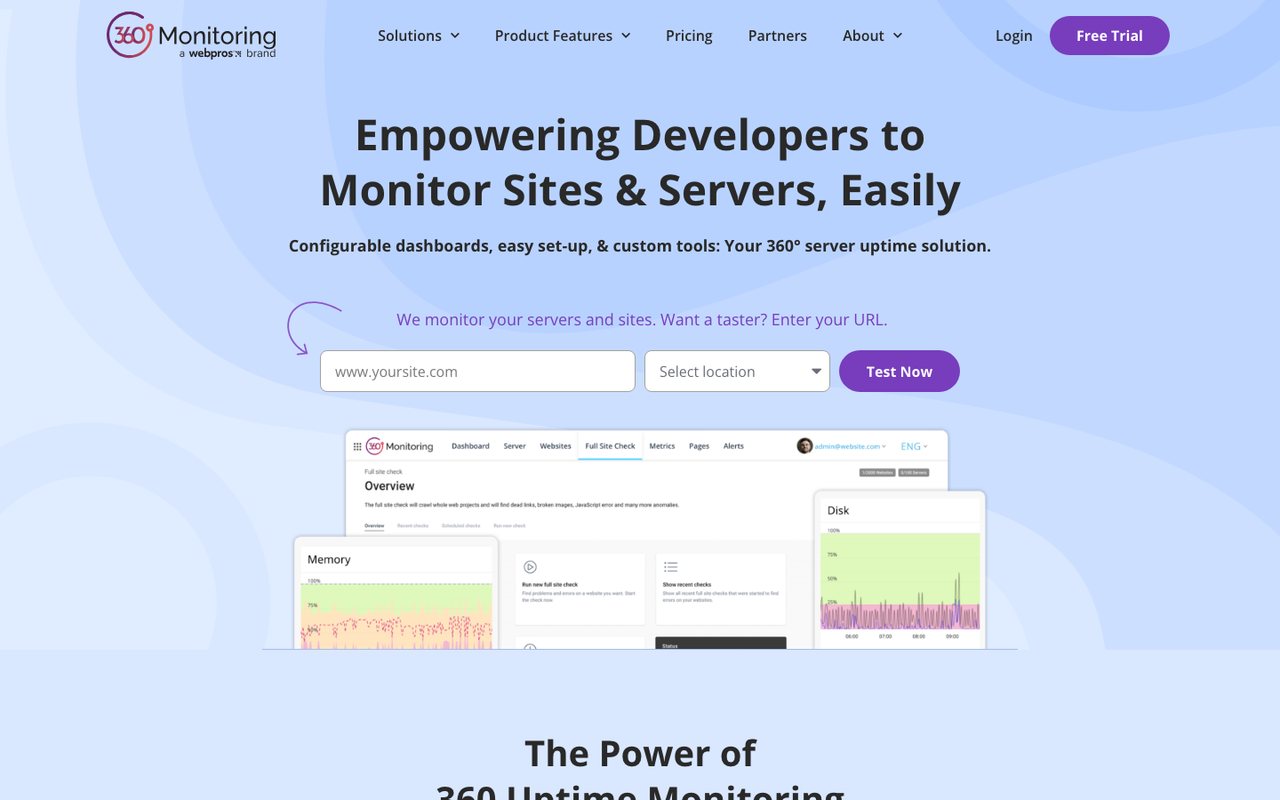
- What it is
- Website uptime and server monitoring from WebPros, with an open-source server agent, IP blocklist checks and a site crawler, built into the Plesk control panel.
- Check types
- Website (HTTP), Keyword, Ping, Port, SSL certificate, Server agent, Blacklist, Status pages
- Free plan
- 5 sites, 1 server, checks every 10 minutes
- Paid plans from
- $4.99 a month, billed monthly
- Fastest check
- 1 minute
- Prices checked
- 8–12 Oct 2026
360 Monitoring covers website and server monitoring and full site checks, with reporting and alerting. It is built for web professionals, agencies, hosting companies and infrastructure providers that watch many client sites from one account.
Main Features:
- Website monitoring: downtime, performance metrics such as Time to First Byte (TTFB), and SSL.
- Server monitoring: CPU, memory and disk, plus custom plugins.
- Blocklist monitoring: RBL monitoring and threat detection.
- Full Site Check: a crawler for errors, broken links and resource problems across a site. Recurring scheduled crawls come with Business and Enterprise; Pro runs crawls by hand, and Lite has no Full Site Check.
- Reporting and alerts: historical reports, data retention and configurable alerts.
Best Suited For:
Agencies and hosts that manage many client sites and need to report on them.
Why 360 Monitoring is better than Pingdom:
- Server monitoring through an open-source agent for Windows and Linux. Server monitoring is not part of Pingdom's plans; SolarWinds sells it as a separate product (AppOptics).
- A free Lite plan for 5 sites and 1 server at 10-minute checks. Pingdom has no free plan.
- Custom plugins on Pro and above, and ready integrations for web servers, databases and mail queues.
- Blocklist monitoring, which Pingdom's check list does not include.
How 360 Monitoring is worse than Pingdom:
- Its check types do not include browser transactions or real user monitoring. Pingdom has both.
- Billed monthly only, with no yearly plan. Pingdom gives a lower price for yearly billing.
14. Oh Dear
ohdear.app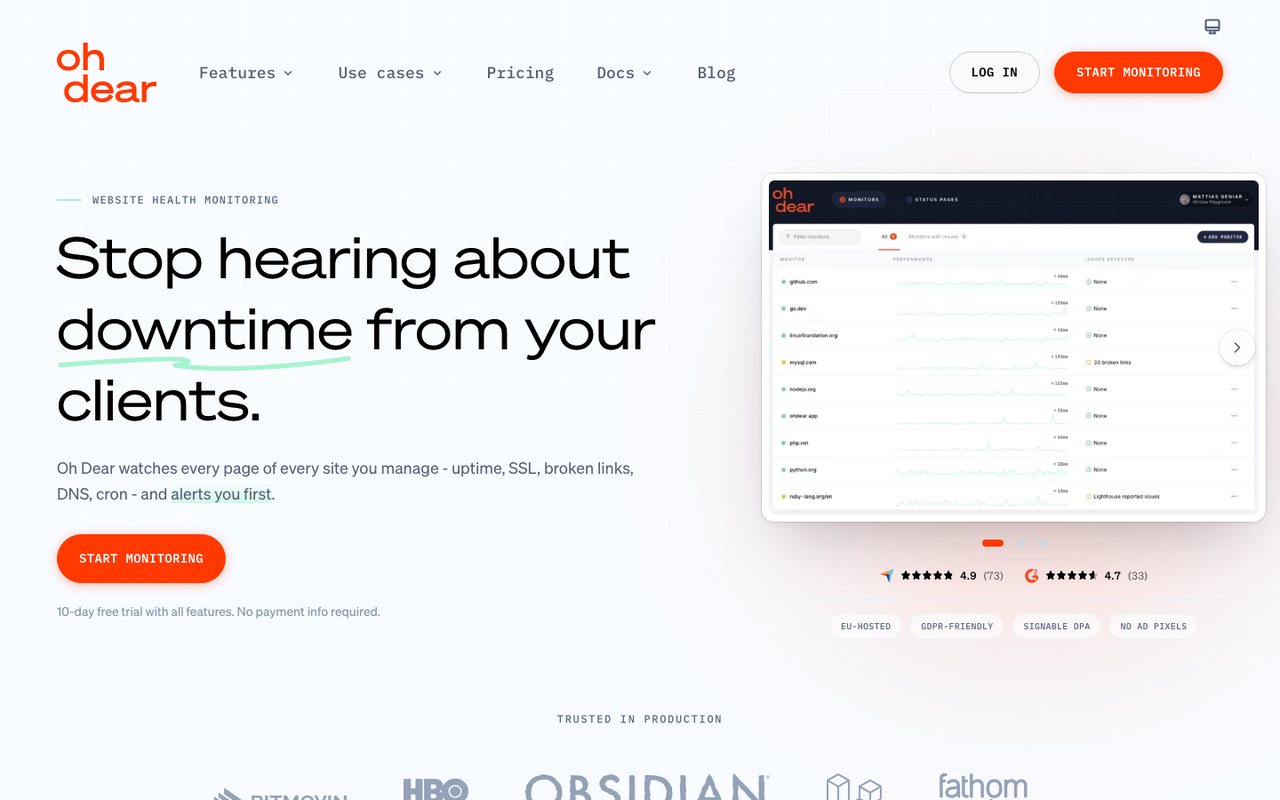
- What it is
- Website monitoring priced per site, bundling uptime, SSL, broken links, performance, DNS, cron checks and status pages on every plan, run from Belgium.
- Check types
- Website (HTTP), Keyword, Ping, Port, Cron jobs (heartbeat), API, DNS, SSL certificate, Domain expiry, Page speed, Blacklist, Status pages
- Free plan
- None
- Paid plans from
- $14.17 a month, billed yearly
- Fastest check
- 1 minute
- Prices checked
- 8–12 Oct 2026
Oh Dear monitors uptime, performance, SSL certificates and more, and sends detailed reports and instant alerts when something breaks.
Main Features:
- Global uptime monitoring: instant alerts that filter out noise, and a way to tell customers about problems.
- Performance monitoring: performance budgets and speed history.
- Application health and scheduled tasks: monitors specific endpoints and scheduled tasks.
- SEO and security: Lighthouse SEO, DNS record, domain and certificate monitoring.
- Public status pages.
Best Suited For:
Web developers, IT staff and businesses that want more than basic uptime checks in one tool.
Why Oh Dear is better than Pingdom:
- Scheduled task (cron) monitoring and domain expiry checks, which Pingdom's check list does not include, plus Lighthouse SEO checks and performance budgets.
- Unlimited status pages with a custom domain, in 25 languages. Pingdom allows one public status page per organization, and a custom domain cannot point to its HTTPS version.
- Alerts to email, Slack, Telegram, Discord, Microsoft Teams and other destinations, and by SMS through your own Vonage account.
How Oh Dear is worse than Pingdom:
- No browser transaction (synthetic) checks. Pingdom includes them on every plan.
- No real user monitoring. Pingdom sells it as a separate subscription.
- Text alerts need your own Vonage account. Every Pingdom plan includes a monthly text allowance.
15. StatusCake
statuscake.com
- What it is
- External monitoring for websites, APIs, SSL certificates, domains, page speed and servers, with status pages sold as a separate product.
- Check types
- Website (HTTP), Keyword, Ping, Port, Cron jobs (heartbeat), DNS, SSL certificate, Domain expiry, Page speed, Server agent, Blacklist
- Free plan
- 10 monitors, checks every 5 minutes
- Paid plans from
- €16.66 a month, billed yearly
- Fastest check
- 30 seconds
- Prices checked
- 8–12 Oct 2026
StatusCake covers uptime, server, domain, SSL and page speed monitoring. You set your own check rates, and its diagnostics help you find the cause once an alert comes in.
Main Features:
- Uptime monitoring: check rates down to 30 seconds on Business (1 minute on Superior), with constant monitoring as an option on enterprise plans.
- Page speed monitoring: load times and what to fix.
- Domain monitoring: alerts on domain problems and records the domain's key details.
- Server monitoring: alerts when server health looks wrong.
- SSL monitoring: warns before a certificate expires and scores the site's SSL security.
- Integrations: Slack, Microsoft Teams, OpsGenie and others.
Best Suited For:
Website owners, IT staff and businesses of any size; plans range from small projects to large companies.
Why StatusCake is better than Pingdom:
- The Business plan checks every 30 seconds. Pingdom's fastest uptime check runs once a minute.
- A free plan with 10 monitors at 5-minute checks. Pingdom has no free plan.
- Heartbeat, domain expiry, server and blacklist monitoring, which Pingdom's check list does not include.
How StatusCake is worse than Pingdom:
- No real user monitoring, and its login tests post form data to a URL instead of running a browser through the steps. Pingdom has real user monitoring and browser transaction checks.
- Status pages are a separate StatusCake product, not part of the monitoring plans. Pingdom includes a public status page in every plan.
Conclusion
List what you need first: check types, alert channels and how many users need access. Try your chosen alternative on a trial or free plan, confirm it works with the tools you already use, and move your critical checks over in stages.