Website monitoring checks that a site is up and loads fast, and that actions such as logins and payments still work. Better Stack bundles uptime checks with logs, on-call scheduling and incident management. Some teams want that bundle. Others need less of it, or a different mix.
Criteria for Evaluating Better Stack Alternatives
Compare Better Stack alternatives on six things:
- Monitoring capabilities: uptime, application performance and user experience. The more one tool covers, the fewer places you look when something breaks.
- Alerts: reach you the moment a check fails.
- Integrations: send alerts and data where your team already works.
- Interface: makes it quick to set up checks and see which one failed and why.
- Scalability: keeps up with more traffic, more sites and more complex checks.
- Customization: lets you decide what gets checked and when you hear about it.
Best Better Stack Alternatives in 2026
Uptimia wrote this page, and Uptimia is our product, so it is listed first. The other tools are not ranked: their order is not a verdict on which is better.
1. Uptimia
uptimia.com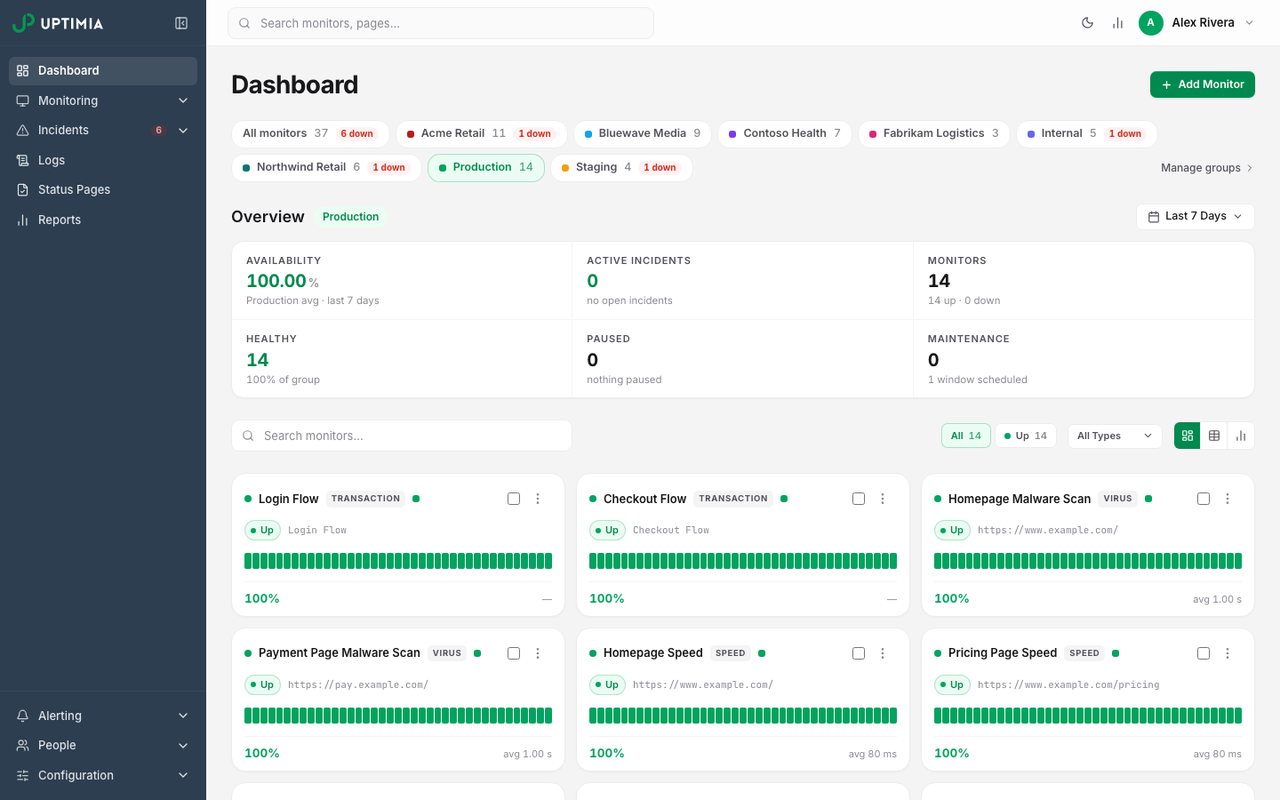
- What it is
- Website, transaction, page-speed, real-user and server monitoring in one plan, with data stored in the EU.
- Check types
- Website (HTTP), Keyword, Ping, Port, UDP, Cron jobs (heartbeat), API, Multi-step API, DNS, SSL certificate, Domain expiry, Browser transactions, Page speed, Real user monitoring, Server agent, Blacklist, Malware, Status pages
- Free plan
- 1 monitor, checks every 5 minutes
- Paid plans from
- $9 a month, billed yearly
- Fastest check
- 30 seconds
Uptimia is a website monitoring service for small sites, agencies and mid-sized teams. Uptime, speed, transaction, real-user, server and security checks share one dashboard. Alerts go by email, SMS, Slack, Telegram, Discord, WhatsApp and webhooks.
Main features:
- Uptime monitoring over HTTP, HTTPS, keyword, ping, TCP, UDP, DNS, SMTP, POP3 and IMAP, as often as every 30 seconds.
- Speed monitoring with alerts when a page loads too slowly.
- Multi-step transaction monitoring for logins, sign-ups and checkouts.
- Real user monitoring from your visitors' browsers.
- API, heartbeat (cron job), server and DNS monitoring.
- SSL certificate and domain expiration monitoring.
- Security and blacklist monitoring.
- Public status pages.
Best suited for:
Small and mid-sized teams that want uptime, performance and security checks in one plan price, without paying per person who gets alerts.
Why is Uptimia better than Better Stack?
- Pricing: Uptimia Basic costs $10 a month, or $9 a month billed yearly. Better Stack's paid plans start at $34 a month per responder licence ($29 billed yearly), with 10 monitors included and more sold in packs of 50.
- Team seats: Uptimia Professional ($45 a month, or $39 billed yearly) lets the account owner and 10 team members log in, with 100 uptime monitors. Better Stack bills every responder who receives uptime alerts as a separate licence.
- Malware and blacklist monitoring: Uptimia checks your site for malware and warns you when your domain or server IP lands on a spam blocklist. Better Stack's pricing page and docs list neither (checked 12 Oct 2026).
How is Uptimia worse than Better Stack?
- Better Stack's free plan is larger: 10 monitors checked every 3 minutes, 10 heartbeats and a status page. Uptimia's free plan has 1 uptime monitor checked every 5 minutes.
- Better Stack bundles logs, metrics, tracing, error tracking, on-call and incident management with uptime checks. Uptimia does not offer log management or APM.
- Each Better Stack responder licence includes unlimited SMS and phone-call alerts. Uptimia paid plans include a monthly SMS allowance.
- Better Stack offers a Terraform provider and iOS and Android apps.
2. Site24x7
site24x7.com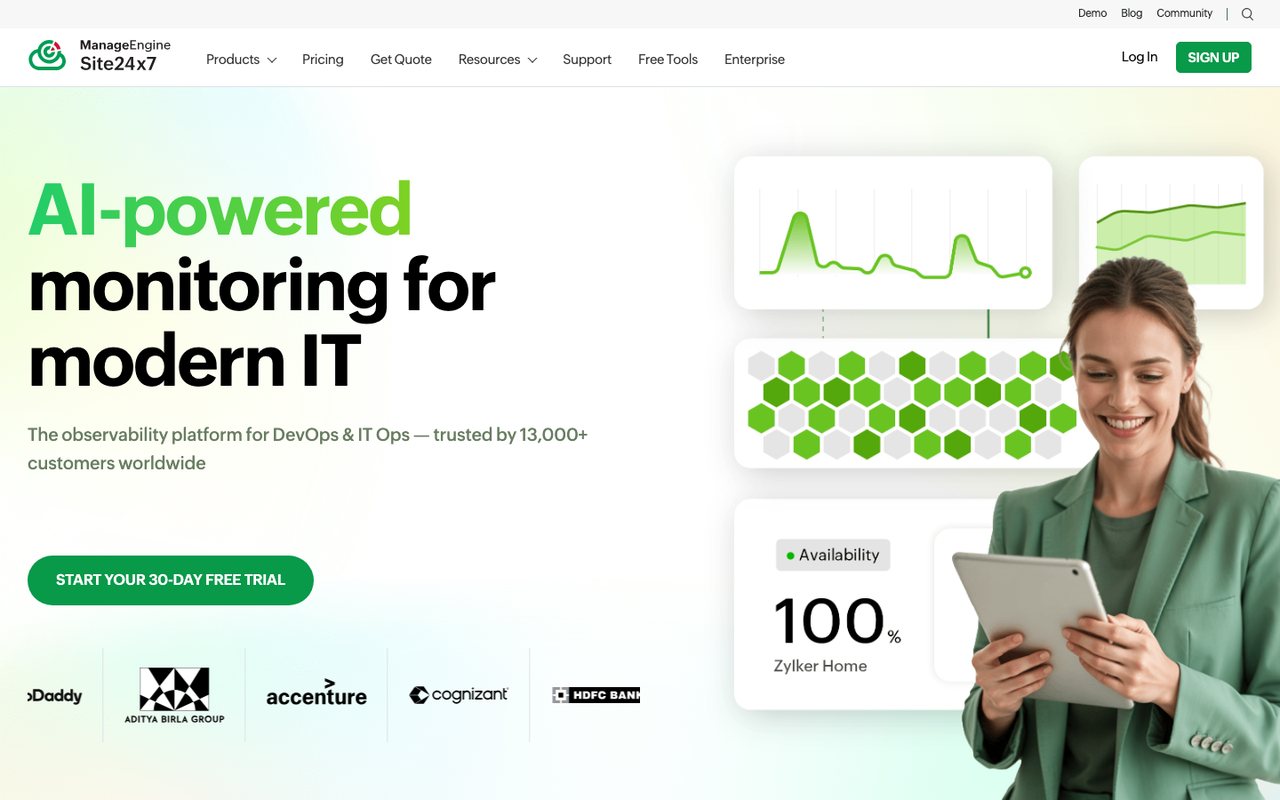
- What it is
- Website, synthetic, real-user, server, cloud and network monitoring from Zoho's ManageEngine division, with hosted status pages.
- Check types
- Website (HTTP), Keyword, Ping, Port, UDP, Cron jobs (heartbeat), API, Multi-step API, DNS, SSL certificate, Domain expiry, Browser transactions, Page speed, Real user monitoring, Server agent, Blacklist, Malware, Status pages, Logs, APM / tracing, Network devices
- Free plan
- 50 monitors (another Site24x7 page says 5)
- Paid plans from
- $9 a month, billed yearly
- Fastest check
- 10 seconds
- Prices checked
- 8–12 Oct 2026
Site24x7 monitors websites, servers, cloud services, networks and application performance from one account.
Main features:
- Global locations: checks from more than 130 locations.
- Real user monitoring: performance data from real visitors in different regions.
- Cloud and infrastructure: AWS, Azure and GCP services, plus your own IT infrastructure.
- Log management: collects and analyzes logs so you can trace a problem back to its cause.
- APM: performance across multiple applications and platforms.
Best suited for:
Companies operating in several countries that want websites, servers, cloud and applications monitored and alerted on from one screen.
Why is Site24x7 better than Better Stack?
- Checks run from more than 130 locations. Better Stack's monitor settings offer 4 regions: the US, Europe, Asia and Australia.
- Includes blacklist and malware checks, which Better Stack's pricing page and docs do not list (checked 12 Oct 2026).
- Paid plans start with a 30-day free trial that needs no card. Better Stack has no free trial of paid features; it offers a 60-day money-back guarantee instead.
How is Site24x7 worse than Better Stack?
- Better Stack's free plan alerts through Slack and email. Site24x7's free plan alerts by email only.
- Better Stack's responder licence includes unlimited text and phone-call alerts, and on-call schedules, escalations and call routing are built in.
3. StatusCake
statuscake.com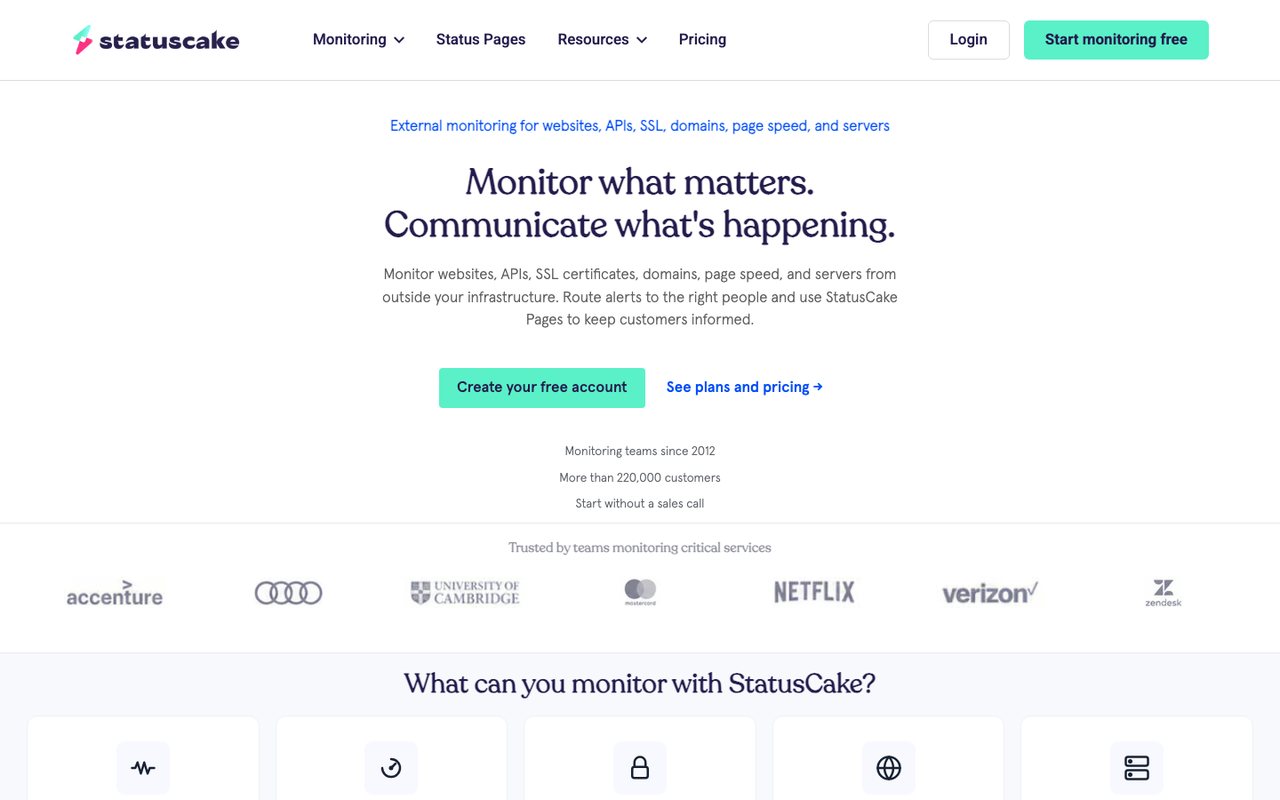
- What it is
- External monitoring for websites, APIs, SSL certificates, domains, page speed and servers, with status pages sold as a separate product.
- Check types
- Website (HTTP), Keyword, Ping, Port, Cron jobs (heartbeat), DNS, SSL certificate, Domain expiry, Page speed, Server agent, Blacklist
- Free plan
- 10 monitors, checks every 5 minutes
- Paid plans from
- €16.66 a month, billed yearly
- Fastest check
- 30 seconds
- Prices checked
- 8–12 Oct 2026
StatusCake monitors websites, domains, servers and SSL certificates, with live alerts and diagnostics.
Main features:
- Uptime monitoring: checks as often as every 30 seconds on Business. Constant checking is sold only on custom Enterprise plans.
- Page speed monitoring: load times, with reports on where the user experience suffers.
- Domain monitoring: domain health alerts, including an expiry warning.
- Server monitoring: alerts when server health looks wrong.
- SSL monitoring: certificate status, renewal warnings and a score for the setup.
- Integrations: Datadog, Slack, Microsoft Teams and others.
Best suited for:
Anyone from a single site owner to a business that wants detailed monitoring without a steep learning curve. Plans run from free basic monitoring to business-level tooling.
Why is StatusCake better than Better Stack?
- Business includes 10 logins and 400 texts a month in one plan price. Better Stack charges for each responder who receives uptime alerts.
- Scheduled page speed tests come with the plans: 15 on Superior, 30 on Business.
- Includes blacklist checks, which Better Stack's pricing page and docs do not list (checked 12 Oct 2026).
- The 7-day free trial needs no card. Better Stack has no free trial of paid features.
How is StatusCake worse than Better Stack?
- Better Stack sells log management, tracing and real-user monitoring next to its uptime checks. StatusCake lists none of the three.
- Better Stack has on-call schedules and escalation policies built in. StatusCake lists no built-in escalation; it hands that to OpsGenie or PagerDuty.
- Better Stack includes one status page in every account. StatusCake sells status pages as a separate product, from €11.63 a month billed yearly.
4. Pingdom
pingdom.com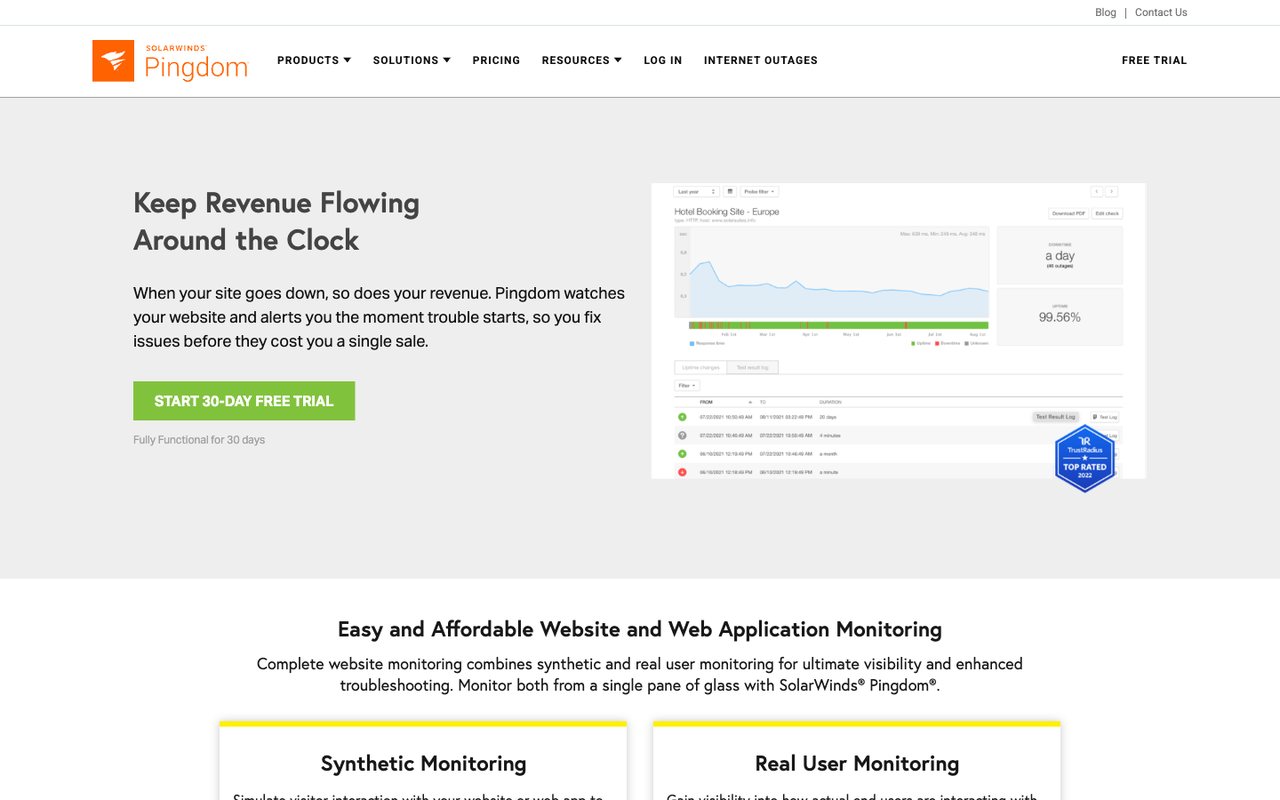
- What it is
- SolarWinds' website monitoring service, with uptime, page speed and browser transaction checks plus real-user monitoring sold separately.
- Check types
- Website (HTTP), Keyword, Ping, Port, UDP, DNS, SSL certificate, Browser transactions, Page speed, Real user monitoring, Status pages
- Free plan
- None
- Paid plans from
- $16.50 a month, billed yearly
- Fastest check
- 1 minute
- Prices checked
- 8–12 Oct 2026
Pingdom measures website performance two ways: synthetic checks that simulate what users do, and real user monitoring of actual visits.
Main features:
- Synthetic monitoring: uptime, transaction and page speed checks.
- Real user monitoring: page load times and the experience real visitors get.
Best suited for:
Site administrators, developers and IT specialists focused on page performance and how visitors use the site.
Why is Pingdom better than Better Stack?
- The pricing page lists unlimited users on every plan. Better Stack charges for each responder who receives uptime alerts, so Pingdom can cost less for a small paid setup or when several people need alerts. With one responder and many monitors, Better Stack usually works out cheaper, and Pingdom has no free plan.
- Runs scheduled page speed checks every 30 minutes, from 100+ probe servers.
How is Pingdom worse than Better Stack?
- Better Stack runs heartbeat checks for cron jobs and domain-expiry checks. Pingdom has neither.
- Better Stack has on-call schedules, escalations and call routing built in. Pingdom sends alerts to email, text, webhooks, Slack, PagerDuty and Opsgenie.
- Better Stack sells log management and error tracking in the same product. Pingdom's checks do not include either.
- Better Stack has iOS and Android apps. Pingdom retired its mobile apps in 2021.
5. Uptrends
uptrends.com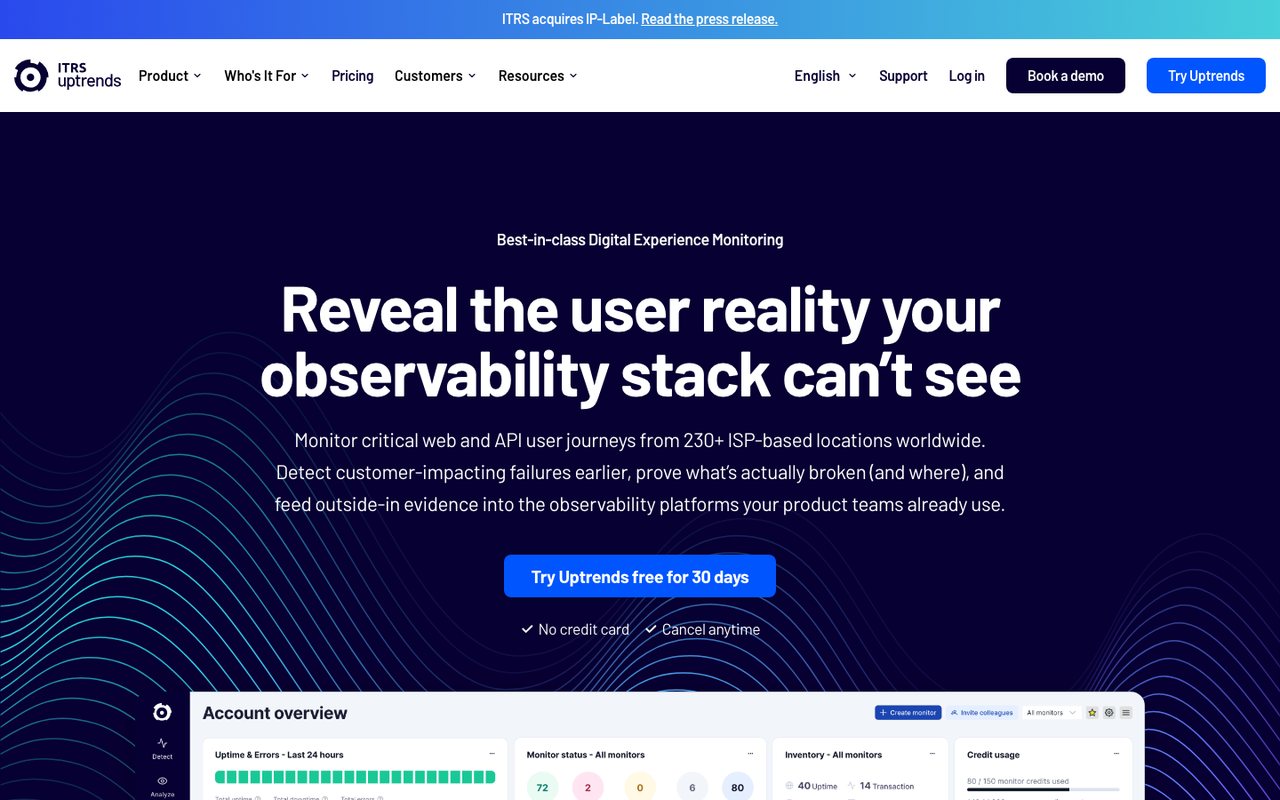
- What it is
- Synthetic monitoring for websites, APIs and multi-step browser transactions, with real-user monitoring as an add-on and public status pages.
- Check types
- Website (HTTP), Keyword, Ping, Port, DNS, SSL certificate, API, Multi-step API, Browser transactions, Page speed, Real user monitoring, Status pages
- Free plan
- None
- Paid plans from
- $42 a month, billed yearly
- Fastest check
- 30 seconds
- Prices checked
- 8–12 Oct 2026
Uptrends monitors websites and APIs from locations around the world, combining synthetic checks with real user data.
Main features:
- Synthetic & API monitoring: tests site and API functions from 230+ locations.
- Real user monitoring: an add-on that collects speed and performance data from real visitors.
- Infrastructure monitoring: Uptrends Infra, a separate product, watches servers and network devices through an agent.
- Integrations: alerts to Slack, Microsoft Teams and other platforms.
Best suited for:
Organizations that run several websites, applications or APIs and want them faster, with their IT infrastructure watched too.
Why is Uptrends better than Better Stack?
- Runs checks from 230+ checkpoints on Pro. Better Stack's monitor settings offer 4 regions.
- Multi-step API checks are built in on Pro. On Better Stack, chained API calls are written as code in a Playwright script.
- The 30-day free trial gives Enterprise features and needs no card. Better Stack has no free trial of paid features.
- Core includes 10 users and 240 text credits in its price.
How is Uptrends worse than Better Stack?
- Uptrends has no free plan, and Core starts at $42 a month billed yearly. Better Stack has a free plan, and a responder licence costs $29 a month billed yearly.
- Better Stack sells log management, error tracking and on-call scheduling in the same account as its uptime checks.
6. Uptime.com
uptime.com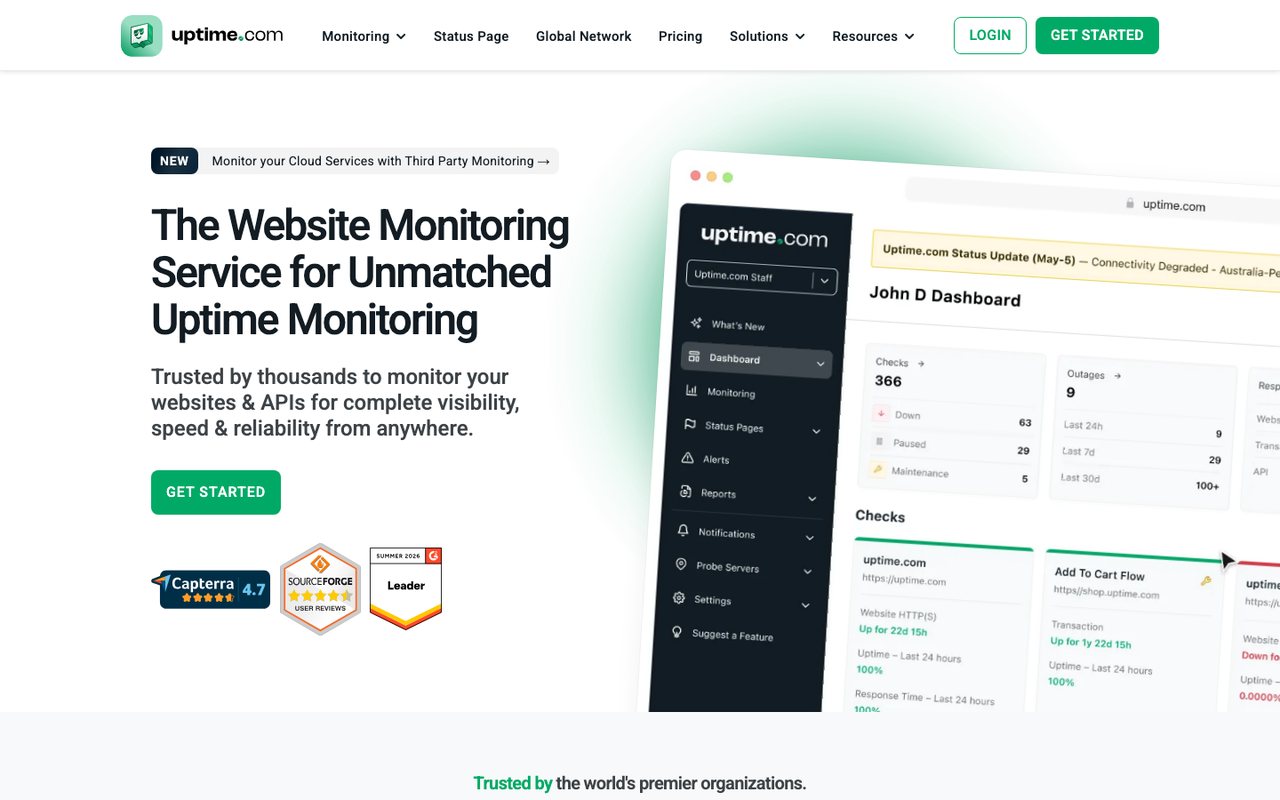
- What it is
- Website, API, transaction and third-party service monitoring with SLA reporting, plus status pages and real-user monitoring sold as add-ons.
- Check types
- Website (HTTP), Keyword, Ping, Port, UDP, Cron jobs (heartbeat), API, Multi-step API, DNS, SSL certificate, Domain expiry, Browser transactions, Page speed, Real user monitoring, Blacklist, Malware, Third-party dependencies, Status pages
- Free plan
- None
- Paid plans from
- $7 a month, billed yearly
- Fastest check
- 1 minute
- Prices checked
- 8–12 Oct 2026
Uptime.com combines uptime checks with real user monitoring and synthetic transaction monitoring, which tests a login or a purchase the way a visitor would.
Main features:
- Synthetic transaction monitoring: tests logins, transactions and other site functions.
- API monitoring: checks public and private API endpoints.
- Real user monitoring: data from real visits shows where performance needs work.
- Status page: the live state of your systems and any incidents.
- Performance metrics: reports on website and API performance.
Best suited for:
Companies that need a fast, available site and informed customers, especially teams that test user journeys and study real user data.
Why is Uptime.com better than Better Stack?
- Includes blacklist and malware checks and monitoring of third-party services, none of which Better Stack's pricing page or docs list (checked 12 Oct 2026).
- Can run checks from private locations inside your own network.
- Keeps 24 months of check history and builds SLA reports from it.
- Its first tier costs $7 a month billed yearly and is priced by checks, not by the people who receive alerts.
How is Uptime.com worse than Better Stack?
- Uptime.com has no free plan. Better Stack's free plan covers 10 monitors.
- Status pages and real-user monitoring are add-ons on Uptime.com, from $13 and $7 a month. Better Stack includes one status page in every account.
- Better Stack sells log management, tracing and error tracking alongside its uptime checks.
7. Cronitor
cronitor.io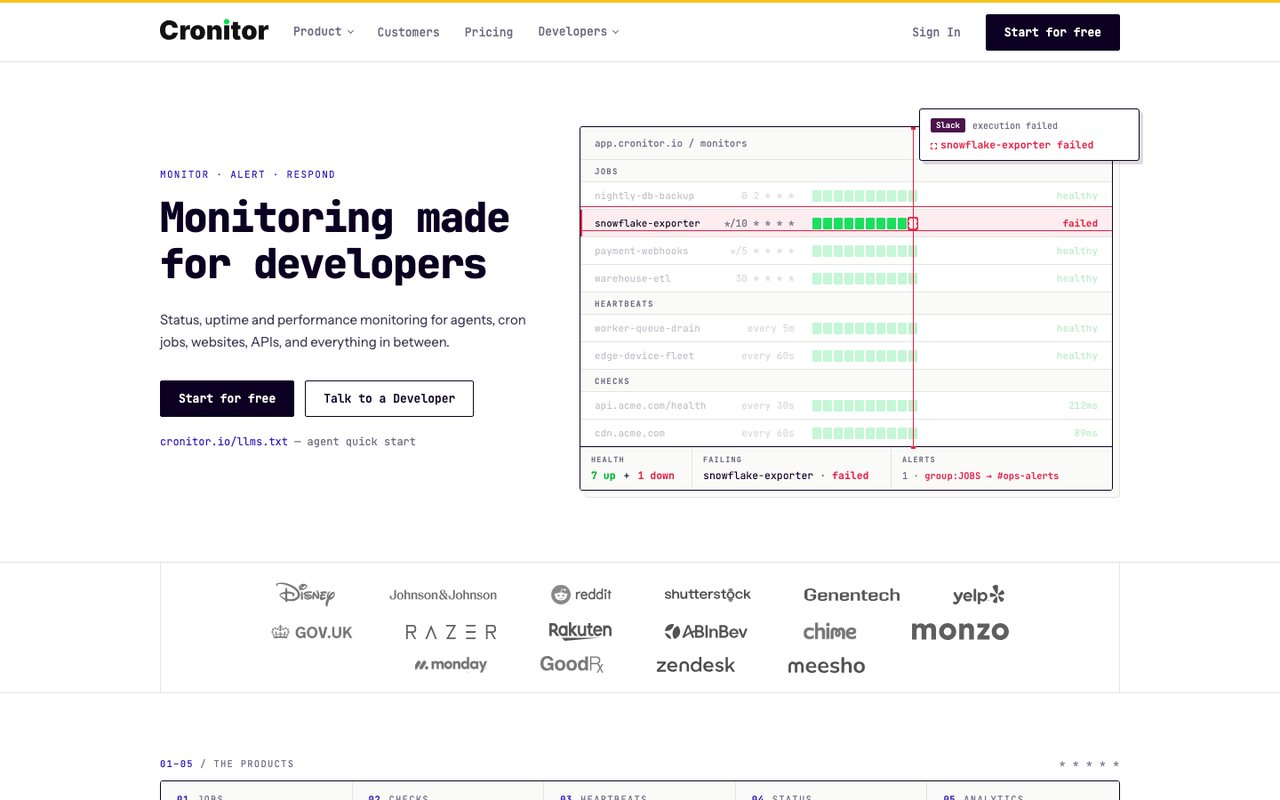
- What it is
- Monitoring for cron jobs, background workers, heartbeats, websites and APIs, with real-user monitoring and status pages.
- Check types
- Website (HTTP), Keyword, API, Port, UDP, Cron jobs (heartbeat), SSL certificate, Real user monitoring, Status pages
- Free plan
- 5 monitors, checks every 5 minutes
- Fastest check
- 30 seconds
- Prices checked
- 8–12 Oct 2026
Cronitor is built around cron jobs, background workers and other scheduled tasks, and also watches websites and other services. It is quick to set up.
Main features:
- Cron job monitoring: captures job output, alerts on slow jobs and shows performance over time, with custom notifications.
- Uptime monitoring: websites, APIs and servers, including tests in a real Chrome browser and custom checks.
- Heartbeat monitoring: anything that should happen on schedule, from email campaigns to user activity.
- Status pages: reliability and incident updates for your users.
- Real user monitoring: traffic, user experience and performance, with alerts and email reports.
- Integrations: Slack, Telegram, Microsoft Teams and others.
Best suited for:
Small and medium businesses, developers and IT professionals who want low-cost monitoring with quick setup and the core checks, rather than a long feature list.
Why is Cronitor better than Better Stack?
- Priced at $2/month per monitor plus $5/month per user, with no base fee.
- Checks run from 11 regions, and a failure is confirmed from a second region before you are alerted.
- Status pages support custom domains, password protection and IP allow lists. On Better Stack, password protection is a paid add-on for each page.
- Business starts with a 14-day free trial. Better Stack has no free trial of paid features.
How is Cronitor worse than Better Stack?
- Cronitor's free Hacker plan has 5 monitors. Better Stack's free plan has 10 monitors and 10 heartbeats.
- Cronitor does not list ping or DNS checks. Better Stack runs both.
- Better Stack sells log management, tracing and on-call scheduling in the same product.
8. Dotcom-Monitor
dotcom-monitor.com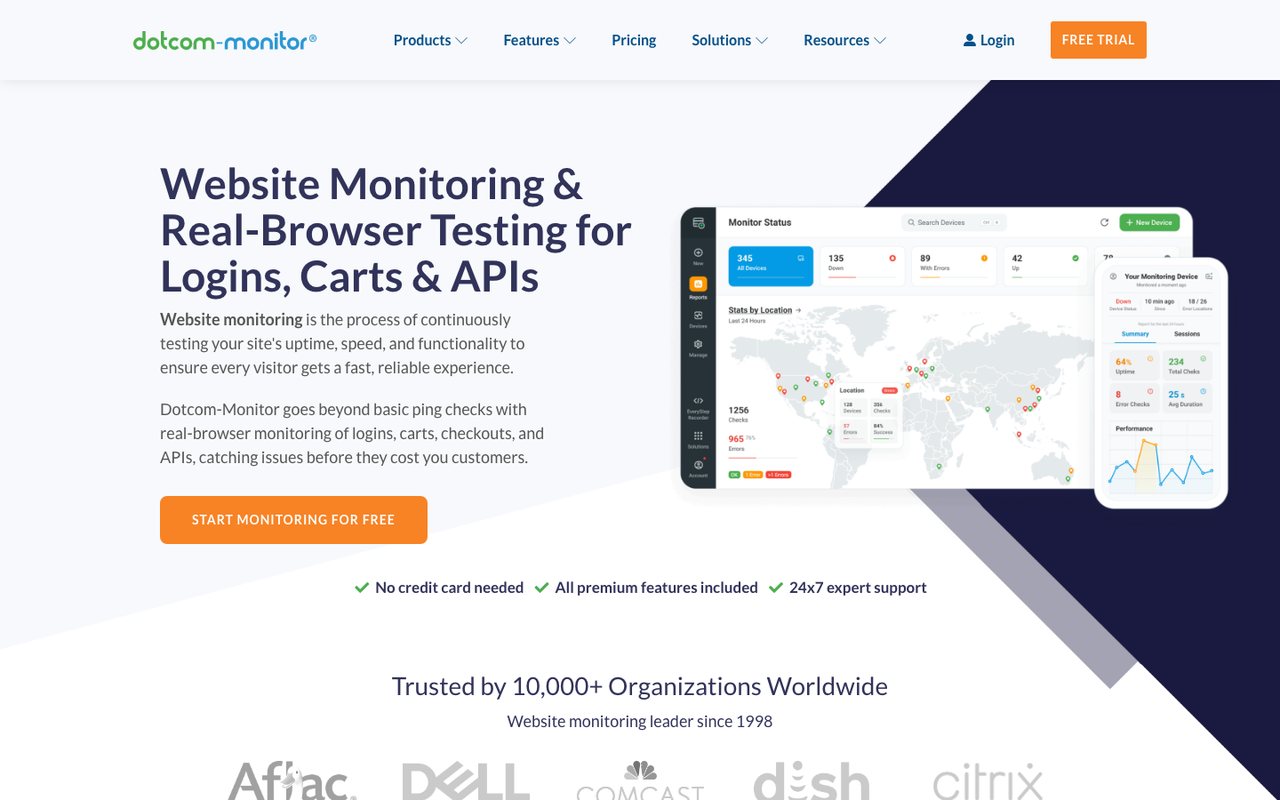
- What it is
- Synthetic monitoring for websites, APIs, multi-step web transactions and network protocols, priced per platform by number of targets and check frequency.
- Check types
- Website (HTTP), Keyword, Ping, Port, UDP, Cron jobs (heartbeat), API, Multi-step API, DNS, SSL certificate, Browser transactions, Page speed, Server agent, Blacklist, Network devices
- Free plan
- 25 monitors, checks every 5 minutes
- Fastest check
- 1 minute
- Prices checked
- 8–12 Oct 2026
Dotcom-Monitor monitors web applications and services and alerts you when performance or availability drops.
Main features:
- Web application monitoring: detailed analysis, failure alerts and testing in real browsers.
- Web service monitoring: web APIs, SSL certificates and WebSocket connections.
- Web page monitoring: loads pages in real browsers to measure performance and user experience.
- Server and network monitoring: DNS, FTP and mail server protocols, plus CPU, memory and custom counters from servers.
Best suited for:
Businesses that depend on web applications, especially IT teams and web developers who want detailed performance and reliability data.
Why is Dotcom-Monitor better than Better Stack?
- The EveryStep Web Recorder records a browser journey as you click through it. Better Stack's transaction checks are Playwright scripts.
- The subscription lists 25 check locations. Better Stack's monitor settings offer 4 regions.
- The free plan covers 25 monitors, against Better Stack's 10.
- Includes blacklist checks, which Better Stack's pricing page and docs do not list (checked 12 Oct 2026).
- The 30-day trial needs no card.
How is Dotcom-Monitor worse than Better Stack?
- Text messages and phone calls cost $0.15 each on top of the plan. Better Stack's responder licence includes unlimited texts and calls.
- Each Dotcom-Monitor platform (web pages and APIs, network protocols, real-browser pages, transactions, server metrics) is priced on its own, so a mixed setup is built from several price lists.
- Better Stack sells log management, error tracking and on-call scheduling in the same product.
9. Hyperping
hyperping.com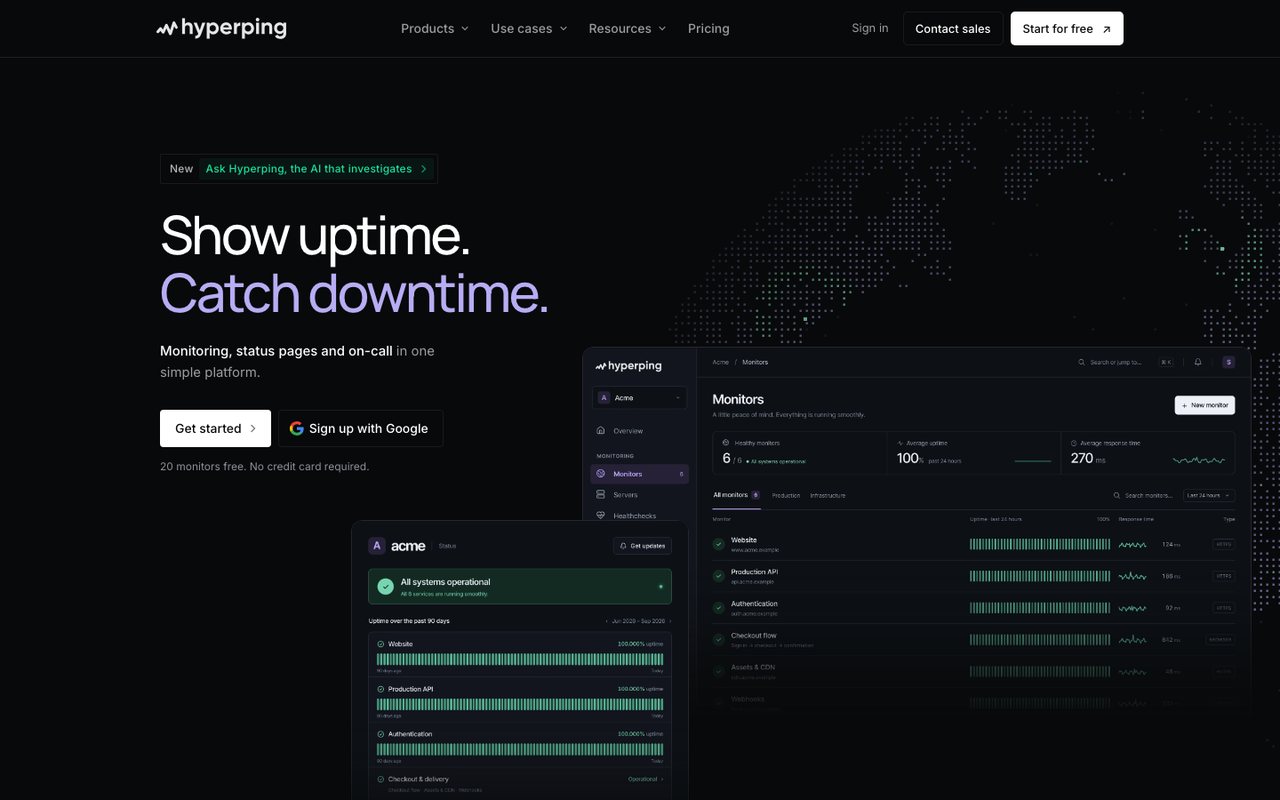
- What it is
- Uptime, cron, SSL and browser-check monitoring with status pages, on-call schedules and escalation in one product, run from France.
- Check types
- Website (HTTP), Keyword, Ping, Port, Cron jobs (heartbeat), API, DNS, SSL certificate, Domain expiry, Browser transactions, Server agent, Status pages, Logs
- Free plan
- 20 monitors, checks every 5 minutes
- Paid plans from
- $24.17 a month, billed yearly
- Fastest check
- 20 seconds
- Prices checked
- 8–12 Oct 2026
Hyperping pairs monitoring with status pages, so users know what is happening when your site goes down. It is known for its status pages, real-browser checks and scheduled task monitoring.
Main features:
- Status pages: customizable, multi-language, with incident and maintenance notices.
- Synthetic monitoring: Chrome browser checks from locations around the world, with detailed run logs.
- Cron job monitoring: scheduled tasks, with integrations for your team's tools.
- Enterprise features: SSL monitoring, end-to-end testing, GDPR compliance and single sign-on.
Best suited for:
Startups and small and medium businesses that want cheap, easy monitoring and quick status updates for their users.
Why is Hyperping better than Better Stack?
- Essentials costs $29 a month for 3 logins, so for a small team it can cost less than a Better Stack responder licence per person.
- The free plan has 20 monitors, against Better Stack's 10.
- Checks run from 18 regions. Better Stack's monitor settings offer 4.
- The 14-day trial needs no card. Better Stack has no free trial of paid features.
How is Hyperping worse than Better Stack?
- Hyperping's log management is still in alpha, with up to 30 days of search. Better Stack's logs and observability go further, adding tracing and error tracking.
- Better Stack sells real-user monitoring. Hyperping does not.
- Better Stack says it is SOC 2 Type 2 compliant. Hyperping holds no SOC 2 or ISO 27001 certification of its own and relies on its hosting providers' certificates.
10. OneUptime
oneuptime.com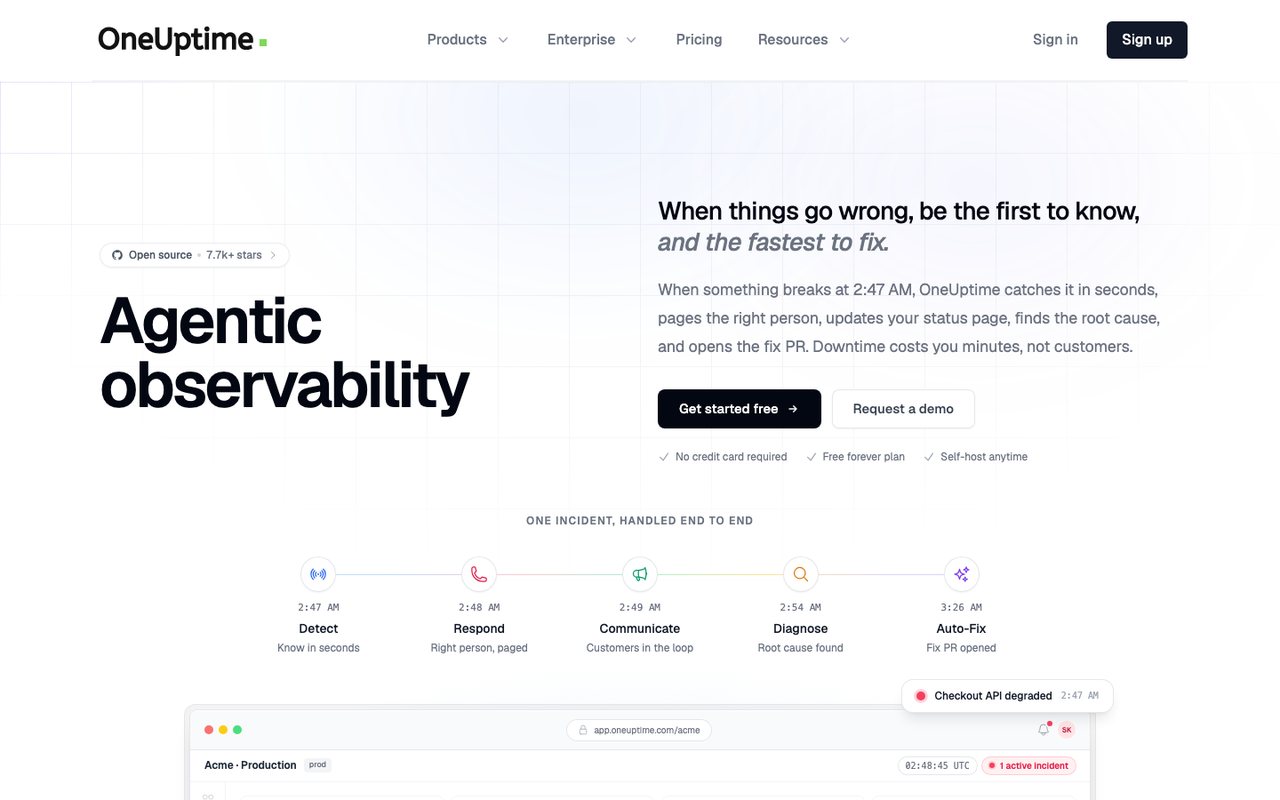
- What it is
- An open-source observability platform that bundles uptime and synthetic monitoring, status pages, incident management, on-call alerting, logs, metrics, traces and real-user monitoring, sold as SaaS or self-hosted.
- Check types
- Website (HTTP), Keyword, Ping, Port, Cron jobs (heartbeat), API, DNS, SSL certificate, Domain expiry, Browser transactions, Real user monitoring, Server agent, Third-party dependencies, Status pages, Logs, APM / tracing, Network devices
- Free plan
- $0 plan, active monitors $1 each a month
- Paid plans from
- $20 per user a month, billed yearly, plus $1 per active monitor
- Fastest check
- 1 minute
- Prices checked
- 8–12 Oct 2026
OneUptime is one platform for monitoring, status pages, incident management, on-call, logs and APM.
Main features:
- Status pages: unlimited on Growth and higher plans; the Free plan has one.
- Incident management: incident analysis and communication.
- Monitoring: websites, APIs and network services.
- On-call & alerts: alerts through several channels and on-call scheduling.
- Log management: logs from many sources.
- APM: detailed application performance for troubleshooting.
Best suited for:
Businesses of any size that want monitoring and incident handling in one platform instead of several tools.
Why is OneUptime better than Better Stack?
- Growth costs $20 per user a month billed yearly, plus $1 a month for each active monitor, which can come in under Better Stack for a team with few monitors.
- Growth includes unlimited status pages. Better Stack includes one and charges for each extra page.
- The Community Edition is open source under the Apache 2.0 licence and free to run on your own server.
- Hosted data can stay in the US or the EU, or on your own server.
How is OneUptime worse than Better Stack?
- Texts cost $0.10 each and phone calls are billed by the minute, unless you connect your own Twilio account. Better Stack's responder licence includes unlimited texts and calls.
- Better Stack's free plan includes 10 monitors at no charge. On OneUptime's free plan, each active monitor costs $1 a month.
11. RapidSpike
rapidspike.com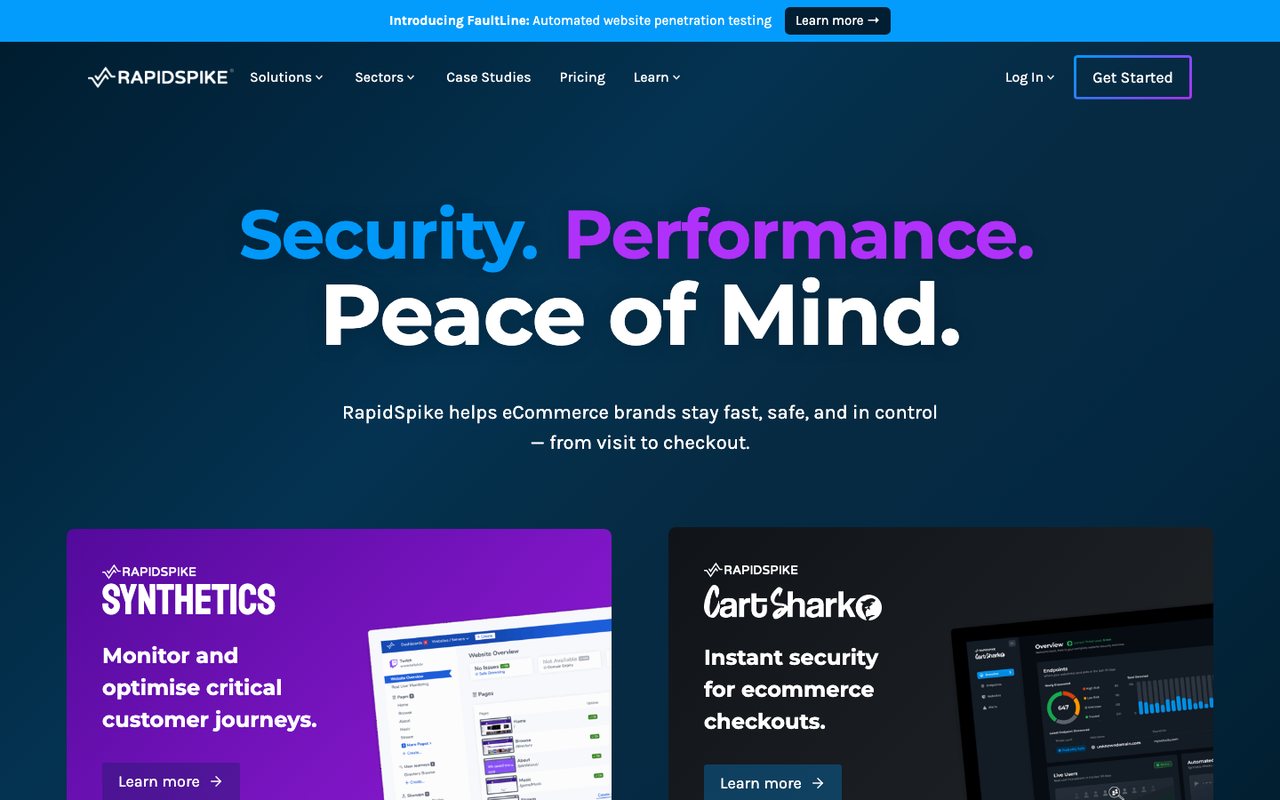
- What it is
- Synthetic user-journey, page-load, uptime and Magecart monitoring aimed at ecommerce and travel sites, sold after a demo; listed prices are billed annually, with monthly billing on request.
- Check types
- Website (HTTP), Keyword, Ping, Port, API, SSL certificate, Domain expiry, Browser transactions, Page speed, Real user monitoring, Status pages
- Free plan
- None
- Prices checked
- 8–12 Oct 2026
RapidSpike monitors website performance, security and uptime, with a focus on detailed performance analysis and live security monitoring.
Main features:
- Performance monitoring: user experience metrics and page performance for visitors around the world.
- Security checks: detects security threats and keeps watching for new ones.
- Reliability checks: flags live problems before they hurt SEO or business operations.
- Advanced monitoring: customizable alerts and round-the-clock monitoring.
- Attack detection: aimed at preventing data breaches, with synthetic and real-user detection.
Best suited for:
Businesses that want performance analytics, security checks and early warning before customers see a problem.
Why is RapidSpike better than Better Stack?
- Its CartShark product detects Magecart card-skimming code on checkout pages and supports PCI DSS v4 requirements 6.4.3 and 11.6.1.
- Built around scripted user journeys for online shops and travel sites, such as search, basket and checkout.
- A failed uptime check is retested from a second region before you are alerted.
How is RapidSpike worse than Better Stack?
- There is no free plan, plans are sold after a demo, and Business starts at £199 a month billed annually. Better Stack has a free plan and lists its prices.
- Text and voice alerts use paid credit bundles on top of the plan. Better Stack's responder licence includes unlimited texts and calls.
- Better Stack sells log management, error tracking and on-call scheduling in the same product.
12. Super Monitoring
supermonitoring.com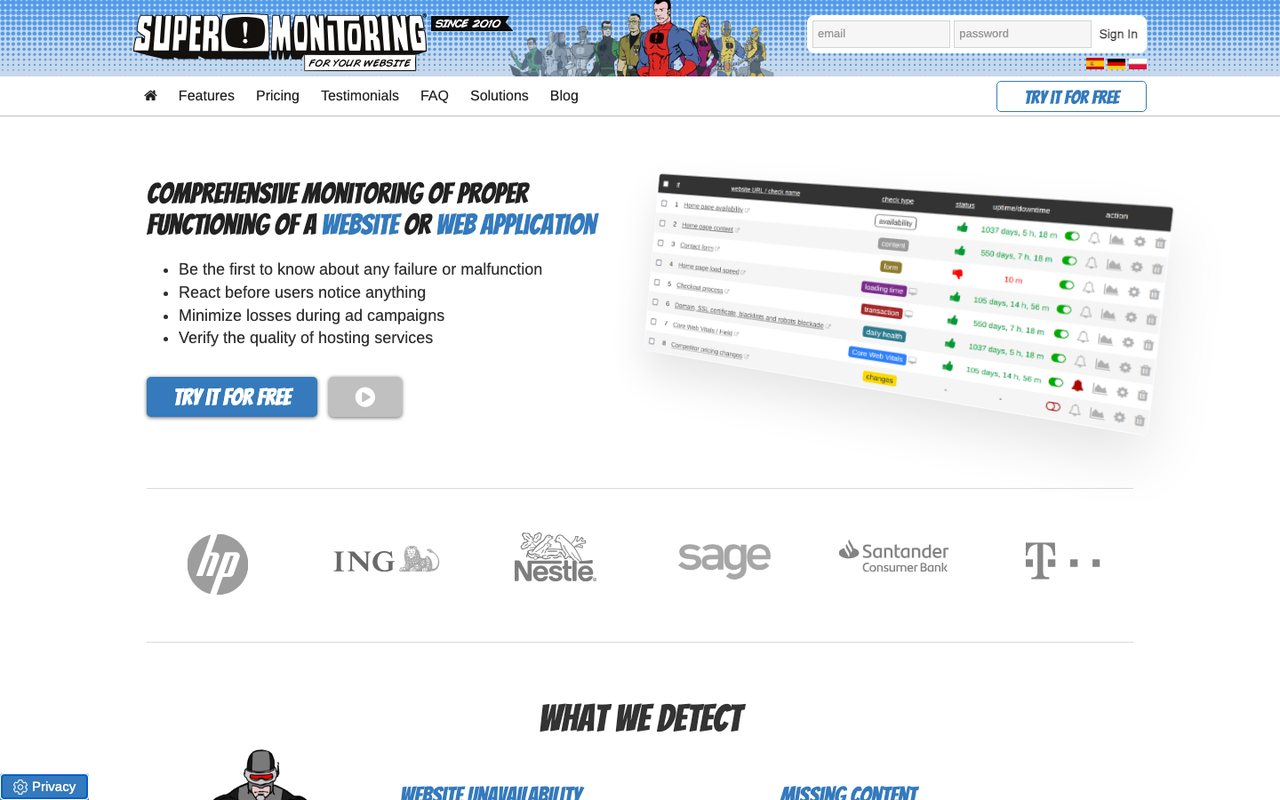
- What it is
- Website monitoring from a Polish company that checks uptime, page content, forms, load time, checkout flows, domain and SSL expiry, blacklists and Core Web Vitals.
- Check types
- Website (HTTP), Keyword, Ping, Port, SSL certificate, Domain expiry, Browser transactions, Page speed, Blacklist, Status pages
- Free plan
- None
- Paid plans from
- $4.92 a month, billed yearly
- Fastest check
- 1 minute
- Prices checked
- 8–12 Oct 2026
Super Monitoring monitors websites and servers and alerts you when they go down or slow down.
Main features:
- Server monitoring: downtime on PING, FTP, SMTP, POP3, IMAP and several types of database server.
- Content and performance checks: verifies page content and measures load speed.
- Alerts: email, SMS, webhook and RSS feed.
- Analytics: error categories, content reviews and performance snapshots.
- Integrations: popular platforms, plus public status updates.
Best suited for:
Small and medium businesses and site operators who want uptime and performance monitoring on a small budget.
Why is Super Monitoring better than Better Stack?
- Plans start at $5.99/month.
- Has plugins for WordPress, Drupal, Joomla, Magento and PrestaShop.
- Includes blacklist checks and Core Web Vitals, and a failure is reported only after at least three check stations confirm it.
- The 14-day trial needs no billing details.
How is Super Monitoring worse than Better Stack?
- Super Monitoring has no heartbeat checks for cron jobs, no server agent and no log management. Better Stack has all three.
- Super Monitoring has no free plan. Better Stack's free plan covers 10 monitors.
13. 360 Monitoring
360monitoring.com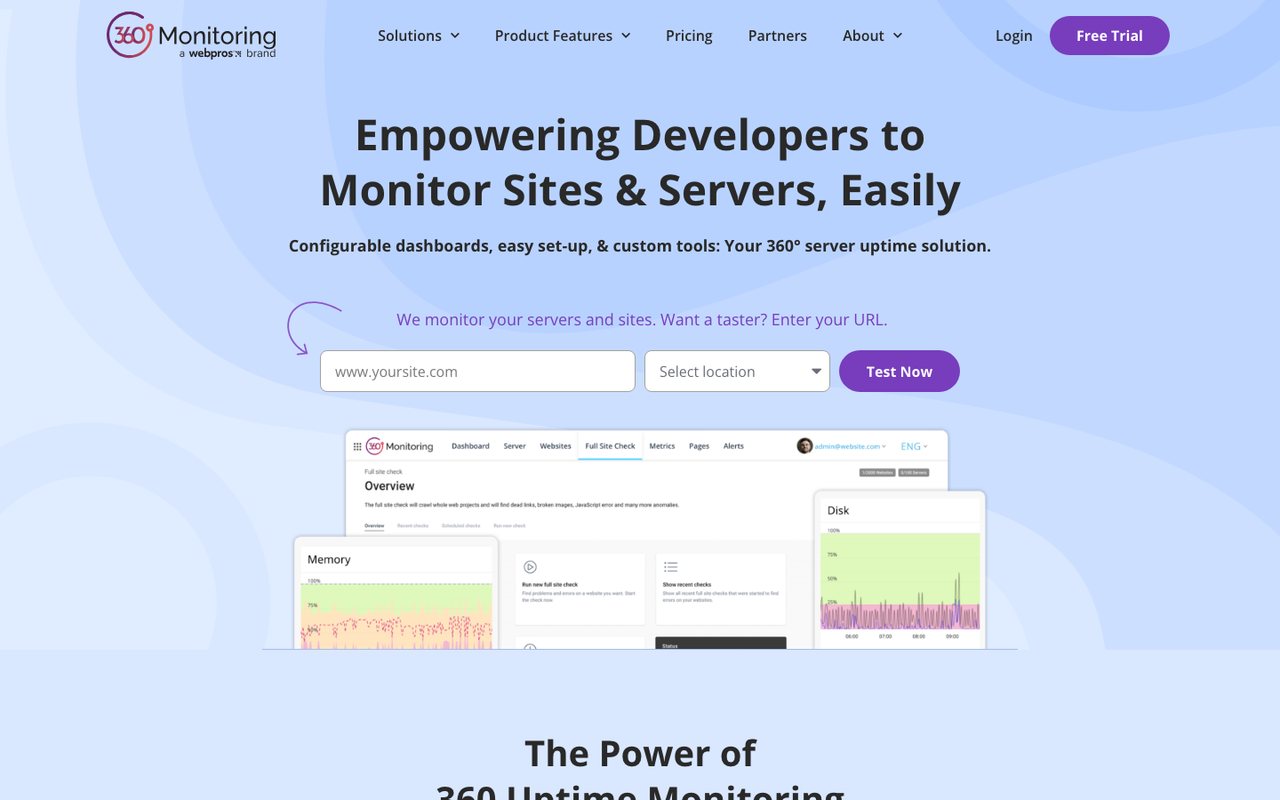
- What it is
- Website uptime and server monitoring from WebPros, with an open-source server agent, IP blocklist checks and a site crawler, built into the Plesk control panel.
- Check types
- Website (HTTP), Keyword, Ping, Port, SSL certificate, Server agent, Blacklist, Status pages
- Free plan
- 5 sites, 1 server, checks every 10 minutes
- Paid plans from
- $4.99 a month, billed monthly
- Fastest check
- 1 minute
- Prices checked
- 8–12 Oct 2026
360 Monitoring watches websites and servers and reports on their status and security. It is built for people who run websites for others, such as agencies and hosting providers.
Main features:
- Website monitoring: downtime, initial response time, SSL certificates and page content.
- Server monitoring: CPU, response times, memory and disk, with your own plugins.
- Blocklist monitoring: warns when a server IP lands on a spam blocklist, which affects email delivery.
- Full site check: finds errors, broken links and script errors across the site.
Best suited for:
Web professionals, agencies, hosting companies and infrastructure providers that want low-cost monitoring.
Why is 360 Monitoring better than Better Stack?
- Plans start at $4.99 a month, and the free Lite plan includes 1 server alongside 5 sites.
- Custom plugins for its open-source server agent let you monitor things the built-in checks do not cover.
- Checks IP addresses against spam blocklists, which Better Stack's pricing page and docs do not list (checked 12 Oct 2026).
- Its site crawler finds broken links, JavaScript errors, large files and missing images.
How is 360 Monitoring worse than Better Stack?
- Billing is monthly only. Better Stack offers yearly billing at a lower monthly price.
- The free Lite plan checks every 10 minutes and keeps 24 hours of data. Better Stack's free plan checks every 3 minutes.
- Better Stack sells log management, error tracking and on-call scheduling in the same product.
14. Oh Dear
ohdear.app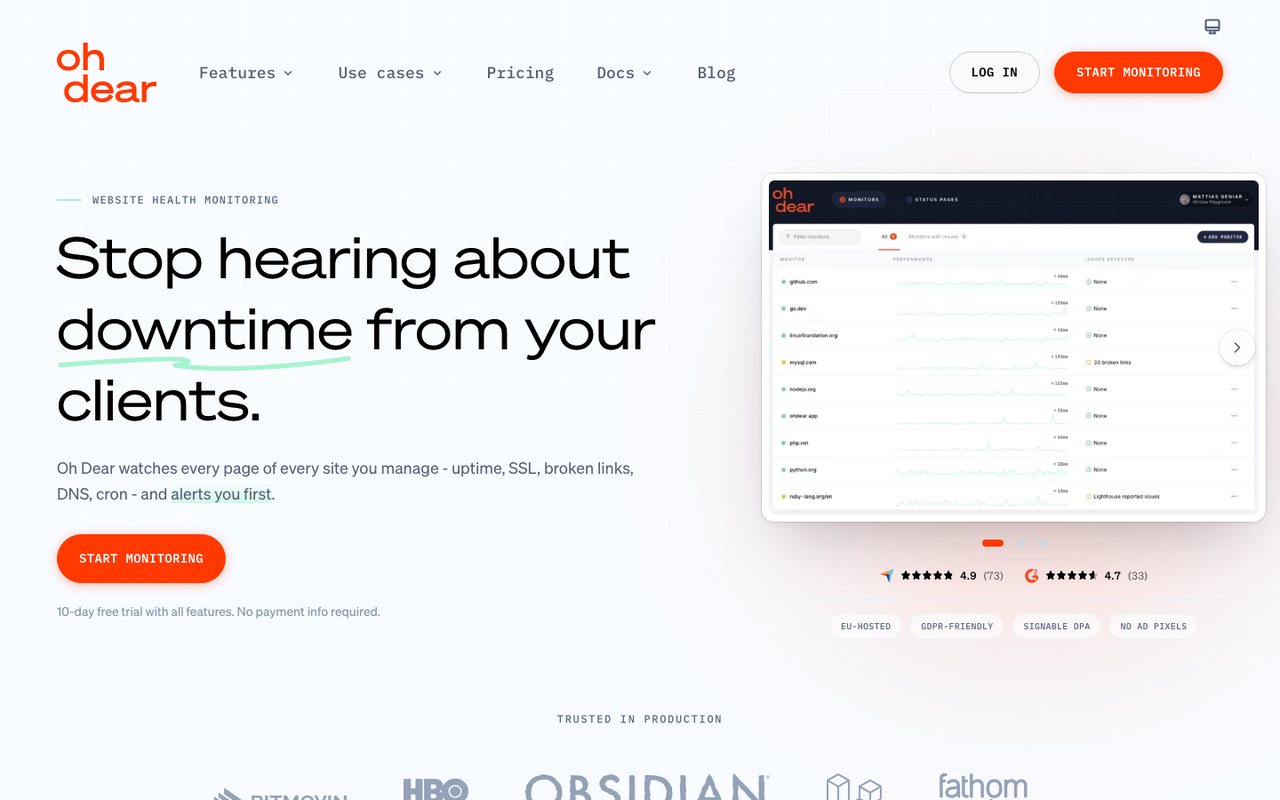
- What it is
- Website monitoring priced per site, bundling uptime, SSL, broken links, performance, DNS, cron checks and status pages on every plan, run from Belgium.
- Check types
- Website (HTTP), Keyword, Ping, Port, Cron jobs (heartbeat), API, DNS, SSL certificate, Domain expiry, Page speed, Blacklist, Status pages
- Free plan
- None
- Paid plans from
- $14.17 a month, billed yearly
- Fastest check
- 1 minute
- Prices checked
- 8–12 Oct 2026
Oh Dear monitors business websites. It is designed so site owners can set it up and read its reports without much technical help.
Main features:
- Global uptime monitoring: alerts and a history of past outages.
- Performance monitoring: tells you when the site slows down.
- Application health monitoring: checks that application endpoints work.
- SEO monitoring with Lighthouse: performance scores and SEO reports.
- DNS record monitoring: DNS changes and problems.
- Domain and SSL certificate monitoring: domain and certificate health.
- Public status pages: customizable.
Best suited for:
Small and medium businesses that want one affordable tool covering uptime, SEO and security monitoring.
Why is Oh Dear better than Better Stack?
- Every plan includes unlimited users, single sign-on and the full API, priced by the number of sites. Better Stack charges for each responder.
- Checks broken links, mixed content and Lighthouse SEO scores as well as uptime.
- Includes blacklist checks, which Better Stack's pricing page and docs do not list (checked 12 Oct 2026).
How is Oh Dear worse than Better Stack?
- Oh Dear has no log management and no real-user monitoring.
- Better Stack says it is SOC 2 Type 2 compliant. Oh Dear holds no SOC 2 or ISO 27001 certification of its own.
- Oh Dear has no free plan, and text alerts need your own Vonage account. Better Stack's responder licence includes unlimited texts and calls.
15. UptimeRobot
uptimerobot.com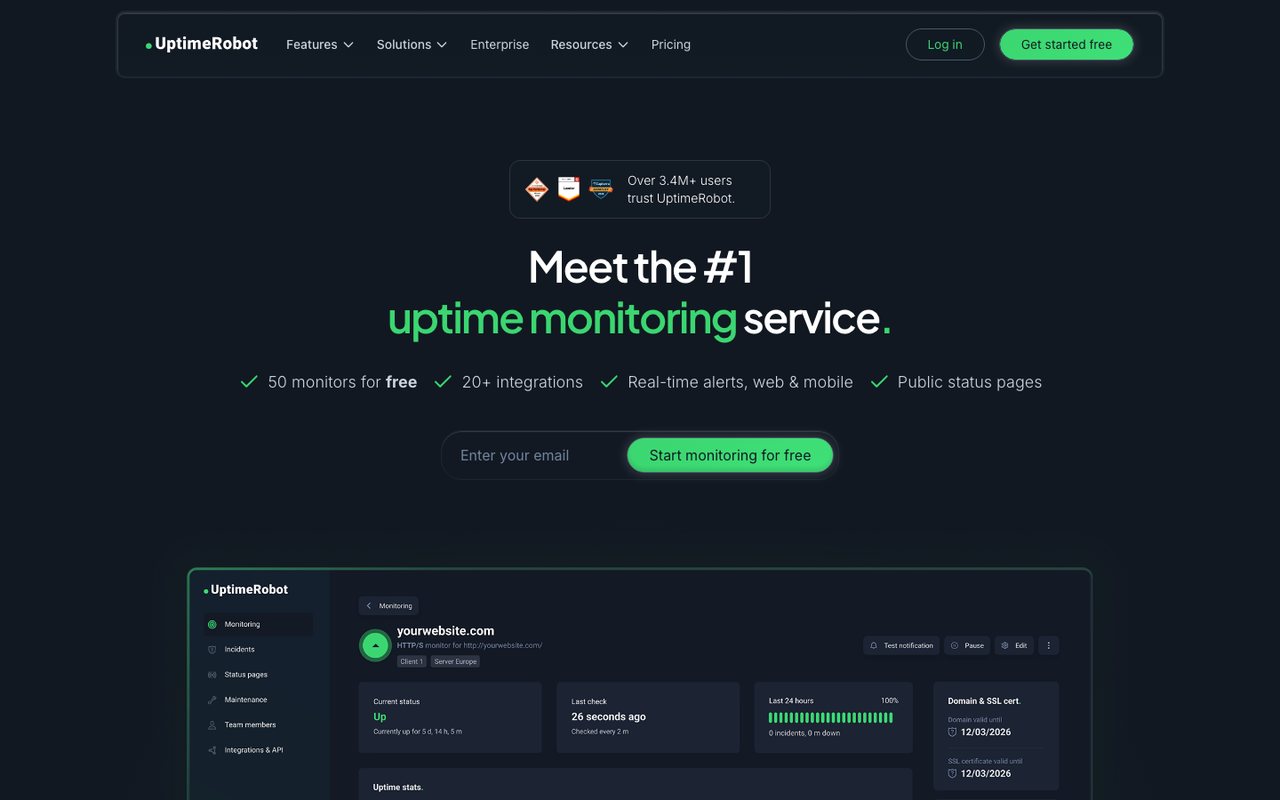
- What it is
- Uptime monitoring for websites, APIs, cron jobs and domains, with status pages.
- Check types
- Website (HTTP), Keyword, Ping, Port, Cron jobs (heartbeat), API, UDP, DNS, SSL certificate, Domain expiry, Third-party dependencies, Status pages
- Free plan
- 50 monitors, checks every 5 minutes
- Paid plans from
- €9 a month, billed yearly
- Fastest check
- 15 seconds
- Prices checked
- 8–12 Oct 2026
UptimeRobot monitors websites and servers and alerts you in real time when one fails. Setup is simple.
Main features:
- Regular checks: as often as every 15 seconds on Scale; every 5 minutes on the free plan.
- Alert channels: email, SMS, voice call and various integrations.
- Incidents: maintenance windows, plus comments and root-cause notes from the Team plan up.
- Monitor types: cron jobs, ports, keywords, ping, SSL and domain expiry.
- Mobile app: manage monitors from anywhere.
Best suited for:
Site owners, small and medium businesses and IT professionals who want simple, affordable monitoring for sites and servers.
Why is UptimeRobot better than Better Stack?
- Scale plans check as often as every 15 seconds. Better Stack's fastest check is every 30 seconds.
- Its free plan is larger, with 50 monitors against Better Stack's 10.
How is UptimeRobot worse than Better Stack?
- UptimeRobot has no browser transaction checks. Better Stack runs them with Playwright.
- Each UptimeRobot paid plan gets a fixed allowance of text credits that does not renew, and more are sold in packs. Better Stack's responder licence includes unlimited texts and calls.
- Better Stack sells log management, error tracking and on-call scheduling in the same product.
Conclusion
Better Stack suits teams that want uptime checks, on-call schedules, logs and error tracking in one account, and will pay for each person who gets alerts. The tools above cover other needs: blacklist and malware checks, page speed tests, transaction recorders, per-site pricing or a larger free plan. Before you move your monitors, price the setup you run today, count the people who need alerts, and check which tools offer a free trial.